How to Choose an AI PC for Business: Complete Buyer’s Guide

Improve Productivity with Dell AI PCs

AI PCs can improve productivity, collaboration, battery life, and privacy by accelerating AI applications directly on the device. This guide explains what an AI PC is, how it compares to Copilot+ PCs and AI workstations, and how to choose the right system for your business needs.

What is an AI PC?

An AI PC is a computer equipped with a dedicated Neural Processing Unit (NPU) alongside the CPU and GPU that accelerates artificial intelligence and machine learning tasks locally on your device without relying solely on cloud servers. This results in faster performance, enhanced privacy, and improved battery efficiency.


Why Business are adopting AI PCs

  • Faster AI performance: AI tasks run on the device, so there's no waiting on the cloud. 
  • Better privacy: Business data stays on local instead of being sent to outside servers.
  • Longer battery life: The NPU handles AI workloads efficiently, freeing up the CPU and GPU.
  • Reliable Productivity: Continue using AI features and work offline even with limited internet connectivity.

Comparing Non-AI PCs vs. Dell AI PCs

Feature Non-AI PC Dell Al PC
Processing Power Relies on CPU for all tasks, which can limit performance under heavy workloads Uses a built-in NPU and GPU to accelerate AI tasks and deliver more efficient performance
Memory 8GB to 16GB RAM 16GB to 32GB+ RAM for faster multitasking and AI performance
Storage 256GB to 512GB SSD storage 512GB to 1TB+ SSD storage for AI applications and local models
Productivity Handles standard apps well but lacks optimization for AI-driven tools AI-powered apps enhance multitasking and workflows
Power Consumption Typical energy use; battery life varies by workload Energy-efficient hardware enables long-lasting battery life
Security Uses traditional security measures; threats require software updates On-device AI enables real-time threat detection and data protection Uses traditional security measures; threats require software updates
Tech Readiness Compatible with current software but less optimized for emerging AI tools Future-ready for generative AI and machine learning

AI PC, Copilot+ PC or AI Workstation: Which AI PC should you choose?

The right AI PC depends on the work you need to do. Standard AI PCs support everyday productivity and collaboration, Copilot+ PCs add advanced on-device Windows AI experiences, and AI workstations provide the performance and graphics capability needed for demanding professional workloads.

Choose the AI PC based on your use case, determine the performance or local AI needs, consider mobility requirements, and evaluate security requirements —not simply on the product label.
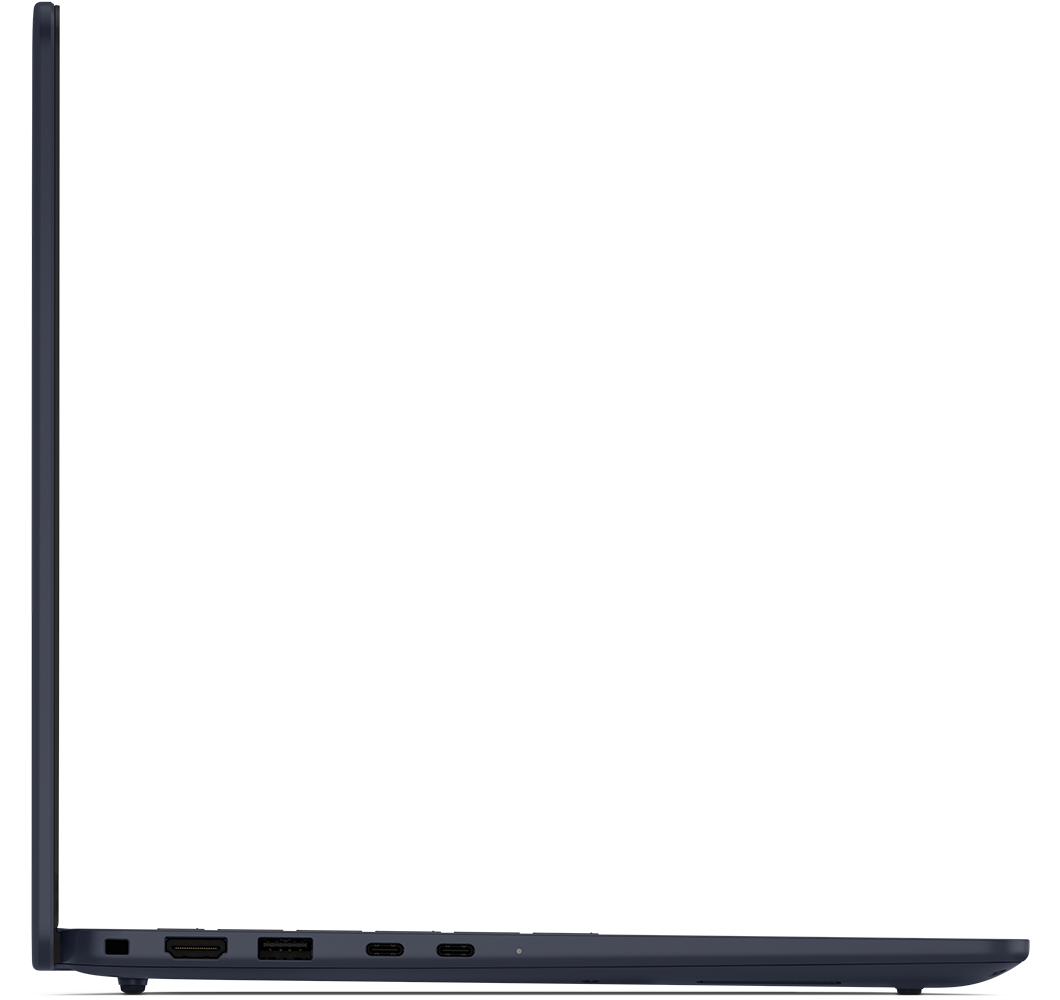
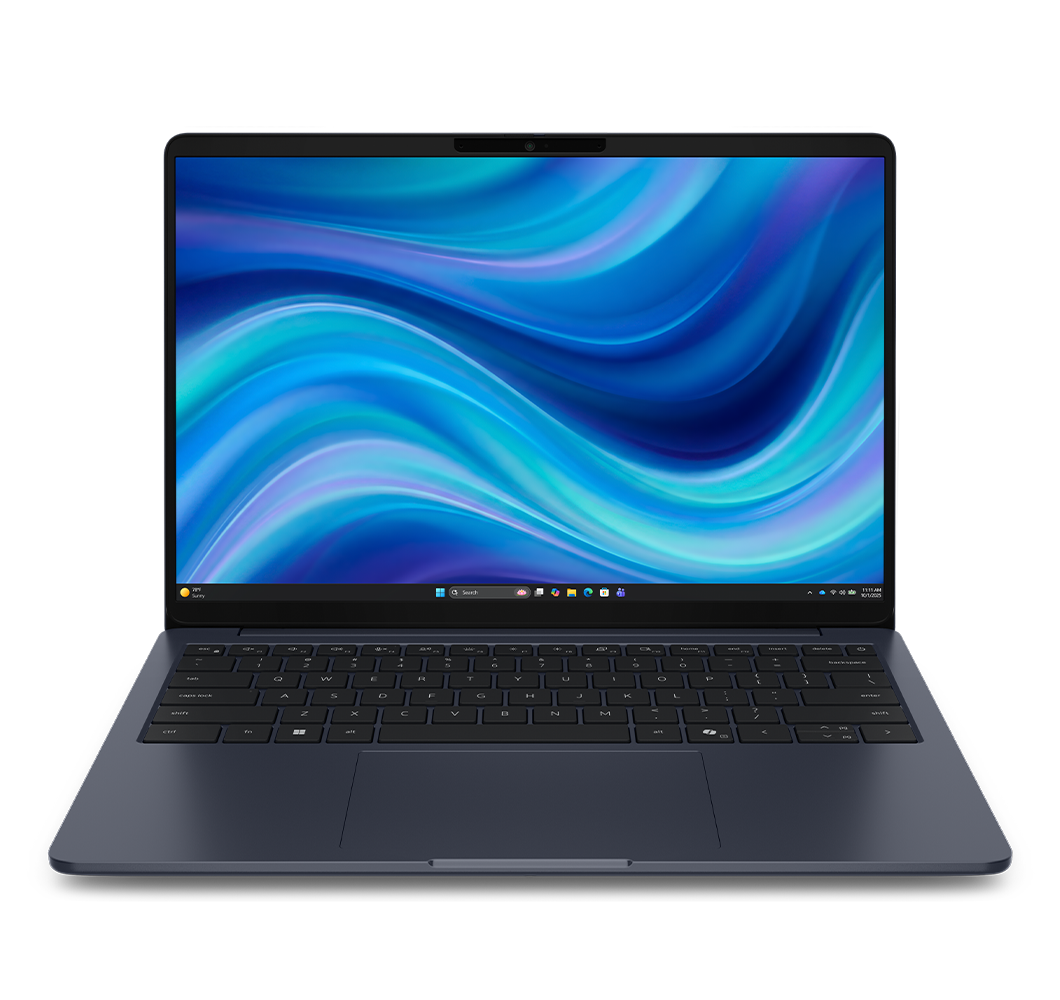
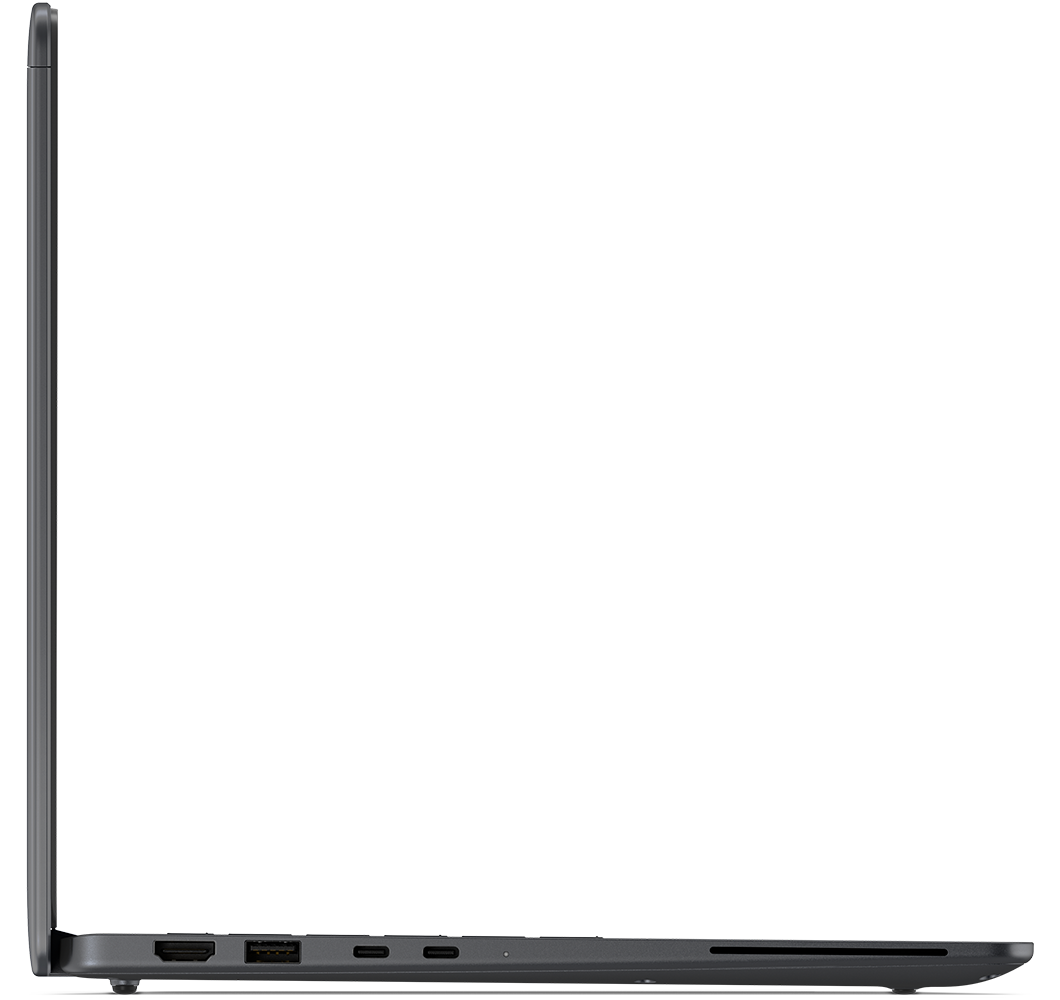
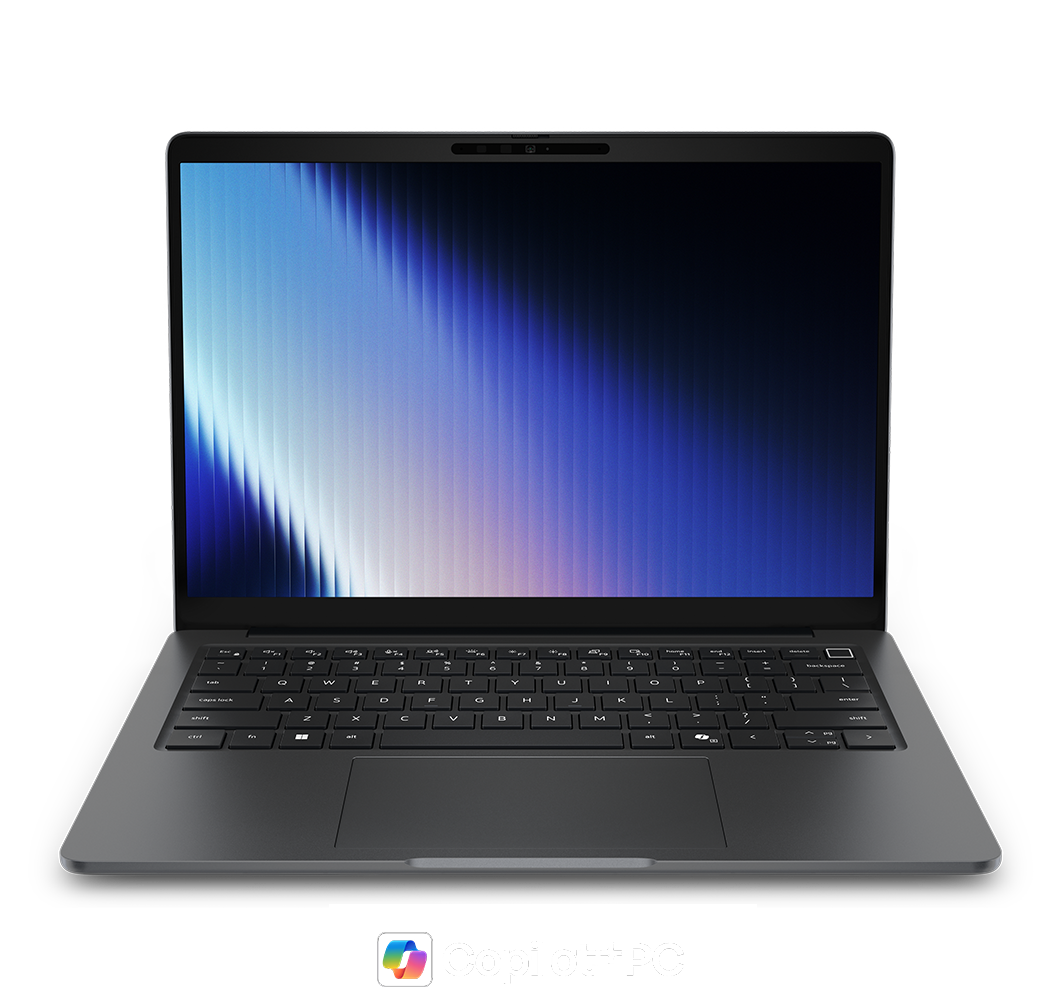
Dell Pro PV14261 Essential Laptop Dell Pro Essential 14 Intel Laptop PV14261
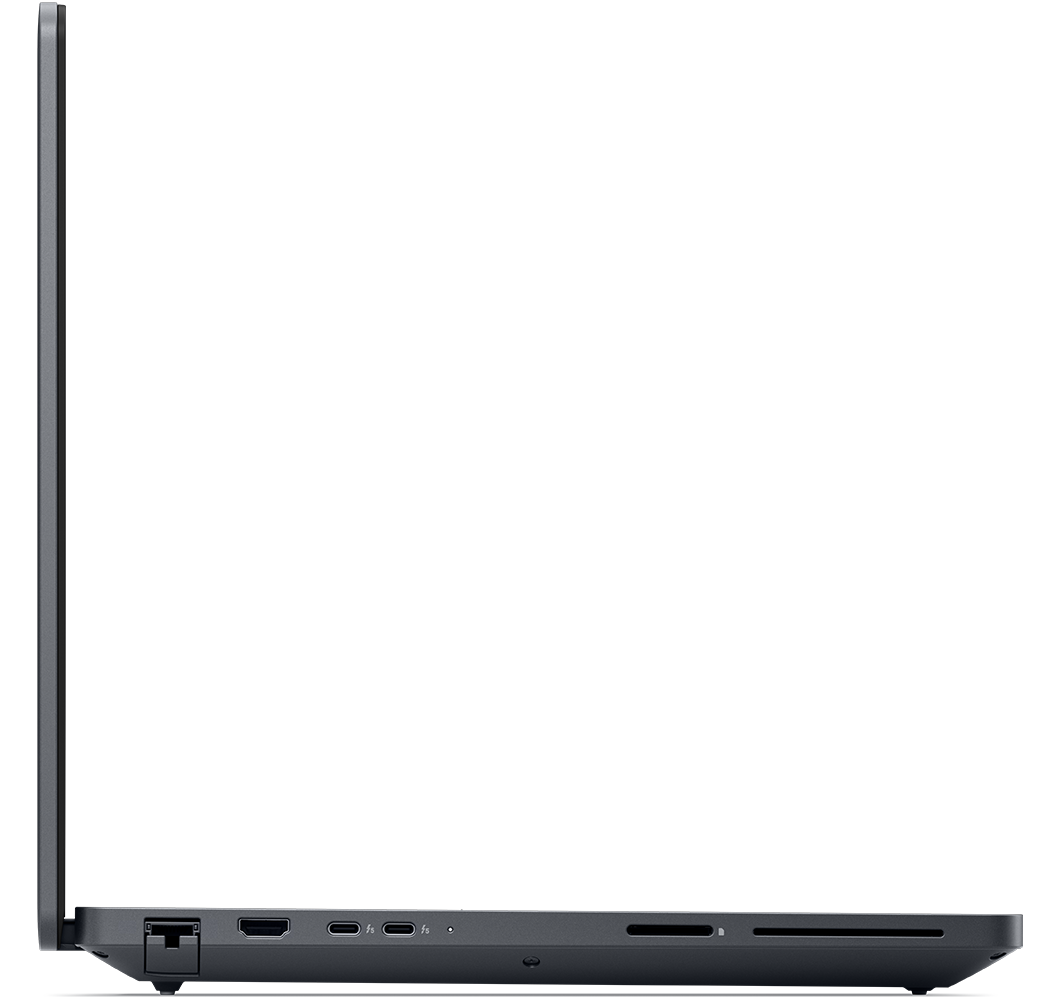
Dell Pro 7 P714260 Laptop Dell Pro 7 P713260
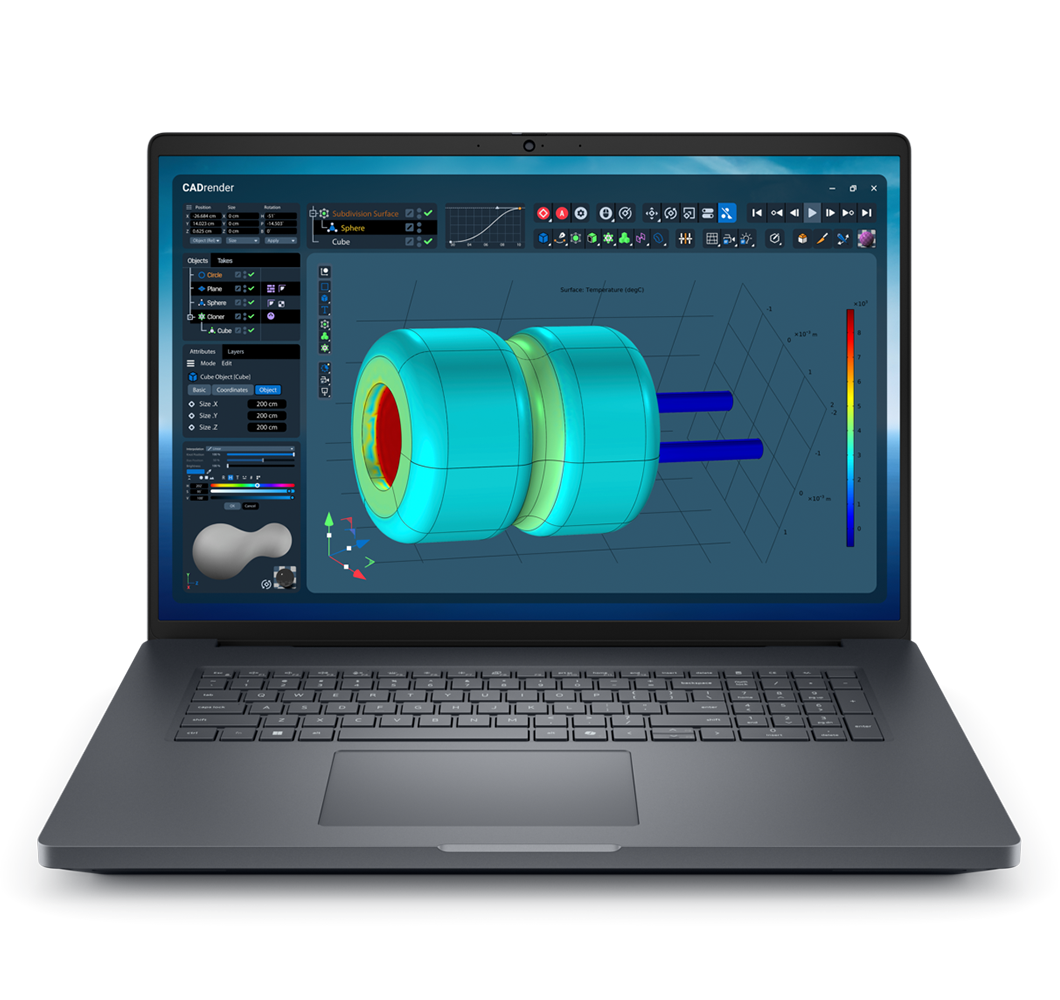
This is a Dell Pro Max 18 Plus Non Touch Notebook with a black color. Dell Pro Max 18 Plus Non Touch Notebook with a black color.

Dell Standard AI PC

Dell Copilot+ PC

Dell AI Workstation

Best for
Productivity, collaboration, and everyday AI-assisted work
Best for
Premium Windows AI experiences with advanced on-device AI capabilities
Best for
AI development, model tuning, and compute-intensive workloads
AI Processing
⚫
CPU + GPU + NPU for AI productivity
AI Processing
⚫⚫
40+ TOPS NPU for advanced Windows AI experiences
AI Processing
⚫⚫⚫
Professional GPUs, CPU & NPU for demanding AI workloads
Mobility
⚫⚫
Efficient for everyday mobile use
Mobility
⚫⚫⚫
Very efficient AI processing for supported AI features
Mobility
⚫
Lower priority, performance over battery life
Local AI models
AI features built into apps
Local AI models
Small -Medium models built into Windows
Local AI models
Larger custom models run and fine-tuned on device
Privacy
Supported AI tasks can run locally
Privacy
More advanced, Windows AI features run locally
Privacy
Sensitive data and models can stay fully local
Future Readiness
Foundation for AI features appearing in everyday apps
Future Readiness
Higher NPU capacity for expanding on-device AI and advanced Windows AI features
Future Readiness
Maximum headroom for demanding AI workloads run locally

Find the right AI PC for you

Whether you are using AI tools to work smarter or developing the models and software of tomorrow, Dell has an AI PC engineered for your specific needs.

Are AI PCs worth it for businesses?

Yes. AI PCs can improve responsiveness, reduce dependence on cloud processing, enhance video conferencing, accelerate content creation, improve battery life, and help keep sensitive data more secure through on-device AI capabilities. Organizations with advanced AI training or large-scale model development may benefit from AI workstations or cloud-based infrastructure instead.

How are AI PCs used across industries?

  • Healthcare: AI PCs analyze medical images on-device to detect diseases earlier while keeping patient data private.

  • Finance: AI PCs power fraud detection that flag unusual transactions in real time, without sending sensitive data off the device.

  • Retail: AI PCs help run recommendation engines that suggest relevant products based on customer purchase behavior.

Dell AI PC Customer Success Stories

Viewing of 3

Deloitte

  • Scaled insights across global teams 
  • Reduced manual processing by 50%
  • Enhanced security with always-on AI

Royal College of Art

  • Accelerated AI research across 2,500 students and researchers
  • Enabled real-time rendering, motion capture, and generative AI workflows
  • Supported field-based and global creativity through a seamlessly integrated ecosystem

Hunter Buildings

  • Used AI-enabled workflows to give plant-floor teams real-time project information, avoiding up to 40 hours of rework per error
  • Reduced billing delays of up to 90 days with more accurate documentation
  • Enabled real-time access to project information with Dell Pro laptops, Latitude 7350 Detachable devices, and Pro Precision mobile workstations

Drive progress with Dell AI PCs

Image of a man working using a laptop in the dark

Gain productivity with AI PCs

Equipped with Dell AI PCs, Deloitte developers lowered cloud expenses and boosted productivity through advanced on-device AI capabilities. By efficiently managing complex workloads, the developers achieved a 50% reduction in processing time for routine tasks without the need for an internet connection.
AI PC Buyers guide for business

Reimagine creative education with AI PCs

The Royal College of Art uses Dell Pro Precision workstations with NVIDIA RTX PRO GPUs, UltraSharp monitors, and PowerEdge XE-Series servers to support real-time rendering, AI model training, motion capture, and generative AI workflows. The integrated Dell and NVIDIA technology ecosystem helps students and researchers explore new dimensions of creative practice.
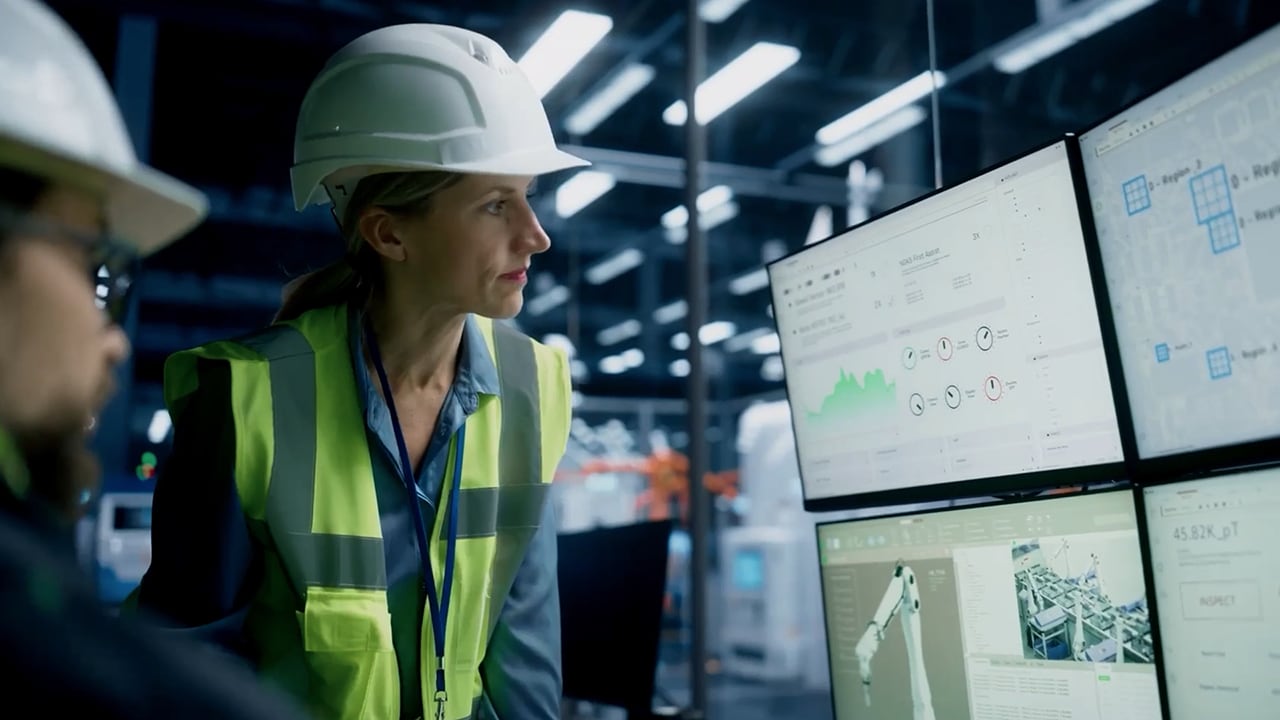
A female engineer uses real-time data on digital screens to optimize factory operations.

Transform real-time data into a competitive edge

Hunter Buildings replaced paper-based workflows with Dell Pro laptops, Latitude 7350 Detachable devices, and Pro Precision mobile workstations to give teams instant access to current project information in demanding plant-floor environments. With Microsoft Copilot in a secure environment, the company can support AI-driven contract and billing workflows while protecting sensitive customer data. The solution helps avoid up to 40 hours of rework per error, save thousands of dollars in materials, and prevent billing delays of up to 90 days.

Customer Feedback

Viewing of 6

Deloitte

“With Dell AI-enabled laptops, we’re seeing fantastic results: improved productivity, reduced errors and next-level security.”

— Dounia Senawi, Chief Commercial Officer, Deloitte Consulting LLP

Trackman

“Today we’re the fastest growing commercial platform for simulator golf. Together with Dell Technologies we can scale the platform from 50,000 simulators globally, working every day, every hour to a hundred thousand, 500,000 and so on.”

— Nikolaj Jørgensen, Trackman

Cosm

“We can deliver outstanding fan experiences by displaying real-time video or graphics and pull together super-high-resolution content by combining Dell Precision and PowerScale.”
— Devin Poolman, Chief Product and Technology Officer, Cosm

“Dell Precision and Dell PowerScale have the flexibility, scalability, performance and reliability to enable flawless streaming of our content.”
— Devin Poolman, Chief Product and Technology Officer, Cosm

Airspeeder

“We use Dell ProMax for simulation-driven designs. With AI, we reduced landing gear weight by 75%, doubling strength and cutting component cycles to a week.”

“Using Pro Max and generative AI has transformed how we design. We achieved a week-long cycle from component design to field testing—a pace unheard of in aviation.”

— Jack Withinshaw, Co-founder and Chief Commercial Officer, Airspeeder

Dauntless XR

“By using Dell’s advanced AI-enabled hardware as the backbone of their applications, Dauntless can create exceptional value for their clients.”

"The Dell Pro Max has allowed us to innovate faster than we thought possible. We can train models, process multi-layered visuals, and deliver polished implementations—all in record time.”

— Lori-Lee Elliot, Co-founder and CEO, Dauntless XR

Orbital Studios

“At Orbital Studios, creative momentum is everything. The Dell Pro Max workstations allow us to stay in a flow state, powering through demanding tasks like Unreal Engine and local AI processing without breaking stride.”

— Wilder Herms, Head of AI & Technology Development, Orbital Studios

Reviews

Storage Review logo

StorageReview

Dell Pro 5 14 Intel (P514260)

Best Overall Battery Life & Best AI and GPU performance in a compact business laptop
Circular black-and-white Editor's Choice award logo with a stylized illustration of a man with a beard and sunglasses.

Andrew Marc David

Dell Pro Precision 5 Series (MB18250)

“Tried and true like I said, for your AI workflows, for your professional workloads you need to take with you on the go.” (11:50)
Tech Aeris Highly Rated award badge featuring a central eagle profile and a gold star bordered by teal scalloped edges.

Techaeris

Dell Pro Precision 7 16 (PW716260)

“It is an industrial-grade mobile workstation built for professionals whose daily work demands extreme reliability, certified application stability, massive memory bandwidth, and sustained computational horsepower. And it looks fantastic while doing all that.”
Storage Review logo

StorageReview

Dell Pro Precision 5 16s Intel (PW516260)

“Best Mobile Workstation Battery Life”

FAQs

An AI PC is a next-generation computer equipped with dedicated AI hardware - an NPU (Neural Processing Unit), dGPU (Discrete Graphics Processing Unit), or dNPU (Discrete Neural Processing Unit) - that runs AI tasks directly on the device instead of in the cloud. This makes features like live transcription, image generation, and real-time assistance faster, more private, and more battery-efficient.

The difference is the NPU. A regular PC runs AI workloads on its CPU or GPU, which is slower and drains battery. An AI PC adds a dedicated NPU that handles AI tasks locally at low power, so AI features run in the background without slowing down the apps you’re actually using.

A Copilot+ PC is a category of AI PC that meets Microsoft’s hardware requirement for advanced on-device AI: an NPU rated at 40+ TOPS, plus a minimum of 16GB memory and 256GB storage. That NPU unlocks Windows features like Recall, Cocreator, and live translation that a standard AI PC can’t run locally. Every Copilot+ PC is an AI PC, but not every AI PC meets the Copilot+ standard.

A standard AI PC uses a combination of NPU, GPU, and CPU for efficient everyday productivity. A Copilot+ PC adds a more powerful NPU (40+ TOPS) that unlocks advanced on-device features like real-time translation and visual search. An AI workstation (Dell Pro Precision) adds discrete GPUs for the most demanding tasks like model development and data analysis.

The best AI PC for work matches the device to the role or use case. For most professionals, a Dell Pro AI PC balances performance, security, and manageability. For advanced on-device AI, choose a Dell Pro Copilot+ PC with a 40+ TOPS NPU. For AI development and creative work, a Dell Pro Precision workstation delivers maximum power.

Role or Use caseRecommended Dell AI PC
Everyday productivity & collaborationDell Pro 3
Business professionals & hybrid workDell Pro 5 and 7
ExecutivesDell Pro Premium
Data scientists, engineers, creatorsDell Pro Precision workstation

For everyday AI effects such as live captions, background blur, and eye contact, Standard AI PCs is enough. For advanced on‑device features like Recall and Cocreator, choose a Copilot+ PC with a 40+ TOPS NPU. For heavier local model testing, step up to Pro Precision mobile workstations with powerful CPUs and GPUs.

Yes — within limits. Copilot+ PCs and AI PCs with capable NPUs or discrete GPUs can run smaller, optimized LLMs on-device for private, offline inference. For larger models or heavy development, a Dell Pro Precision or Pro Max workstation with a discrete GPU and ample memory is the right tier.

AI PCs process sensitive tasks on the device, which reduces cloud exposure and supports compliance. Dell layers on hardware-based encryption, BIOS protection, and intrusion detection across the fleet. Independent analysis by Principled Technologies found Dell offers the most secure and manageable commercial AI PCs versus HP and Lenovo.

Yes. The NPU is built for low-power AI processing, so AI features run without the battery drain of CPU- or GPU-based approaches. Dell Pro AI PCs are engineered for all-day use — the Dell Pro 14 Premium offers up to 17 hours. Actual battery life varies by configuration, usage, and settings.

An AI PC can be worth it if you regularly use AI-enhanced collaboration, content creation, local AI tools, or privacy-sensitive workflows. It can improve responsiveness, reduce cloud dependence, and support selected AI features when connectivity is limited. If you mainly browse, email, stream, and use basic office applications, a standard PC may be sufficient. Larger AI models, complex analysis, and training are better suited to cloud infrastructure or an AI workstation.