Avamar BMR - Enabling debug in Avamar Bare Metal Recovery Wizard
Oversigt: The article describes how to enable debug during Windows client Bare Metal Restore (BMR).
Denne artikel gælder for
Denne artikel gælder ikke for
Denne artikel er ikke knyttet til et bestemt produkt.
Det er ikke alle produktversioner, der er identificeret i denne artikel.
Instruktioner
To enable debug during BMR add the "--debug" flag twice in Avamar Bare Metal Recovery Wizard.
#1 In Select Server, click 'Options' and type in --debug (this will enable 'debug' in avtar)
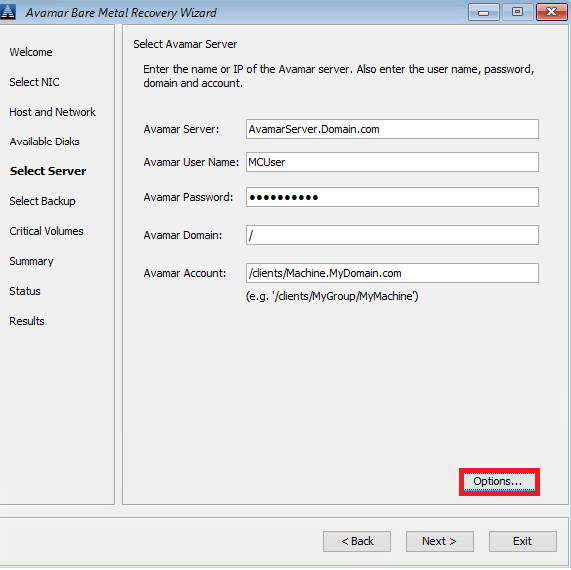
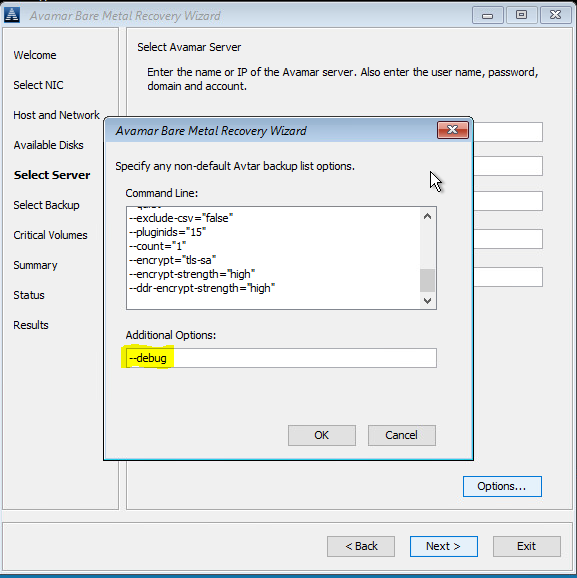
#2 In Summary, click 'Options' and type in --debug (this will enable 'debug' in avvss)
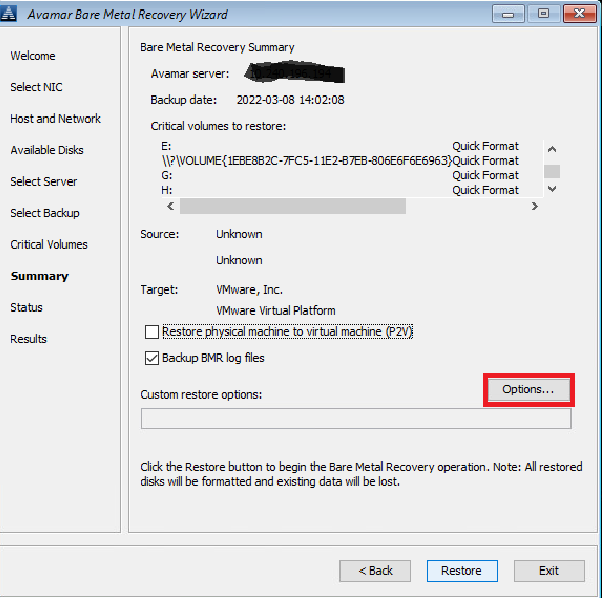

Alternatively, use a command line (click on the "cmd" window behind Avamar BMR Wizard) to create avtar.cmd and avvss.cmd files in X:\Program Files\avs\var folder:
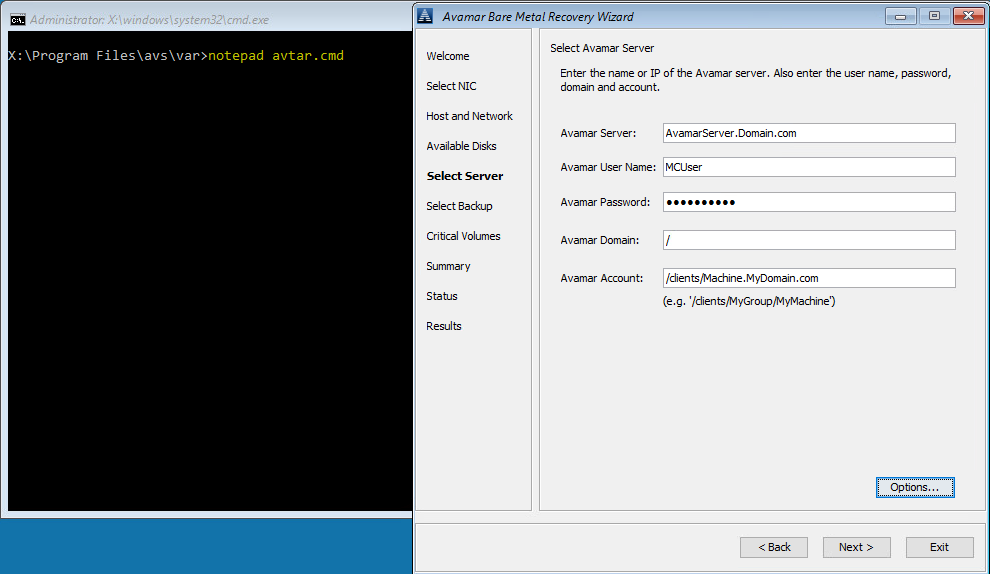
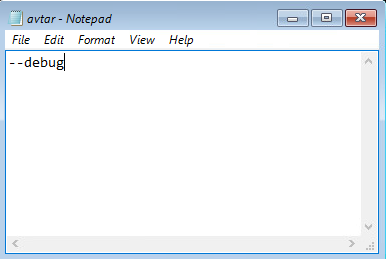
notepad avtar.cmd
add --debug flag and save the file.
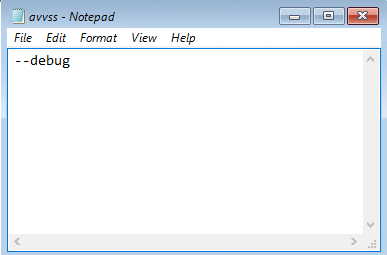
notepad avvss.cmd
add --debug flag and save the file.
#1 In Select Server, click 'Options' and type in --debug (this will enable 'debug' in avtar)
#2 In Summary, click 'Options' and type in --debug (this will enable 'debug' in avvss)
Alternatively, use a command line (click on the "cmd" window behind Avamar BMR Wizard) to create avtar.cmd and avvss.cmd files in X:\Program Files\avs\var folder:
notepad avtar.cmd
add --debug flag and save the file.
notepad avvss.cmd
add --debug flag and save the file.
Berørte produkter
AvamarProdukter
Avamar Client for WindowsArtikelegenskaber
Artikelnummer: 000197689
Artikeltype: How To
Senest ændret: 27 maj 2026
Version: 7
Find svar på dine spørgsmål fra andre Dell-brugere
Supportservices
Kontrollér, om din enhed er dækket af supportservices.