PowerStore: Opening multiple web browser tabs to access the PowerStore Manager (UI) may result in hung / frozen tabs.
Summary: Opening multiple web browser tabs to access the PowerStore Manager (UI) may result in hung / frozen tabs.
This article applies to
This article does not apply to
This article is not tied to any specific product.
Not all product versions are identified in this article.
Symptoms
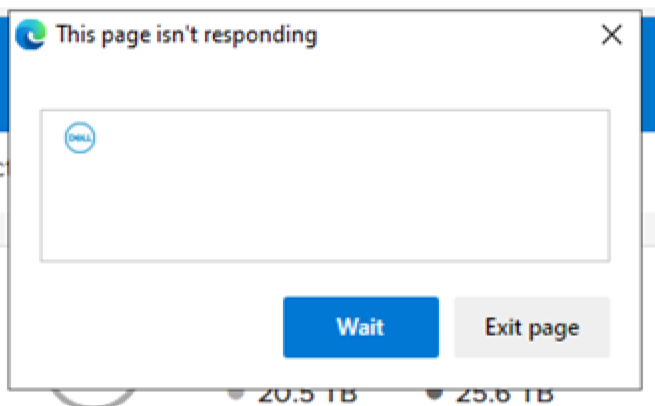
Multiple web browser tabs opened to access the same PowerStore over the PowerStore Manager (UI), may freeze on browsers such as Chrome, Edge, FireFox, and so on. Symptoms observed while moving between various PowerStore Manager tabs, may include:
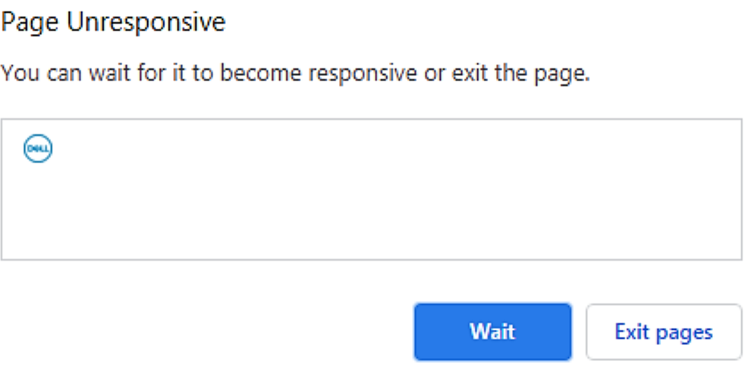
- "Page Unresponsive" option to Wait or Exit pages
- "This page isn't responding" option to Wait or Exit pages
Cause
Some web browsers hold the PowerStore Manager activities if the tab is not active (while switching to other tab of multiple tabs).
This also holds the UI background polling from PowerStore for data presenting in Dashboards.
When that UI tab is active again, the PowerStore Manager polls the data needed while the UI tab was inactive. The longer it was inactive the more data it polls to catchup the time gap. And this may produce the symptoms described above.
This also holds the UI background polling from PowerStore for data presenting in Dashboards.
When that UI tab is active again, the PowerStore Manager polls the data needed while the UI tab was inactive. The longer it was inactive the more data it polls to catchup the time gap. And this may produce the symptoms described above.
Resolution
Fix
The fix for this issue will be included in a future release of PowerStoreOS.Workaround
Use a single Web browser tab to access your PowerStore via the PowerStore Manager (UI).Additional Information
KB 000183840 PowerStore: Opening multiple web browser tabs to access the PowerStore Manager (UI) may result in hung / frozen tabs
KB 000189069 PowerStore: Unable to load system configuration data (0xE04040010004)
KB 000155626 PowerStoreOS versions 3.5.0.2 and earlier: Release Notes - Minor Issues
Affected Products
PowerStoreArticle Properties
Article Number: 000183840
Article Type: Solution
Last Modified: 06 Aug 2025
Version: 4
Find answers to your questions from other Dell users
Support Services
Check if your device is covered by Support Services.