Dell Unity: Nonspecific error in UI while uploading Unity OE code for upgrade (Dell Correctable)
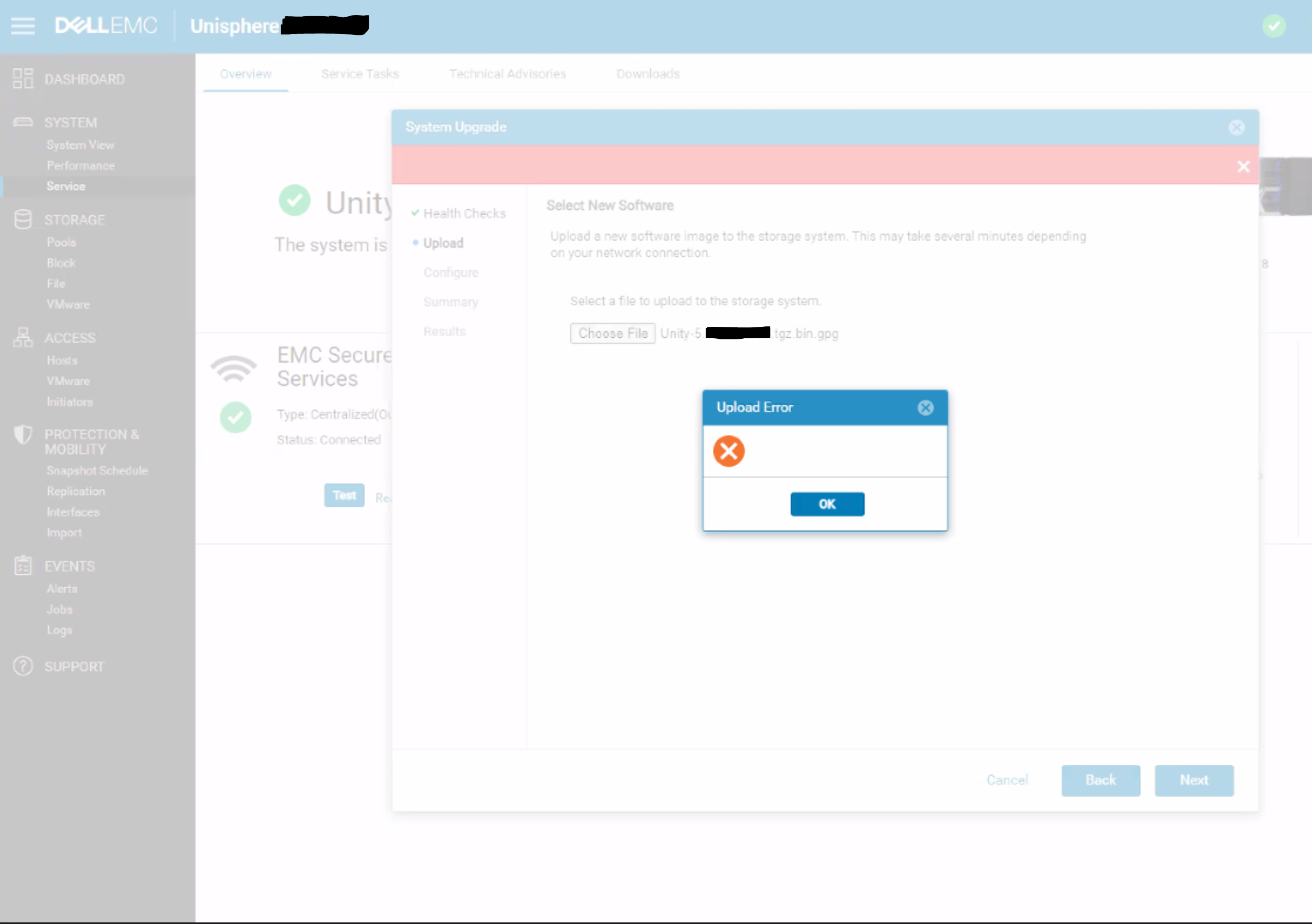
Yhteenveto: A blank upload error appears in the Unisphere dialog with no specific error message or error code.
Tämä artikkeli koskee tuotetta
Tämä artikkeli ei koske tuotetta
Tämä artikkeli ei liity tiettyyn tuotteeseen.
Tässä artikkelissa ei yksilöidä kaikkia tuoteversioita.
Oireet
Below error is seen on Unity Unisphere while uploading OE code for upgrade:
Syy
This is a UI issue where the UI does not correctly handle HTTP 500 or HTTP 409 errors for the REST request.
409 Conflict:
This response is sent when a request conflicts with the current state of the server.
500 Internal Server Error:
The server has encountered a situation it doesn't know how to handle.
Tarkkuus
Workaround:
- Upload the upgrade image using uemcli command rather than from UI:
uemcli -upload -f Unity-xxx.tgz.bin.gpg upgrade
Or
- Upload the upgrade image from a system that is on the same subnet as the Unity array.
Resolution:
The fix for this issue is expected to be in the 5.2 release.
Tuotteet, joihin vaikutus kohdistuu
Dell EMC UnityArtikkelin ominaisuudet
Artikkelin numero: 000190184
Artikkelin tyyppi: Solution
Viimeksi muutettu: 11 toukok. 2026
Versio: 5
Etsi vastauksia kysymyksiisi muilta Dell-käyttäjiltä
Tukipalvelut
Tarkista, kuuluuko laitteesi tukipalveluiden piiriin.