Dell Unity: Fehler "Installation IO Module failed with commit io error 0x9000002" beim Commit des I/O-Moduls
Résumé: Fehler "Installation IO Module failed with commit io error 0x9000002" beim Commit eines I/O-Moduls.
Cet article concerne
Cet article ne concerne pas
Cet article n’est associé à aucun produit spécifique.
Toutes les versions du produit ne sont pas identifiées dans cet article.
Symptômes
Der Nutzer hat zwei 10-GbE-I/O-Module mithilfe des SolVe-Verfahrens für Kunden "Hinzufügen von I/O-Modulen" installiert. Nach dem Aktivieren der I/O-Module erhielt der Nutzer eine Fehlermeldung:
Installation IO Module failed with commit io error 0x9000002
SPlogs zeigen Folgendes an:
IOModule   32002 [ERROR] User: Task <System health checks> of <22> (2) failed
IOModule   32001 [ERROR] User: The hardware configuration commit operation failed
In der Unisphere-CLI wird folgender Fehler angezeigt:
uemcli /sys/task/job show

Operation failed. Error code: 0x9000002
Cannot commit the configuration because it is invalid. Insert valid SFP modules of same type into the uncommitted CNA ports or remove them from the uncommitted CNA ports, and then try again.  (Error Code:0x9000002)
Cause
Das Array wurde kürzlich auf Falcon 4.1.1 aktualisiert. Die Systemansicht und der Systemzustand zeigen keinen Aufmerksamkeitsstatus an:
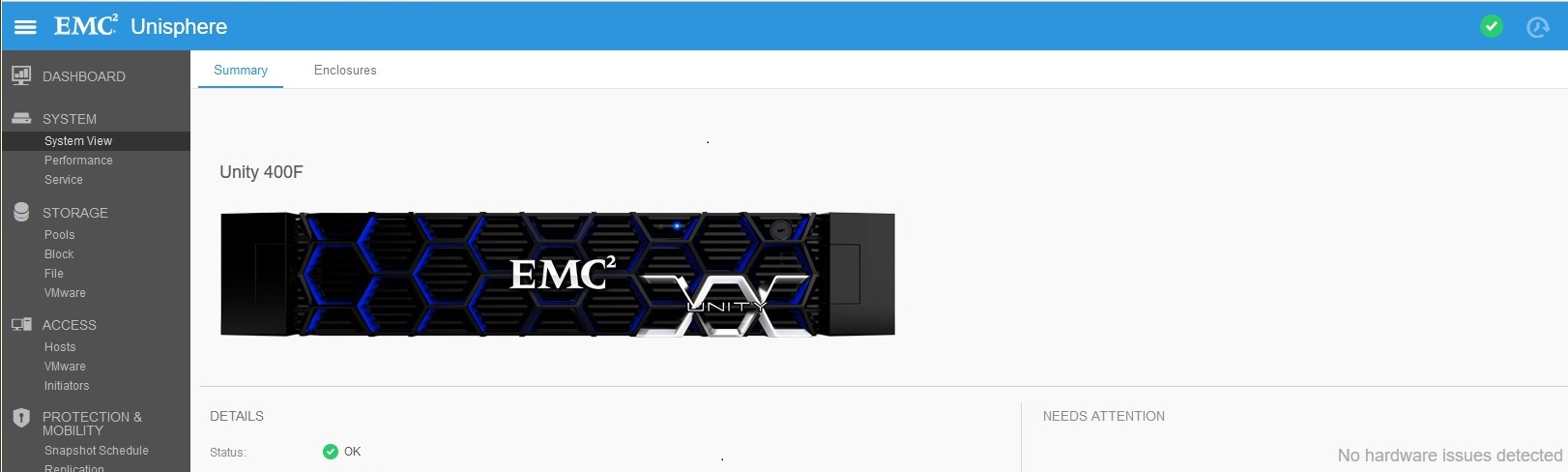
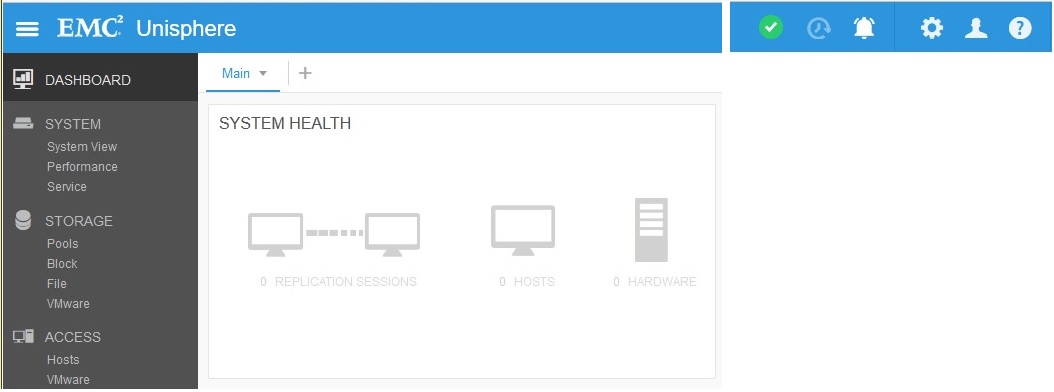
Die Replikationsverbindung wurde aktiviert (vor dem Upgrade), aber es wurden keine Replikationen erstellt. Der Replikationsstatus wurde nach dem Upgrade auf "Attention" festgelegt:

Résolution
Klicken Sie unter "Replikation" auf "Überprüfen und aktualisieren" > Verbindungen, um den Aufmerksamkeitsstatus aus der Replikation zu entfernen. Sobald die Replikation OK ist, führen Sie ein Commit für neue I/O-Module unter Systemansicht > DPE-I > /O-Ports bestätigen aus.
Produits concernés
Dell EMC Unity 400FProduits
Dell EMC Unity 400F, Dell EMC Unity FamilyPropriétés de l’article
Numéro d’article: 000055174
Type d’article: Solution
Dernière modification: 17 avr. 2026
Version: 6
Trouvez des réponses à vos questions auprès d’autres utilisateurs Dell
Services de support
Vérifiez si votre appareil est couvert par les services de support.