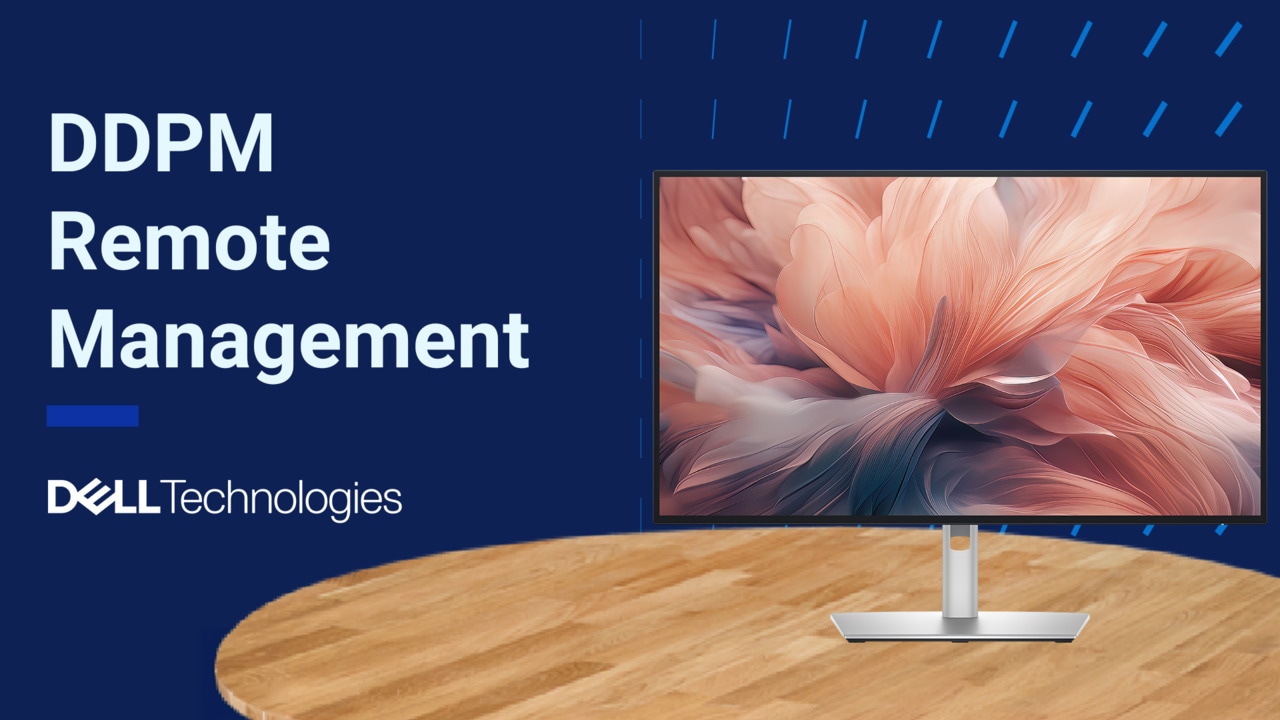
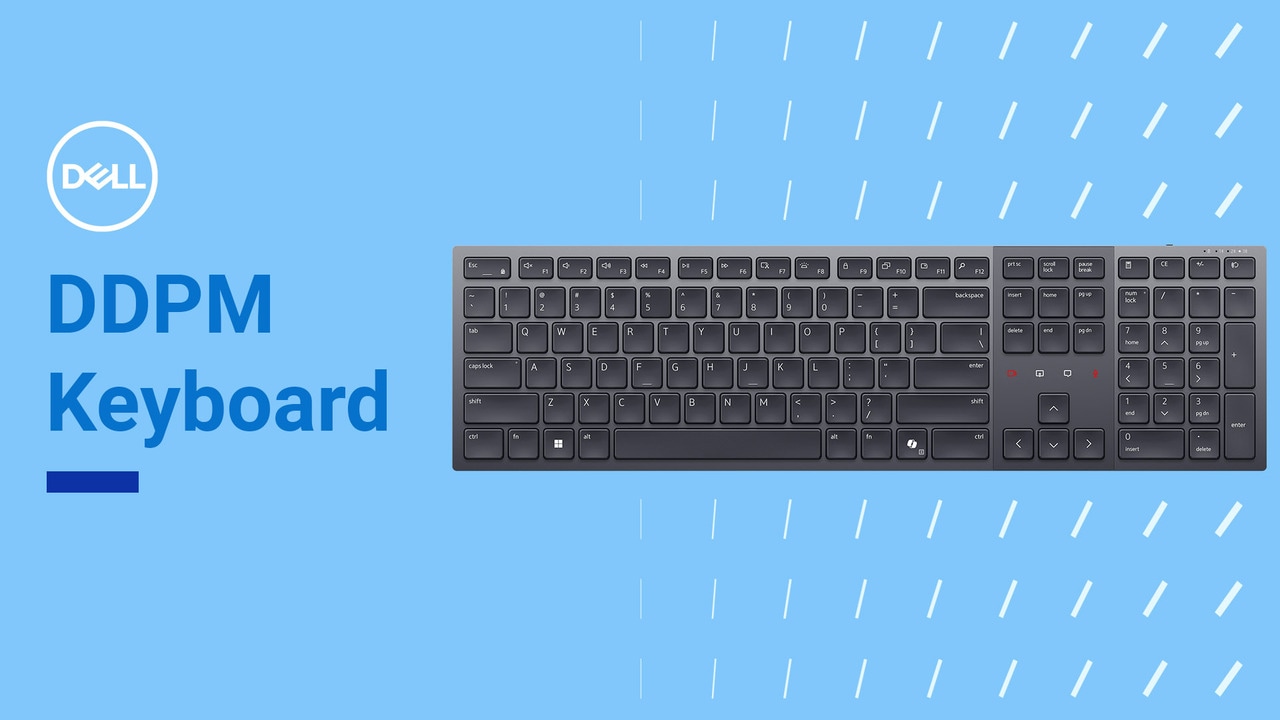
Enhance your everyday productivity with Dell Display and Peripheral Manager (DDPM). DDPM offers powerful management tools that ensure an optimal viewing experience, streamline display control, and enable effortless multitasking. For information or assistance, visit: Dell.com/Support/DDPM.
Dell Display and Peripheral Manager, or DDPM is your one stop solution for managing all your Dell devices, including displays and peripherals. DDPM is simple to navigate, easy to use and easy to set up. Enhances your experience by enabling you to customize how you interact with your devices.
To install DDPM, visit Dell.com/Support/DDPM, click Download and follow the installation steps. If you are an existing user of Dell Display Manager or Dell Peripheral Manager, you can upgrade to DDPM by simply clicking the Update button. After installing DDPM, open the application on the home screen.
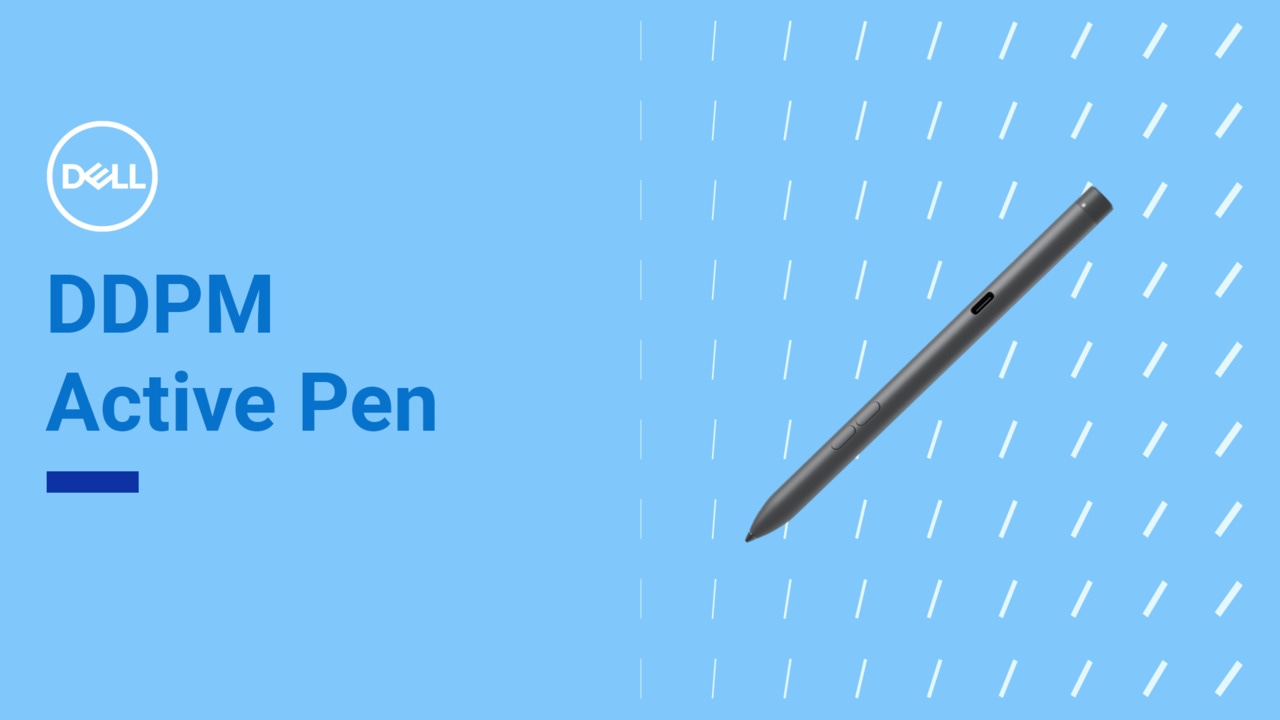
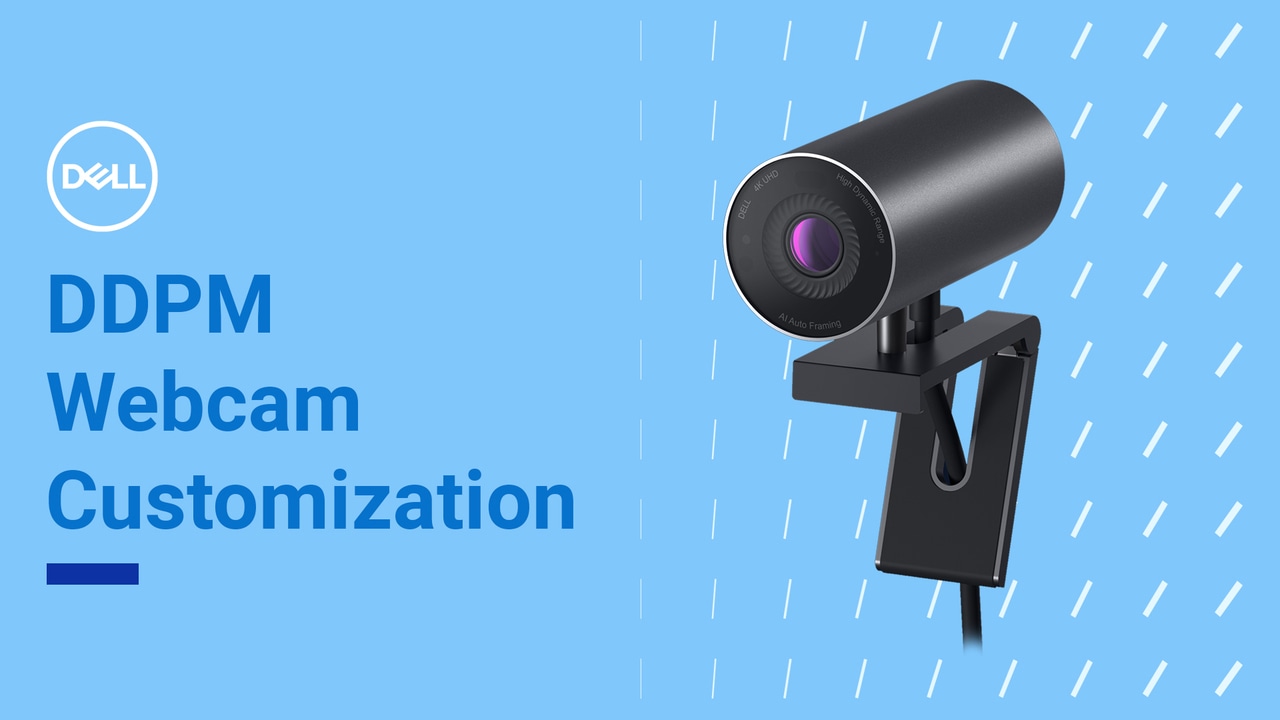
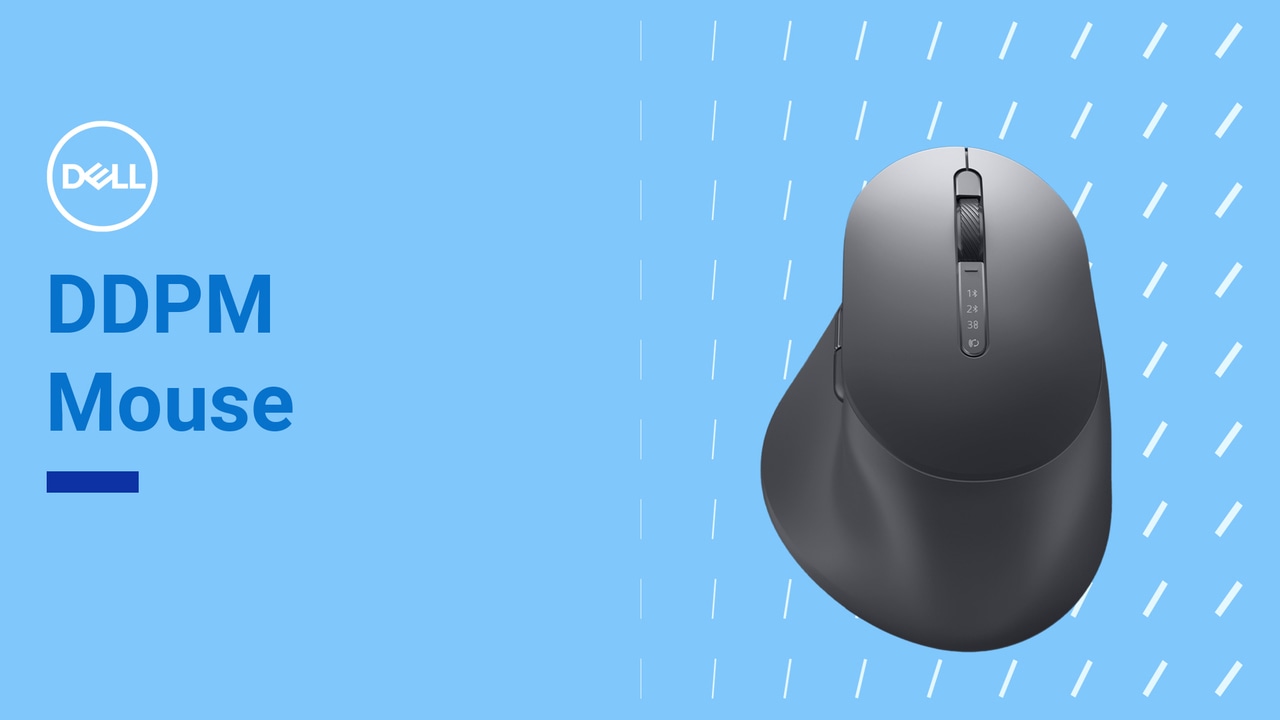
You will see all your connected Dell devices, including displays and peripherals. If any Dell peripheral isn't detected by DDPM, click the Plus icon at the top right corner and follow the on screen instructions to add a new device. Once you have added all the devices, you can see them all on the home screen.
Click on any device to access its settings and customize it to your needs. DDPM ensures you are always up to date with the latest software and firmware. A notification on the settings icon will alert you when a new update is available. Click the Gear icon to open the settings menu. From here, you can manage notifications, view available updates, and provide consent to telemetry under the Analytics section.
You can also activate Quick access widgets. It's a simple and efficient way to maximize your DDPM experience. Transform your workspace with Dell Display and Peripheral Manager, offering seamless efficiency and personalization. Explore more features in our other videos and elevate your work experience. Download the free software at Dell.com/Support/DDPM and elevate your work today.