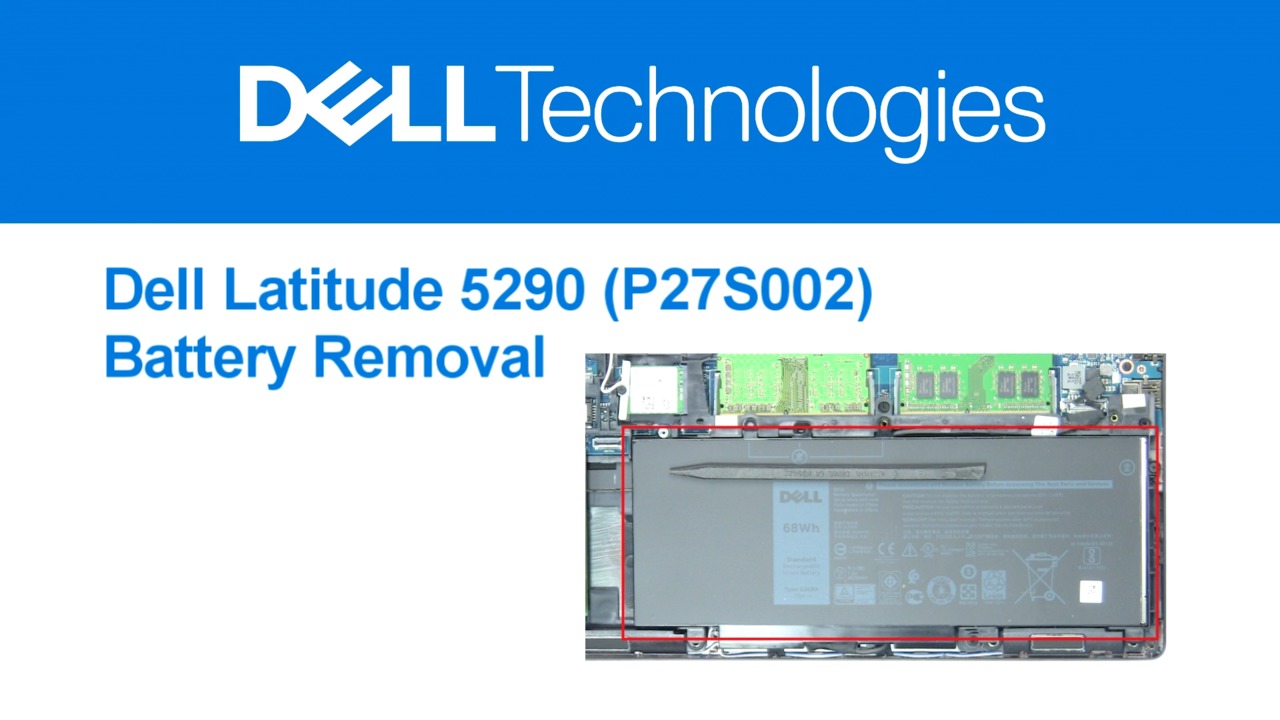
How to Remove Latitude 5290 2-in-1 SSD
Published SEP 12, 2024
This video from Dell Tech Support explains the steps for replacing a part on your Dell PC. The process involves lifting the kickstand, removing the base cover, disconnecting the battery, and removing the bracket and SATA SSD. After replacing the part, your PC should be ready to use again.