Data Domain - Replication pages are not loading in DD UI
Résumé: Replication pages are not loading in DD UI.
Cet article concerne
Cet article ne concerne pas
Cet article n’est associé à aucun produit spécifique.
Toutes les versions du produit ne sont pas identifiées dans cet article.
Symptômes
Replication tab in DD UI is not loading after upgrading the data domain. 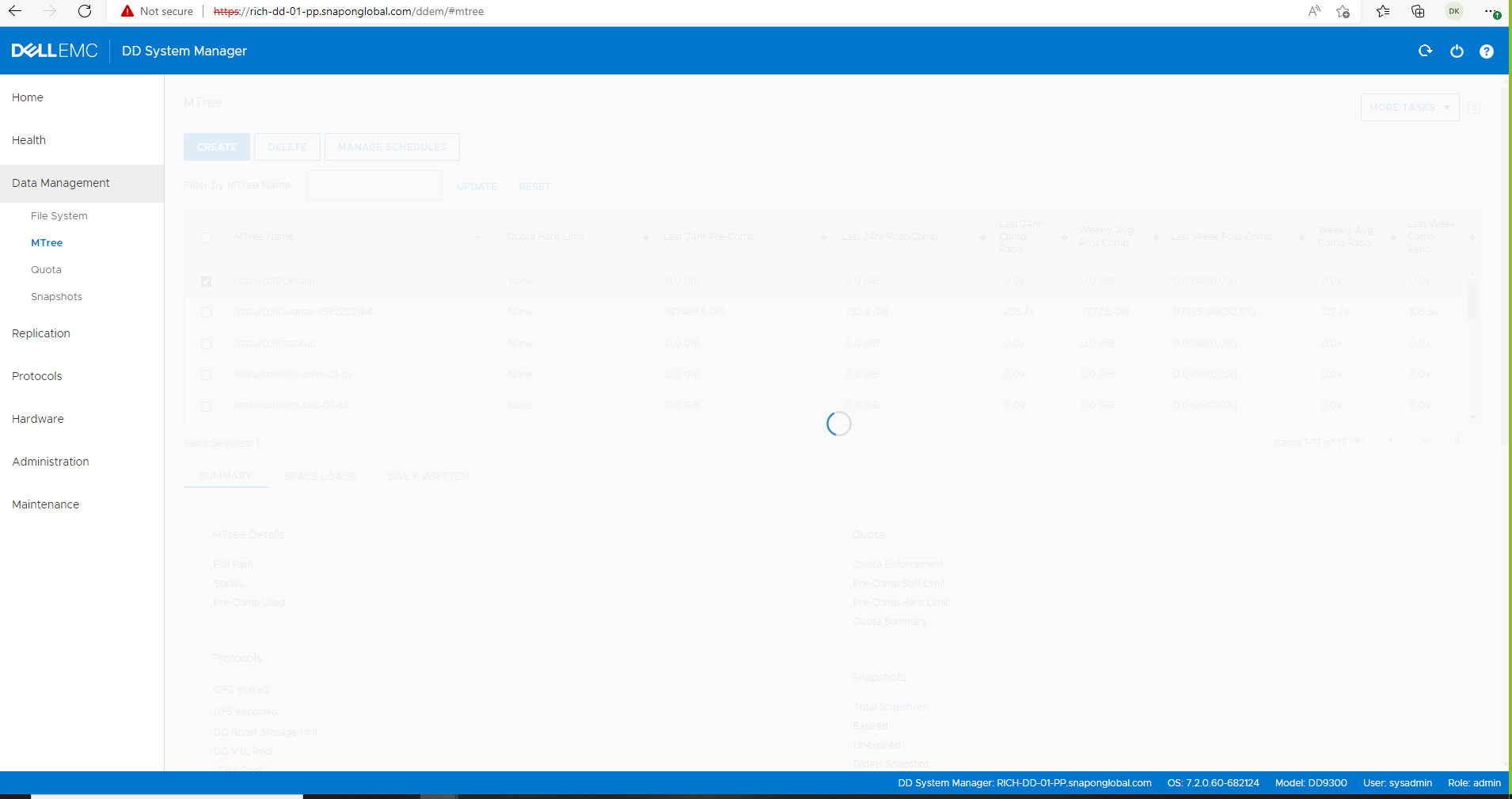
Cause
Issue can be caused due to the below reasons:
TCP port 3009 is not open inbound and outbound between the source and the destination Data Domains.
The Source DD registry protocol.gui.ddem.inventory.1.proxy is not updated with the correct remote DD IP address.
Résolution
Contact support since further troubleshooting requires unlocking bash mode.
The DD UI Replication Manager gathers remote data domain information using TCP port 3009.
Verify port 3009 is open both ways by entering bash mode and testing connectivity with telnet.
Verify port 3009 is open both ways by entering bash mode and testing connectivity with telnet.
# se telnet <remote DD IP> 3009
Or
# net port-check <DD IP> 3009

Change/update this reg key  protocol.gui.ddem.inventory.1.proxy on the source DD to reflect destination DD ip address, then stop and start the http(s) services.

# reg show protocol.gui.ddem.inventory.1.proxy
# reg set protocol.gui.ddem.inventory.1.proxy = <remote IP>
# admin access disable https
# admin access disable http
# admin access enable http
# admin access enable https
Produits concernés
Data Domain ReplicatorPropriétés de l’article
Numéro d’article: 000228190
Type d’article: Solution
Dernière modification: 15 Jan 2026
Version: 7
Trouvez des réponses à vos questions auprès d’autres utilisateurs Dell
Services de support
Vérifiez si votre appareil est couvert par les services de support.