Dell EMC Unity 家族:如何設定使用者存取 Unisphere (使用者可修正)
Summary: 系統可讓您建立使用 Unisphere 的本機帳戶,以控制對其 Unisphere 的存取。
This article applies to
This article does not apply to
This article is not tied to any specific product.
Not all product versions are identified in this article.
Instructions
系統可讓您建立使用 Unisphere 的本機帳戶,以控制對其 Unisphere 的存取。
初始系統管理員帳戶是在初始組態程序期間建立,這需要從初始出廠設定變更密碼。儲存系統管理員會選取設定圖示,然後選取 使用者和群組 >使用者管理> 新增,以建立其他本機使用者帳戶。

建立本地使用者本地帳戶時,請指定以下帳戶資訊:

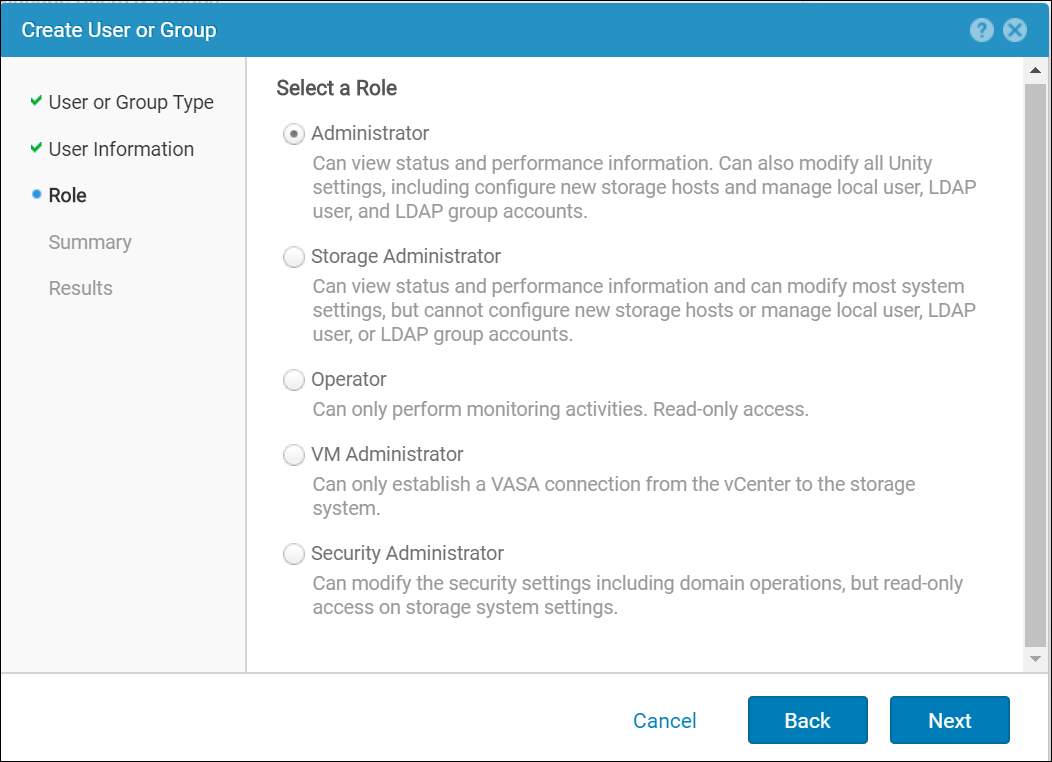
角色設置決定了用戶登錄后可以執行的任務類型。本地帳戶僅適用於為其創建的特定存儲系統。為一個存儲系統創建的本地使用者將無法訪問另一個存儲系統。
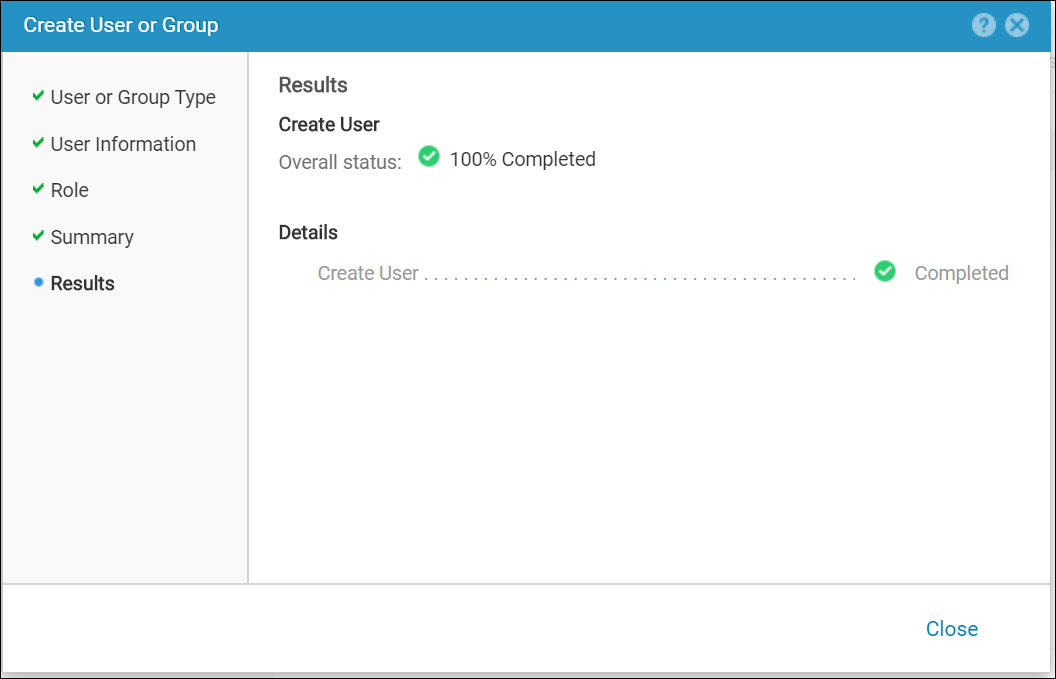
檢閱摘要頁面中的選擇內容,然後按一下完成以提交本機使用者建立活動。

可隨時從更多動作窗格修改已建立/現有使用者的角色及其密碼:

初始系統管理員帳戶是在初始組態程序期間建立,這需要從初始出廠設定變更密碼。儲存系統管理員會選取設定圖示,然後選取 使用者和群組 >使用者管理> 新增,以建立其他本機使用者帳戶。
建立本地使用者本地帳戶時,請指定以下帳戶資訊:
- 使用者名稱
- 使用者密碼
- 使用者角色
角色設置決定了用戶登錄后可以執行的任務類型。本地帳戶僅適用於為其創建的特定存儲系統。為一個存儲系統創建的本地使用者將無法訪問另一個存儲系統。
檢閱摘要頁面中的選擇內容,然後按一下完成以提交本機使用者建立活動。
可隨時從更多動作窗格修改已建立/現有使用者的角色及其密碼:
Additional Information
當使用者使用 LDAP 帳戶登入 Unisphere 時,必須以下列格式指定其使用者名稱:
使用者名稱:網域/使用者名稱 (例如 domain.example.com/Administrator)。
密碼:域帳戶的密碼。
使用者名稱:網域/使用者名稱 (例如 domain.example.com/Administrator)。
密碼:域帳戶的密碼。
Affected Products
Dell EMC Unity FamilyProducts
Dell Unity 300, Dell EMC Unity 300F, Dell EMC Unity 400, Dell EMC Unity 400F, Dell EMC Unity 500, Dell EMC Unity 500F, Dell EMC Unity 600, Dell EMC Unity 600F, Dell EMC Unity Family |Dell EMC Unity All Flash, Dell EMC Unity Family
, Dell EMC Unity Hybrid
...
Article Properties
Article Number: 000023650
Article Type: How To
Last Modified: 16 Oct 2025
Version: 5
Find answers to your questions from other Dell users
Support Services
Check if your device is covered by Support Services.