Dell Unity: Lagringspoolen innehåller lagringsresurser och/eller NAS-servrar och kan inte raderas. (0x6700134)
Summary: Den här artikeln hjälper dig att lösa följande fel på Dell Unity-disksystem när du försöker ta bort en lagringspool.
This article applies to
This article does not apply to
This article is not tied to any specific product.
Not all product versions are identified in this article.
Symptoms
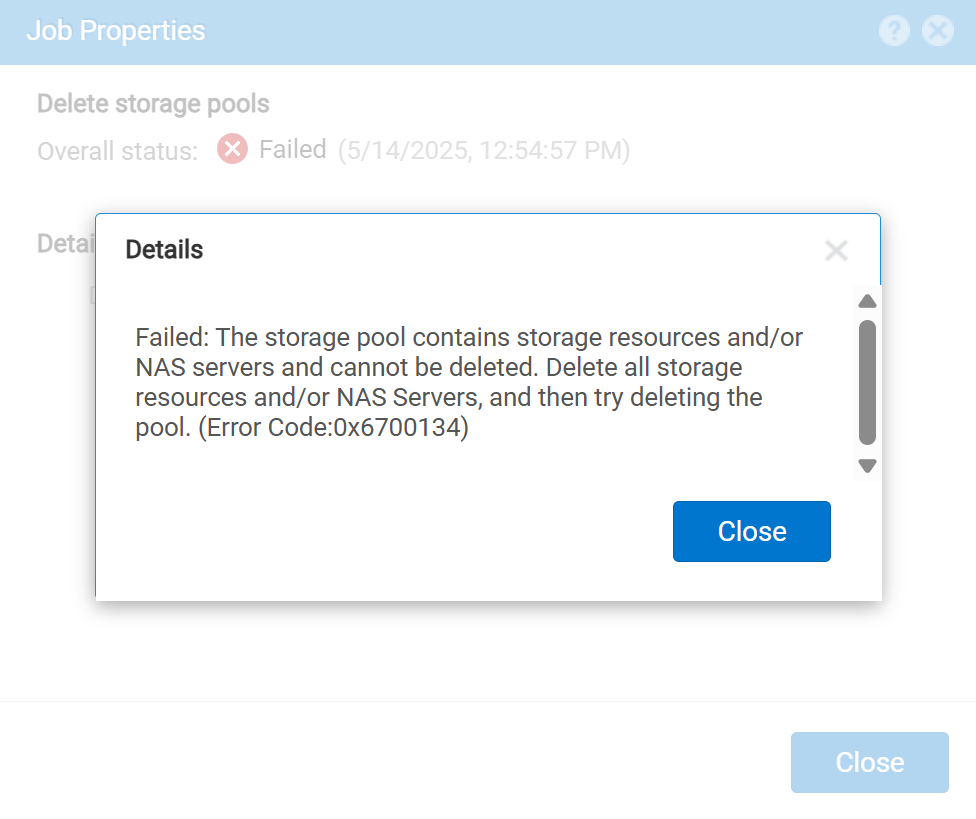
Failed: The storage pool contains storage resources and/or NAS servers and cannot be deleted. Delete all storage resources and/or NAS Servers, and then try deleting the pool. (Error Code:0x6700134)
Cause
Som felet indikerar finns det lagringsresurser som är associerade med och finns i lagringspoolen. Dessa lagringsresurser kan vara ett LUN-nummer (Logical Unit Number), NAS-servrar (Network Attached Storage), ett filsystem eller ett datalager.
Resolution
Ta bort associerade lagringsresurser.
- Välj poolen i Unity-användargränssnittet.
- På egenskapssidan för poolen granskar du de lagringsresurser som konfigurerats i poolen.
- Ta bort de lagringsresurser som är associerade med den här poolen.
- Poolen kan nu tas bort utan några fel som är kopplade till lagringsresurser i poolen.
Article Properties
Article Number: 000052084
Article Type: Solution
Last Modified: 15 May 2025
Version: 3
Find answers to your questions from other Dell users
Support Services
Check if your device is covered by Support Services.