Dell Unity: Error "Installation IO Module failed with commit io error 0x9000002" when committing I/O module
Summary: Error "Installation IO Module failed with commit io error 0x9000002" when committing an I/O module.
This article applies to
This article does not apply to
This article is not tied to any specific product.
Not all product versions are identified in this article.
Symptoms
User installed two 10 GbE I/O Modules using Solve Procedure for Customers "Adding IO Modules." Once committing the I/O Modules, the user received an error message:
Installation IO Module failed with commit io error 0x9000002
SPlogs show:
IOModule   32002 [ERROR] User: Task <System health checks> of <22> (2) failed
IOModule   32001 [ERROR] User: The hardware configuration commit operation failed
Unisphere CLI shows error:
uemcli /sys/task/job show

Operation failed. Error code: 0x9000002
Cannot commit the configuration because it is invalid. Insert valid SFP modules of same type into the uncommitted CNA ports or remove them from the uncommitted CNA ports, and then try again.  (Error Code:0x9000002)
Cause
The array was recently upgraded to Falcon 4.1.1. System View and System Health do not show any Attention State: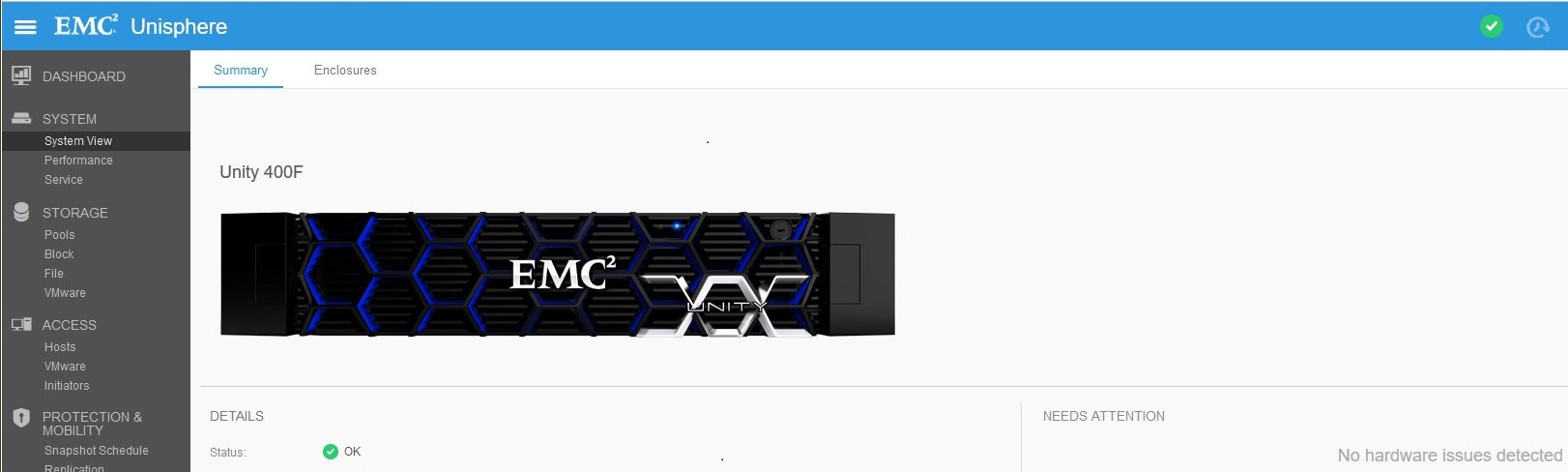
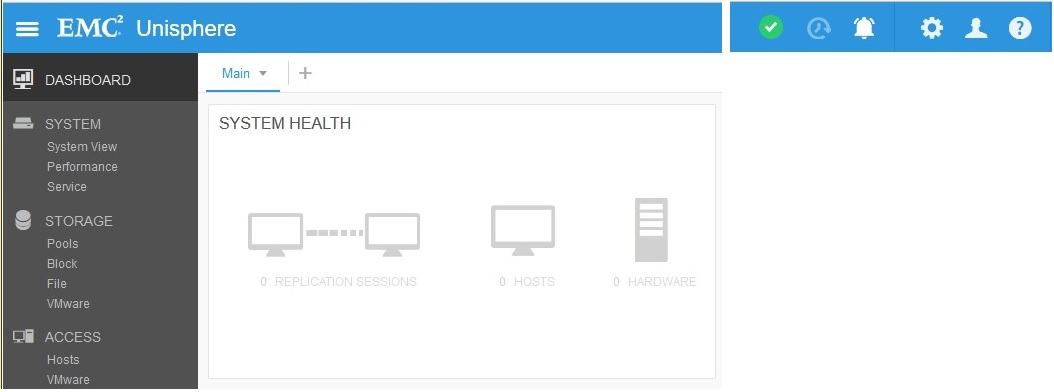
Replication connection was enabled (before upgrade) but no Replications were created. Replication state was set to "Attention" after upgrade:
Resolution
Under Replication, click "Verify and Update" > Connections to remove Attention State from Replication. Once Replication is OK, commit new I/O Modules under System View > DPE > Commit I/O Ports.
Affected Products
Dell EMC Unity 400FProducts
Dell EMC Unity 400F, Dell EMC Unity FamilyArticle Properties
Article Number: 000055174
Article Type: Solution
Last Modified: 22 May 2025
Version: 5
Find answers to your questions from other Dell users
Support Services
Check if your device is covered by Support Services.