Avamar: Unable to browse for files to backup or unable to select a plug-in for restore in the Avamar Administrator UI
Summary: Avamar: Unable to browse for files to backup or unable to select a plug-in for restore in the Avamar Administrator UI.
This article applies to
This article does not apply to
This article is not tied to any specific product.
Not all product versions are identified in this article.
Symptoms
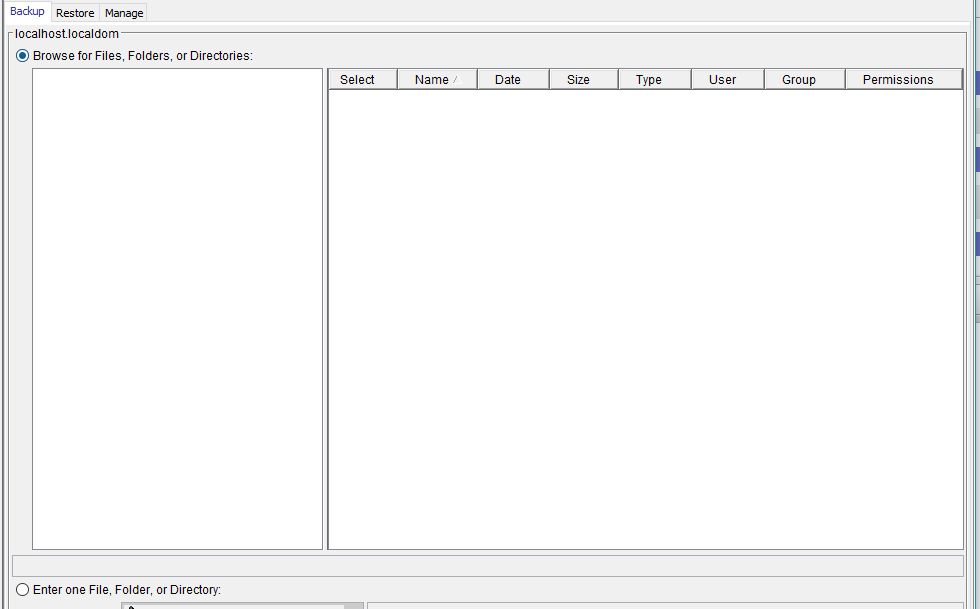
- When attempting a manual (on-demand) backup, there is nothing to browse:
- A restore cannot be performed as only "no plug-in" is shown in the restore page.
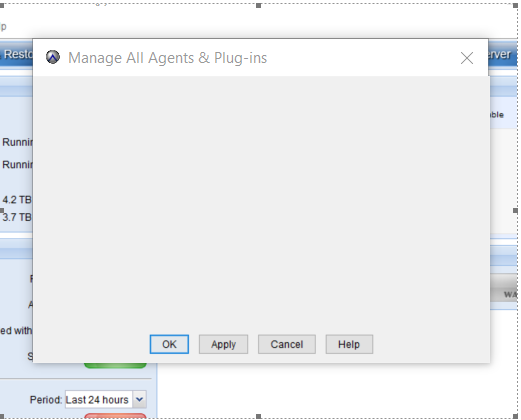
- There is nothing displayed when checking "Manage All Agents & Plug-ins":
Cause
A version mismatch between the Avamar Administrator Server and Avamar Administrator client can block some features, such as plug-in choice or manual backup.

Note: This would likely be seen after an upgrade or hotfix installation.
Resolution
Verify that the Avamar Administrator Server and Avamar Administrator Client versions match.
Affected Products
Avamar, Avamar ServerArticle Properties
Article Number: 000120418
Article Type: Solution
Last Modified: 17 Jun 2025
Version: 7
Find answers to your questions from other Dell users
Support Services
Check if your device is covered by Support Services.