Video Driver Installation in Red Hat Enterprise Linux 5/6 Workstation operating system
Summary: See the following outlines the typical installation of an NVidia video driver in the Red Hat Enterprise Linux 5/6 Workstation operating system.
This article applies to
This article does not apply to
This article is not tied to any specific product.
Not all product versions are identified in this article.
Symptoms
Video Driver Installation in Red Hat Enterprise Linux 5/6 Workstation operating system. Video Driver Fails in user interface Mode Text Mode (Init 3).
Video Driver Fails in user interface Mode
Video Driver Fails in user interface Mode
Cause
1. In this example, the driver was downloaded from NVidia's website and is at the desktop of the Dell user account.
2. Once the video driver is in the computer, get into Administration mode (su -) and non-GUI mode (init 3) and browse to the folder where the driver is located (home/Dell/desktop in our example).

3. Log in to the root account.

4. Make your way to the location of the video driver.

5. Run the driver (./<name of driver file>).

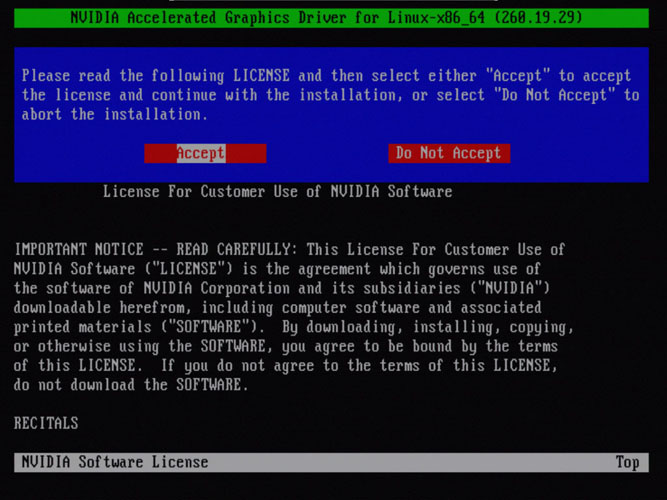
6. There may be a License Agreement prompt to accept.
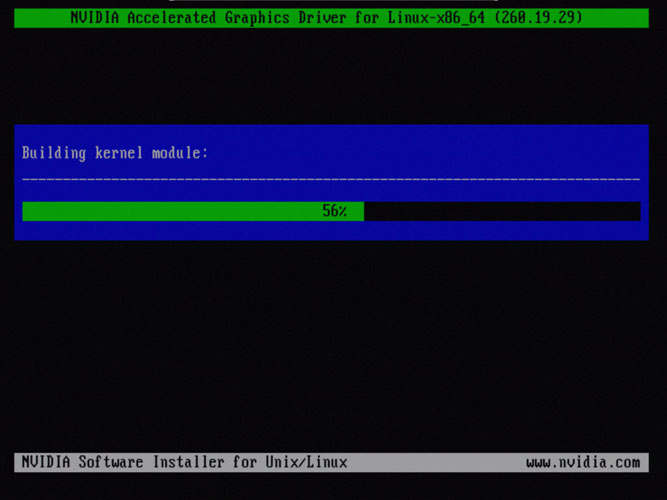
7. The installation of the driver starts.
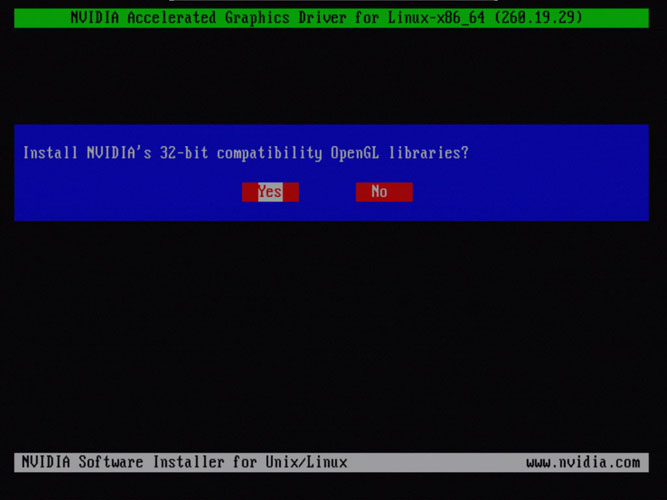
8. Select Yes to install library files.
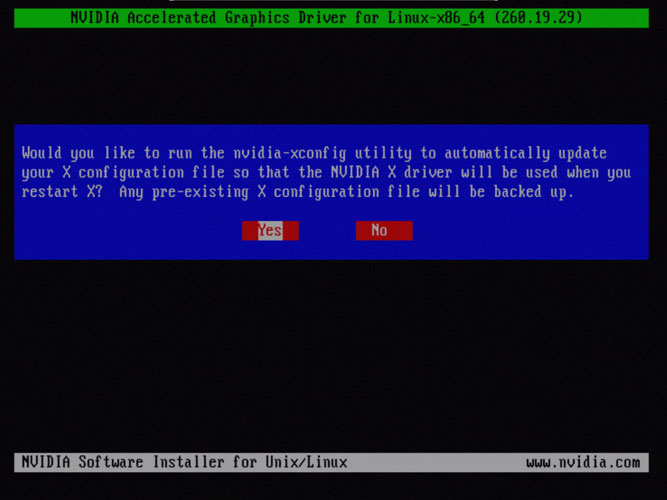
9. Select Yes to automatically use this video driver in the user interface environment.
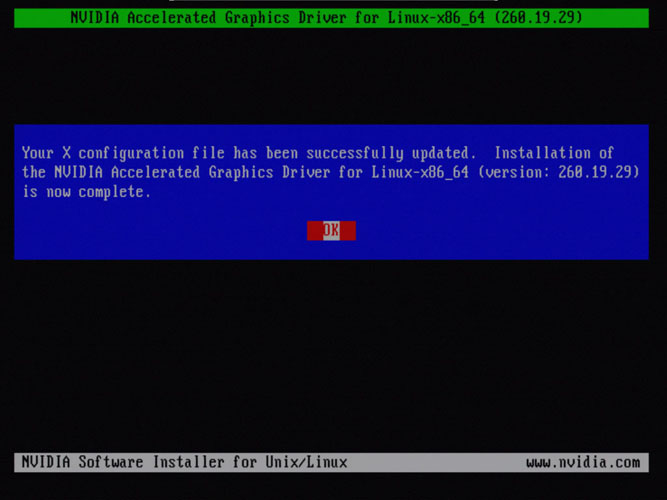
10. The installation process completes.
2. Once the video driver is in the computer, get into Administration mode (su -) and non-GUI mode (init 3) and browse to the folder where the driver is located (home/Dell/desktop in our example).
3. Log in to the root account.
4. Make your way to the location of the video driver.
5. Run the driver (./<name of driver file>).
6. There may be a License Agreement prompt to accept.
7. The installation of the driver starts.
8. Select Yes to install library files.
9. Select Yes to automatically use this video driver in the user interface environment.
10. The installation process completes.
Resolution
 Out of warranty? No problem. Browse to the Dell.com/support website and enter your Dell Service Tag and view our offers.
NOTE: Offers are only available for US, Canada, UK, France, Germany, China, and Japan personal computer customers. Server and Storage not applicable.
Article Properties
Article Number: 000156052
Article Type: Solution
Last Modified: 05 Aug 2021
Version: 4
Find answers to your questions from other Dell users
Support Services
Check if your device is covered by Support Services.