VNX:Navisphere CLIはどこでダウンロードできますか? (ユーザー修正可能)(英語)」
Summary: この記事では、Navisphere CLIソフトウェアが dell.com/support のどこにあるかについて説明します。
This article applies to
This article does not apply to
This article is not tied to any specific product.
Not all product versions are identified in this article.
Instructions
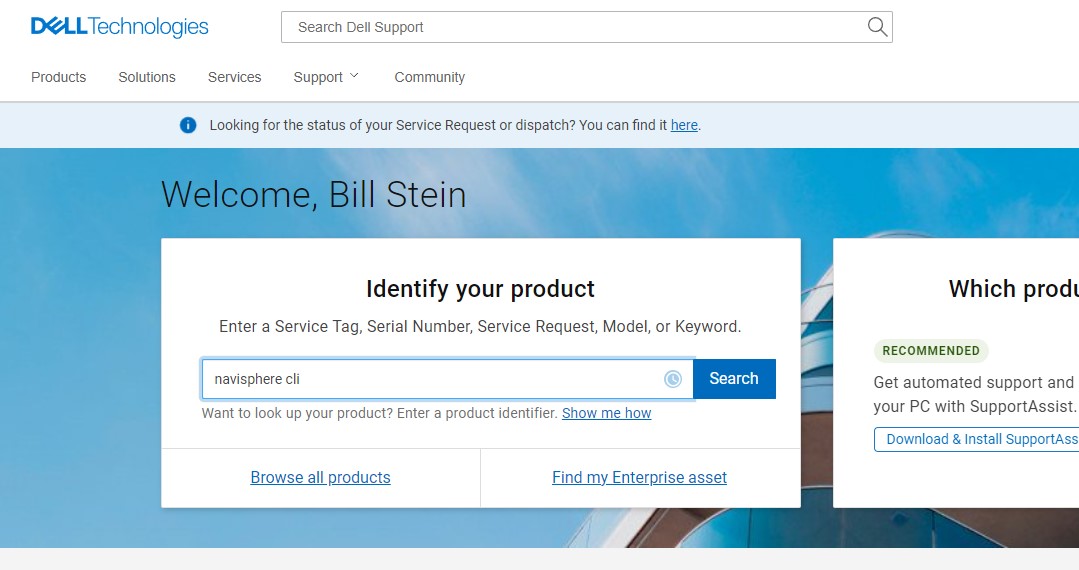
- dell.com/support に移動し、認証情報を使用してログインします。
- 検索ボックスに「Navisphere CLI」と入力します。
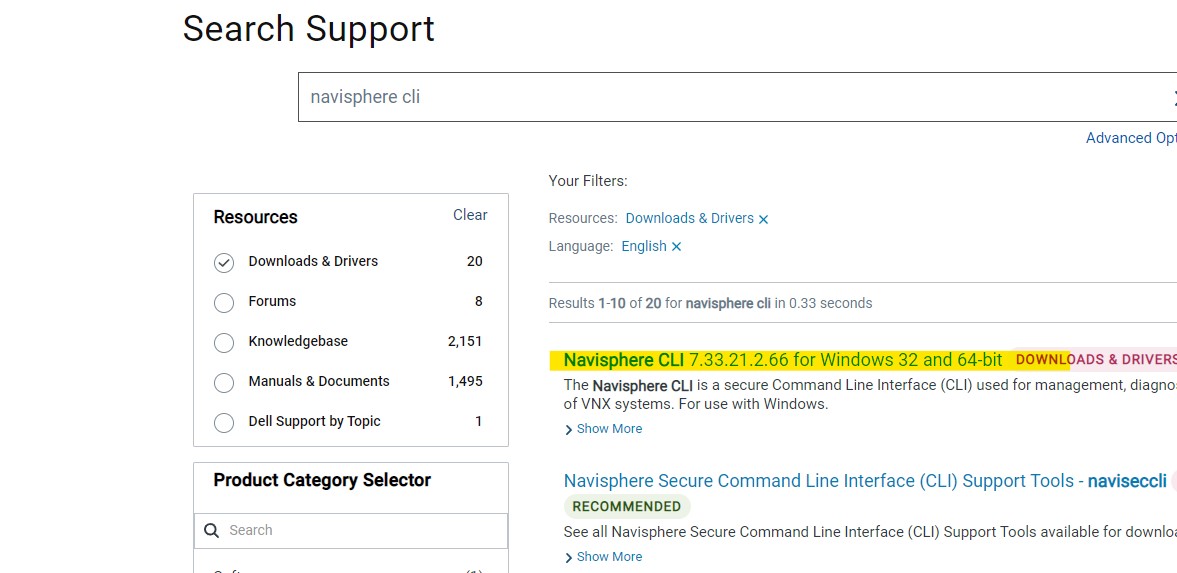
- [検索結果]ウィンドウで、左側の[ダウンロードとドライバー]をクリックします。

- Navisphere CLI for Windowsが最初の選択肢です。
Article Properties
Article Number: 000158301
Article Type: How To
Last Modified: 22 Mar 2022
Version: 4
Find answers to your questions from other Dell users
Support Services
Check if your device is covered by Support Services.