KM717 鍵盤數字鍵盤無法在藍牙配對期間用於輸入金鑰
Summary: 下列文章提供 KM717 鍵盤出現數字鍵盤問題的相關資訊。當鍵盤透過藍牙配對時,無法使用數字鍵盤。
This article applies to
This article does not apply to
This article is not tied to any specific product.
Not all product versions are identified in this article.
Symptoms
KM717 數字鍵盤在藍牙配對期間無法運作
Dell Premier 無線鍵盤和滑鼠 KM717 擁有者報告說,當鍵盤透過藍牙與系統配對時,其無線鍵盤上的數字鍵盤無法運作。
這意味著在藍牙配對過程中,數字鍵盤無法用於輸入密鑰。
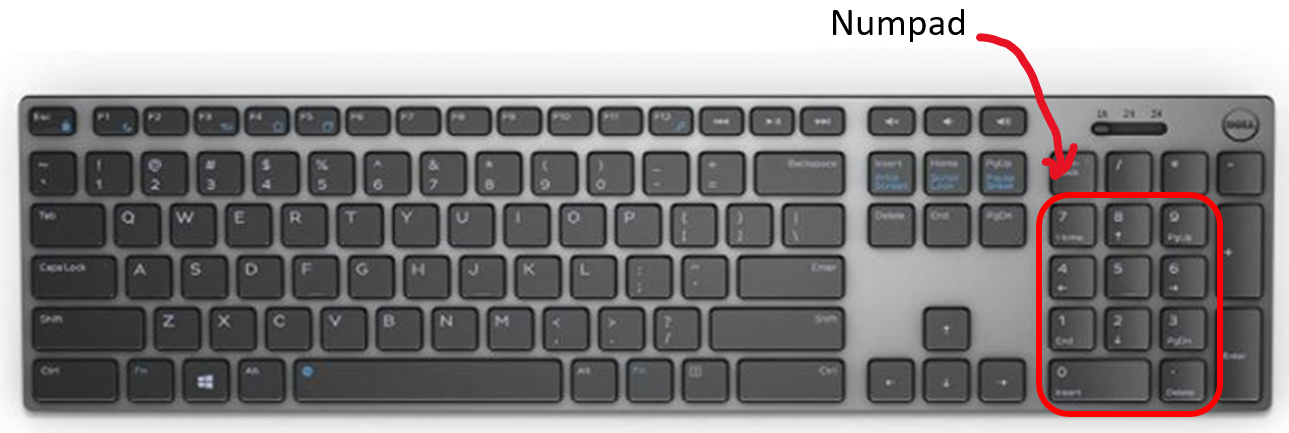
(圖 1 Dell Premier 無線鍵盤 KM717)
Cause
Resolution
如果數字鍵盤在藍牙配對過程中無法運作,如何完成藍牙配對?
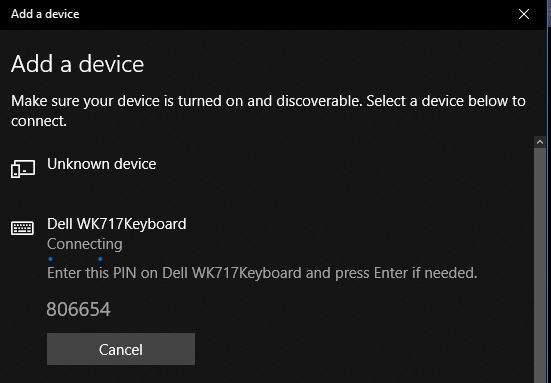
(圖 2 新增裝置畫面)
-
當藍牙配對期間系統要求您輸入密碼金鑰時:
-
您必須使用主鍵盤頂部列中的數字鍵來輸入密碼鍵。(如下所示。)
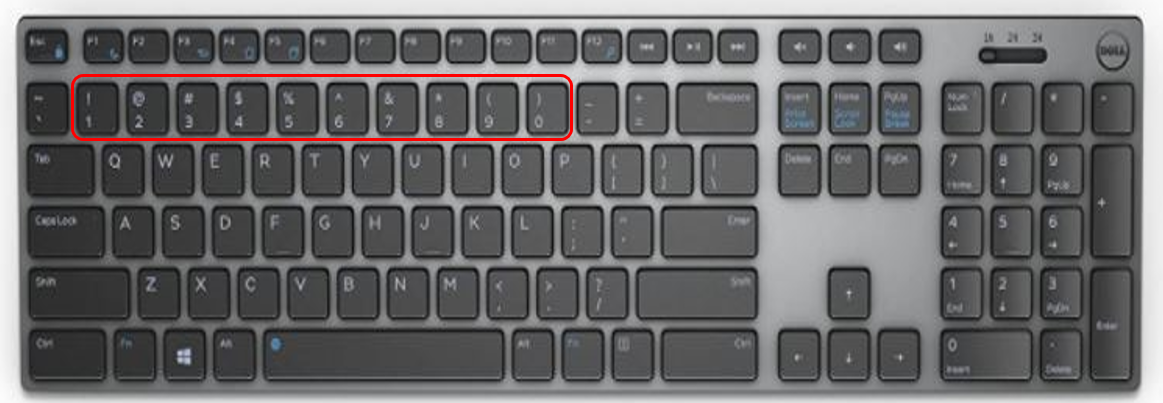
(圖 3 鍵盤的數字列)
-
正確輸入金鑰後,Windows 設定畫面會顯示 裝置已就緒可以使用!訊息。
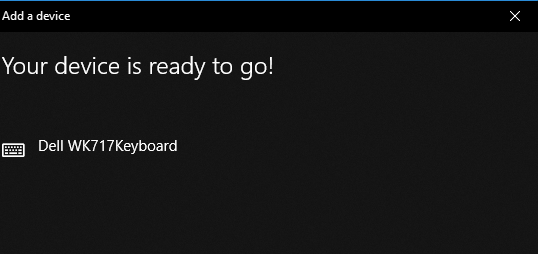
(圖 4 配對完成)
-
Affected Products
Dell Premier Wireless Keyboard and Mouse KM717Article Properties
Article Number: 000182909
Article Type: Solution
Last Modified: 06 Nov 2025
Version: 3
Find answers to your questions from other Dell users
Support Services
Check if your device is covered by Support Services.