如何使用WinSCP 上传大文件到VMware ESXi 的Datastore中
Summary: 本文介绍如何使用WinSCP 上传大文件到VMware ESXi 的Datastore中。
This article applies to
This article does not apply to
This article is not tied to any specific product.
Not all product versions are identified in this article.
Instructions
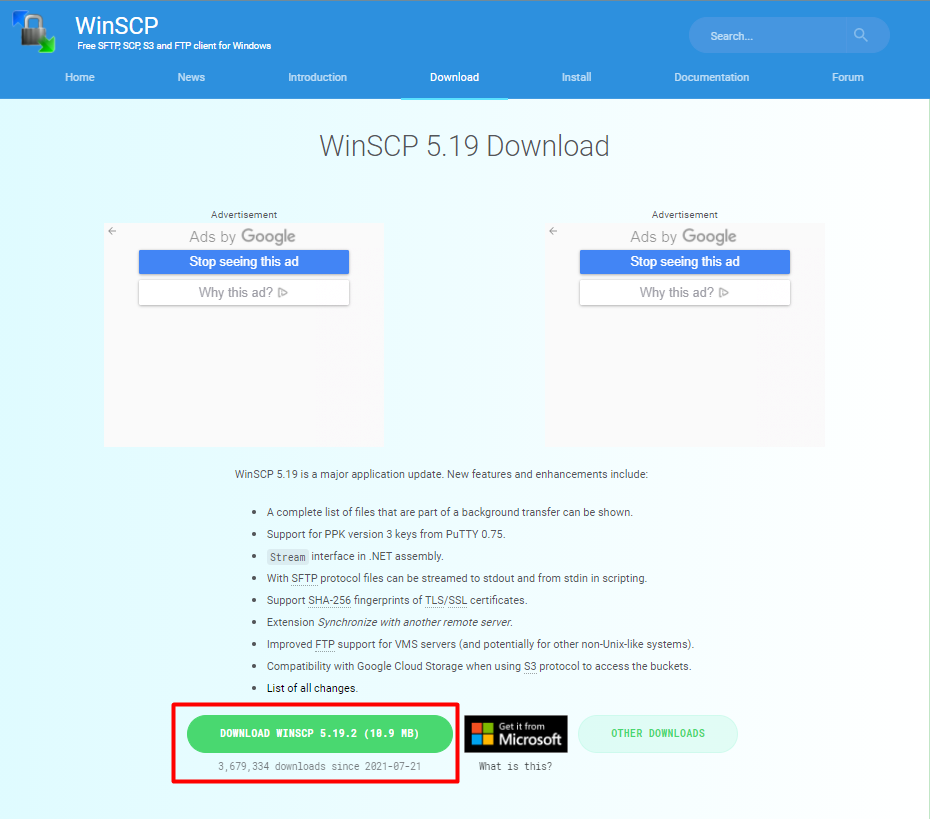
- 访问 https://winscp.net/eng/download.php
(外部链接) 下载WinSCP软件并安装 。
- 登录vSphere Host Client打开主机的SSH服务。

- 使用WinSCP登录ESXi 主机。

- 在左边选中要上传的文件,右边选择ESXi Datastore的路径。

- 登录vSphere Host client 查看datastore里面是否有这个文件。

Affected Products
VMware ESXi 7.x, VMware ESXi 8.xArticle Properties
Article Number: 000191967
Article Type: How To
Last Modified: 13 Feb 2025
Version: 5
Find answers to your questions from other Dell users
Support Services
Check if your device is covered by Support Services.