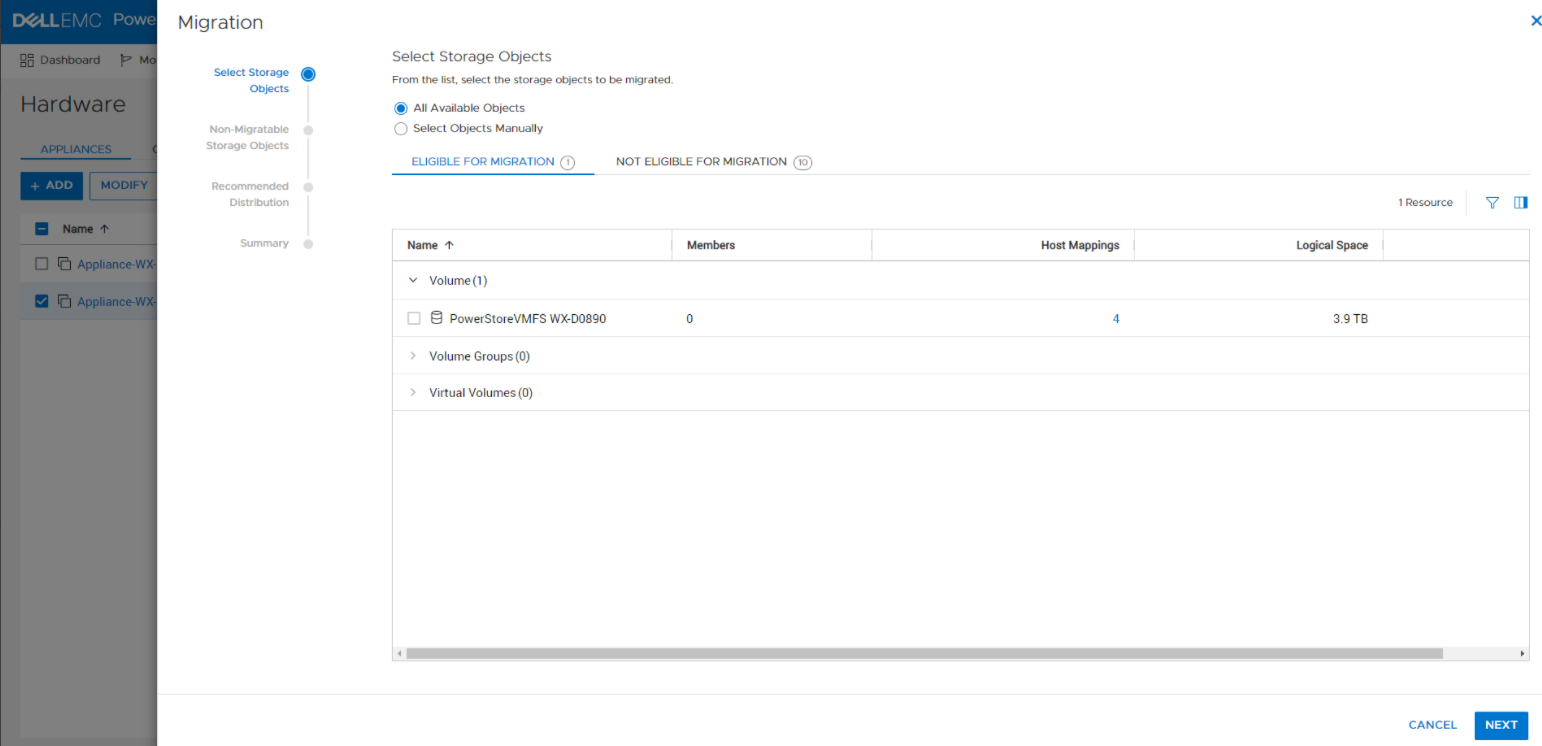
PowerStore:VMFS 显示为符合迁移条件,但迁移无法启动。
Summary: 迁移无法启动,错误代码为 0xE07020010016。
This article applies to
This article does not apply to
This article is not tied to any specific product.
Not all product versions are identified in this article.
Symptoms
启动迁移时遇到以下错误:

Cause
在设备迁移向导中,迁移建议基于用户对所有对象或特定对象的选择进行创建。故障可能是由于设备级别问题或所选对象造成的。如果迁移建议失败 — CP 将返回一个未指定实际问题的常规错误,因此用户将不知道如何继续。
Resolution
解决方法是更改 GUI 中的消息,该消息将解释存在两个级别的错误(设备和对象),指定设备级别的错误(只有很少),并提供指向知识库文章的链接,该文章将列出对象级别的潜在错误。
对象级别中可能出现的相关错误:
对象级别中可能出现的相关错误:
- 0xE02010090011[validation_error]=具有以下 ID 的卷组:{0} 已在现有迁移会话{1}中。
- 0xE0201009001C[validation_error]=卷不允许迁移会话:在volume_group中{0}。
- 0xE0201009001F[validation_error]=无法删除迁移会话,因为正在删除 {1} 类型的资源{0}。删除资源后重试此作。
- 0xE02010090023[validation_error]=卷组系列不允许迁移会话:具有读写快照的{0}。
- 0xE02010090030[validation_error]=卷的所有同级克隆{0}必须是其自己的卷组的一部分{1},不能与父克隆或主卷混用。
- 0xE02010090031[validation_error]=正在导入系列{1}的成员{0}。
- 0xE02010090032[validation_error]=参与卷组的主要卷或克隆不能在卷组之外具有父卷(克隆或主卷)或克隆。
- 0xE02010090033[validation_error]=克隆{0}及其父{1}不能属于用于迁移系列{3}{2}的同一卷组。
- 0xE02010090051[validation_error]=无法执行此作,因为资源系列中的一个或多个成员处于离线状态。
Affected Products
PowerStoreArticle Properties
Article Number: 000195704
Article Type: Solution
Last Modified: 20 Jul 2022
Version: 1
Find answers to your questions from other Dell users
Support Services
Check if your device is covered by Support Services.