CloudIQ: Unable to log in did not Recognize Username or Password
Summary: CloudIQ: Unable to log in We did not Recognize Username or Password that you entered. Try again.
This article applies to
This article does not apply to
This article is not tied to any specific product.
Not all product versions are identified in this article.
Symptoms
CloudIQ: Unable to log in We did not Recognize Username or Password that you entered. Try again.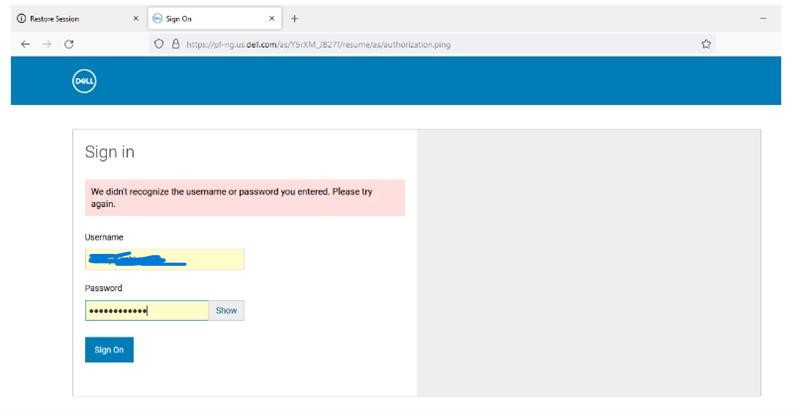
Can log in to the dell support site with the same username and password.
On login are redirected to the following website:
https://pf-ng.us.dell.com/as/3nbzS/resume/as/authorization.ping
Can log in to cloudiq on another jump server or outside the work network..
Cause
Advanced proxy is enabled.
Resolution
Contact Network Firewall Team
With advanced proxy systems it is necessary to disable the TLS inspection function for emc.com and dell.com domains.
Affected Products
CloudIQArticle Properties
Article Number: 000205609
Article Type: Solution
Last Modified: 17 Feb 2025
Version: 2
Find answers to your questions from other Dell users
Support Services
Check if your device is covered by Support Services.