BIOSアップデート中にLatitude 3140のファームウェア アップデートに失敗する
Summary: この記事では、4 GBメモリー構成のLatitude 3140でBIOSアップデート中にファームウェア アップデートが失敗する問題について説明します。
This article applies to
This article does not apply to
This article is not tied to any specific product.
Not all product versions are identified in this article.
Symptoms
BIOSのアップデート中にエラー: ファームウェア アップデートに失敗しましたというメッセージが表示されます(図1[英語のみ])。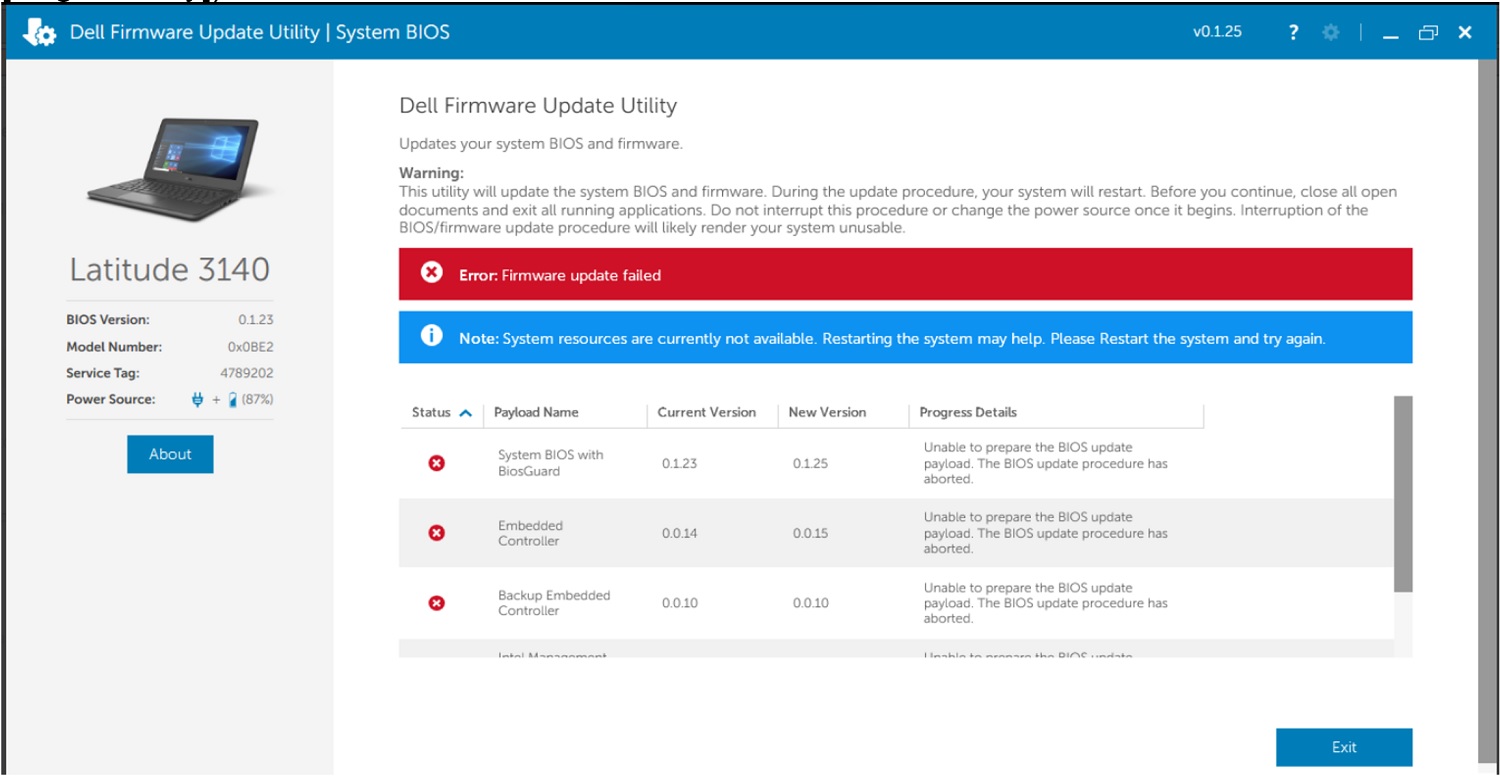
図1: Latitude 3140のファームウェア アップデートに失敗したというエラー メッセージ。
Cause
オペレーティング システムのメモリー リソースが不足しています。
Resolution
- コンピュータの電源を切り、再起動します。
- BIOSアップデートを再度実行します。
- BIOSアップデートに関する追加情報: BIOSアップデート ガイド
Affected Products
Latitude 3140Article Properties
Article Number: 000206084
Article Type: Solution
Last Modified: 10 Dec 2025
Version: 6
Find answers to your questions from other Dell users
Support Services
Check if your device is covered by Support Services.