PowerStore: AIDE scan does not clear a raised alert 0x02B00502
Summary: The AIDE scan does not clear a raised critical AIDE alert 0x02B00502 when the Appliance name is not in the standard default format.
This article applies to
This article does not apply to
This article is not tied to any specific product.
Not all product versions are identified in this article.
Symptoms
The Advanced Intrusion Detection Environment (AIDE) scan raises critical alerts, such as 0x02B00502, when a tampering occurs and clears it in the next scan when the tampered file is fixed.
The AIDE scan does not clear the raised critical AIDE alerts when the Appliance name is not in the standard format of "Appliance-<name>" format.
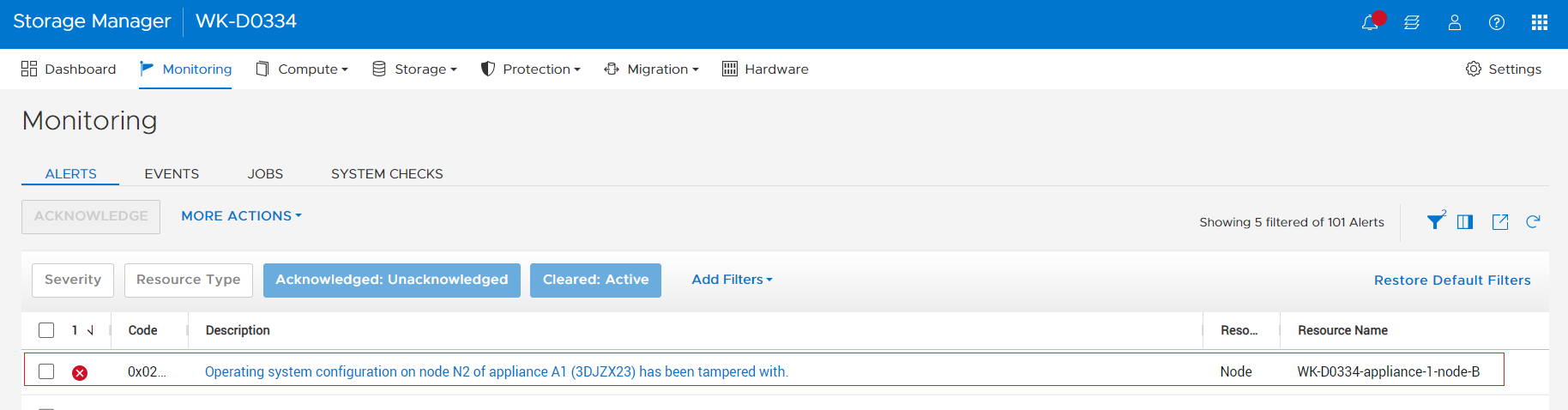
The issue only affects PowerStoreOS 3.5.
The AIDE scan does not clear the raised critical AIDE alerts when the Appliance name is not in the standard format of "Appliance-<name>" format.
The issue only affects PowerStoreOS 3.5.
Cause
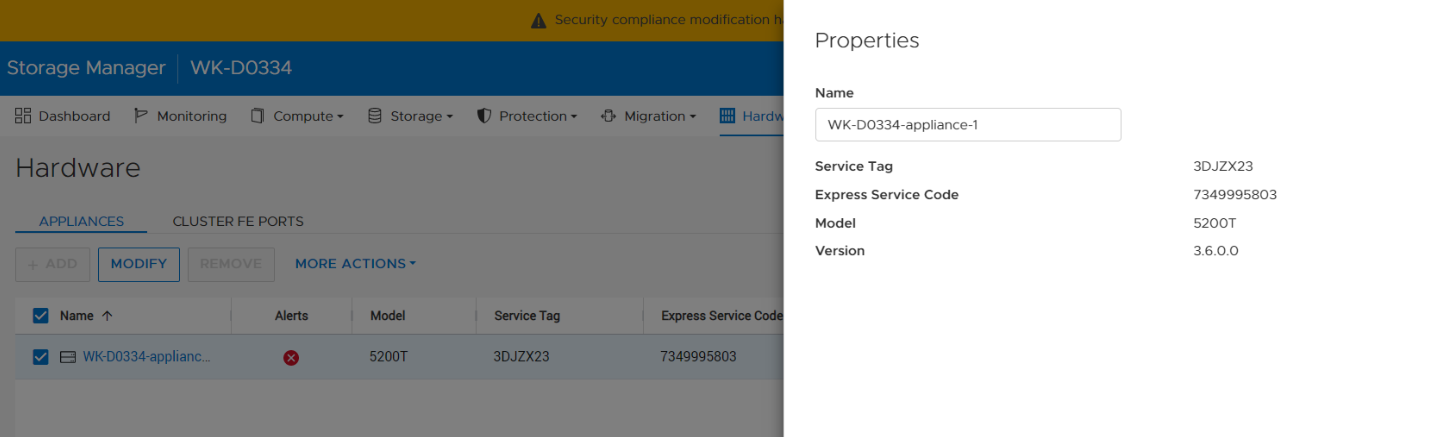
The AIDE script clears the alert only when the appliance name is of format "Appliance-<name>". See screenshot below for an example of the standard name for Appliance-WK-D0599.
There is a software issue that the PowerStore AIDE scan script checks the list of existing critical alerts for a matching keyword "Appliance.*-node" to clear the alert when the AIDE scan result is healthy.
When the appliance name is modified to a different format other than Appliance-<name>, the existing AIDE raised tampered alert remains unidentified and is not cleared when the tampering is fixed.
Resolution
Update the appliance name to use the standard format:
Affected Products
PowerStoreArticle Properties
Article Number: 000213478
Article Type: Solution
Last Modified: 13 Jun 2025
Version: 4
Find answers to your questions from other Dell users
Support Services
Check if your device is covered by Support Services.