PowerProtect: Data Manager Unable to remove assets from protection policy
Summary: Removal of assets over edition of protection policy is not working.
This article applies to
This article does not apply to
This article is not tied to any specific product.
Not all product versions are identified in this article.
Symptoms
After editing a protection policy and removing one or more assets, the configuration change does not take effect, and the removed assets remains on the policy: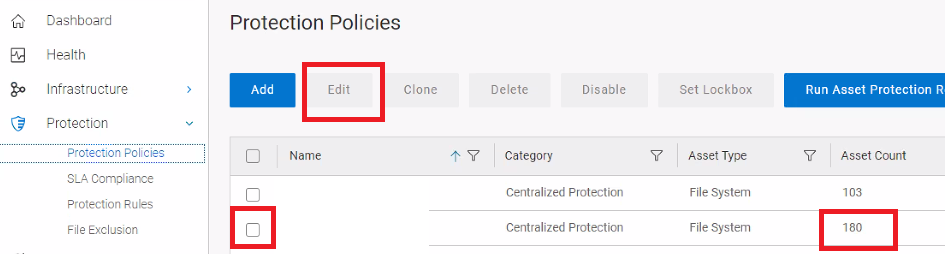

After removal: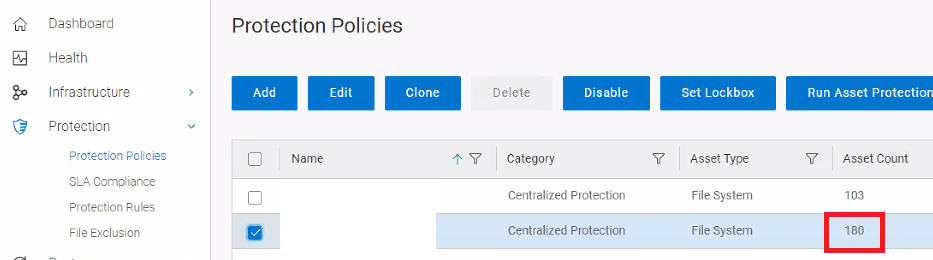
Cause
The issue has been classified as a product defect.
Resolution
This issue has only been reported on version 19.15 build 0-17, and it is fixed on 19.15 build 25 and 19.16 versions.
As a workaround on the affected version, customer can remove assets from policy from UI, infrastructure, asset, select asset to remove, more tasks, remove from policy.
Article Properties
Article Number: 000222105
Article Type: Solution
Last Modified: 21 May 2024
Version: 2
Find answers to your questions from other Dell users
Support Services
Check if your device is covered by Support Services.