Connectrix: Brocade: Unable to add License or Certificates XML files due to Syntax error
Summary: This KB will help to identify the Syntax error which is received while installing the License or Certificates using SCP or FTP. While installing the XML file using WebTools, you will see a General error. However, more details will be available while trying to install the XML file using CLI. ...
This article applies to
This article does not apply to
This article is not tied to any specific product.
Not all product versions are identified in this article.
Symptoms
Below is the syntax followed to install XML files on the switch:
NOTE: You can get the error while using FTP or SFTP or SCP
Error from WebTools:
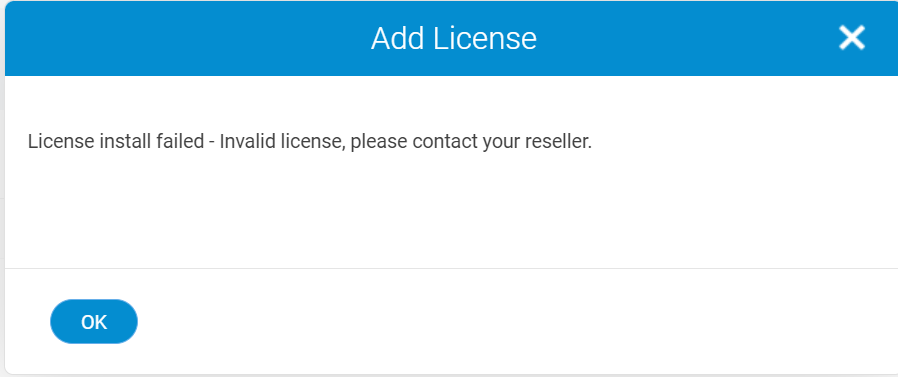
Error from CLI:
# license --install -h x.x.x.x -t ftp -u admin -p passwd -f /download/XXXXX.xml
Error from WebTools:
Error from CLI:
syntax error near unexpected token "C"
Cause
Error indicates that there are braces "()" in the password and it is considered as "C" instead of "(" and password is not getting validated.
Resolution
Please remove the special characters like "()" or simplify the password and try to install the license again using same Syntax.
NOTE: You may wish to restore the password once activity is completed as per your Password Policy.
NOTE: You may wish to restore the password once activity is completed as per your Password Policy.
Affected Products
Connectrix B-SeriesArticle Properties
Article Number: 000223554
Article Type: Solution
Last Modified: 28 Mar 2024
Version: 1
Find answers to your questions from other Dell users
Support Services
Check if your device is covered by Support Services.