Servicio de respaldo de APEX: Cómo comprobar el almacenamiento para terminales InSync
Summary: Cómo comprobar el almacenamiento de los terminales InSync.
This article applies to
This article does not apply to
This article is not tied to any specific product.
Not all product versions are identified in this article.
Instructions
Instrucciones:


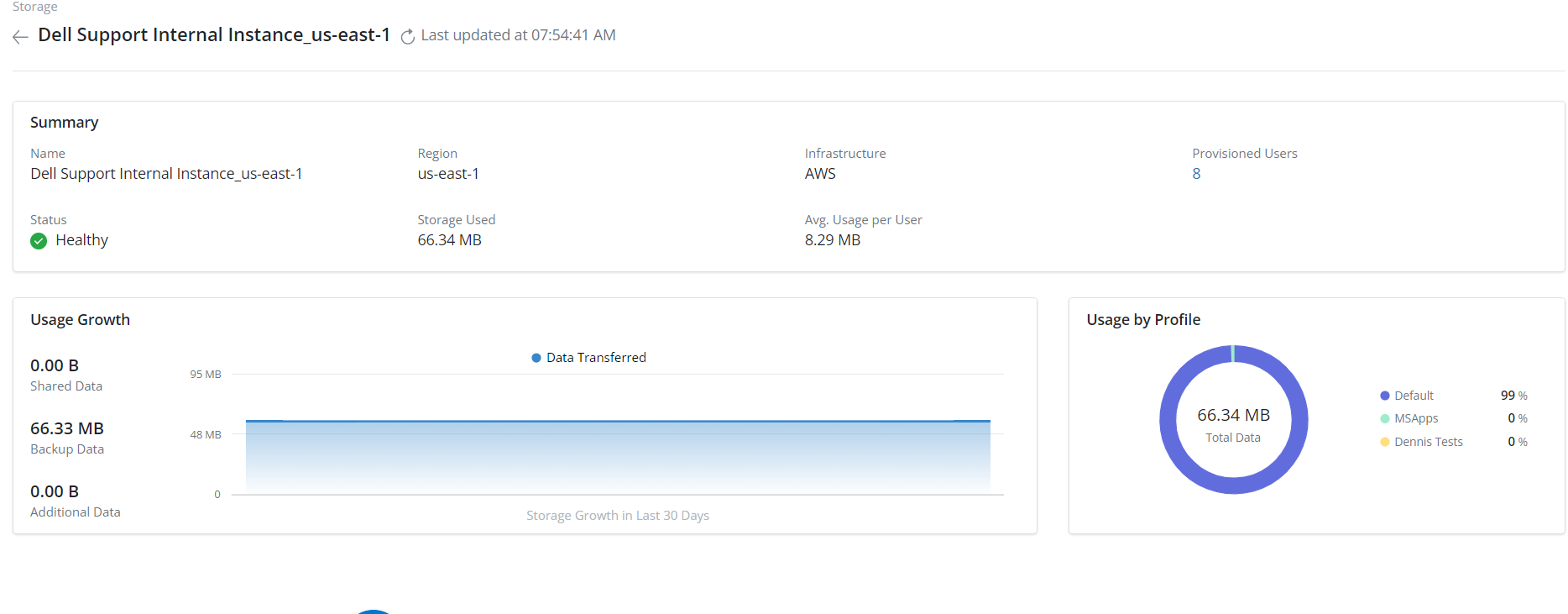
- Haga clic en Settings >Storage:
- Seleccione el Storage required
- Si investiga un usuario que supera el almacenamiento esperado, seleccione Storage>User Provisioned
Affected Products
PowerProtect Backup ServicesArticle Properties
Article Number: 000224270
Article Type: How To
Last Modified: 24 Apr 2024
Version: 1
Find answers to your questions from other Dell users
Support Services
Check if your device is covered by Support Services.