APEX-sikkerhedskopieringsservice: Sådan kontrollerer du storage for InSync-slutpunkter
Summary: Sådan kontrollerer du storage for InSync-slutpunkter.
This article applies to
This article does not apply to
This article is not tied to any specific product.
Not all product versions are identified in this article.
Instructions
Instruktioner:

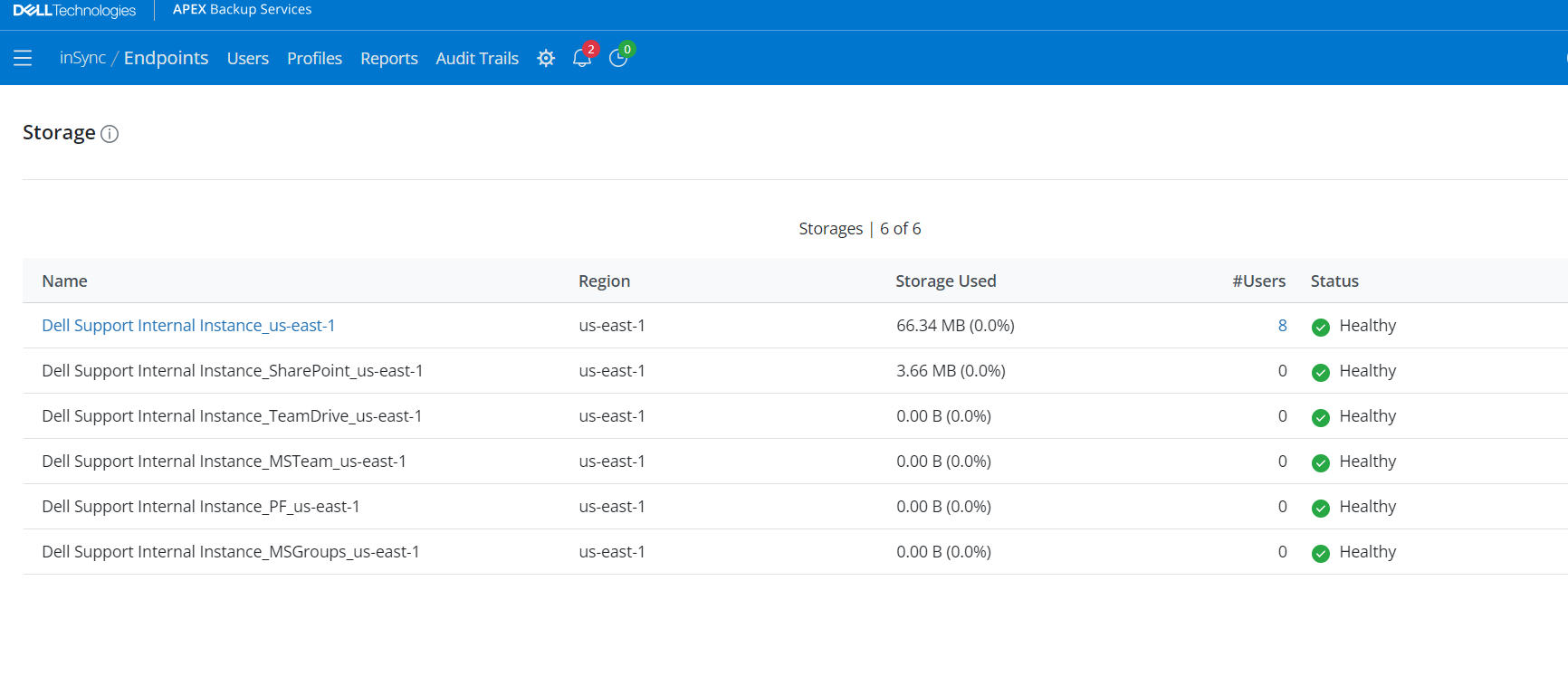
- Klik på Indstillinger >Lager:
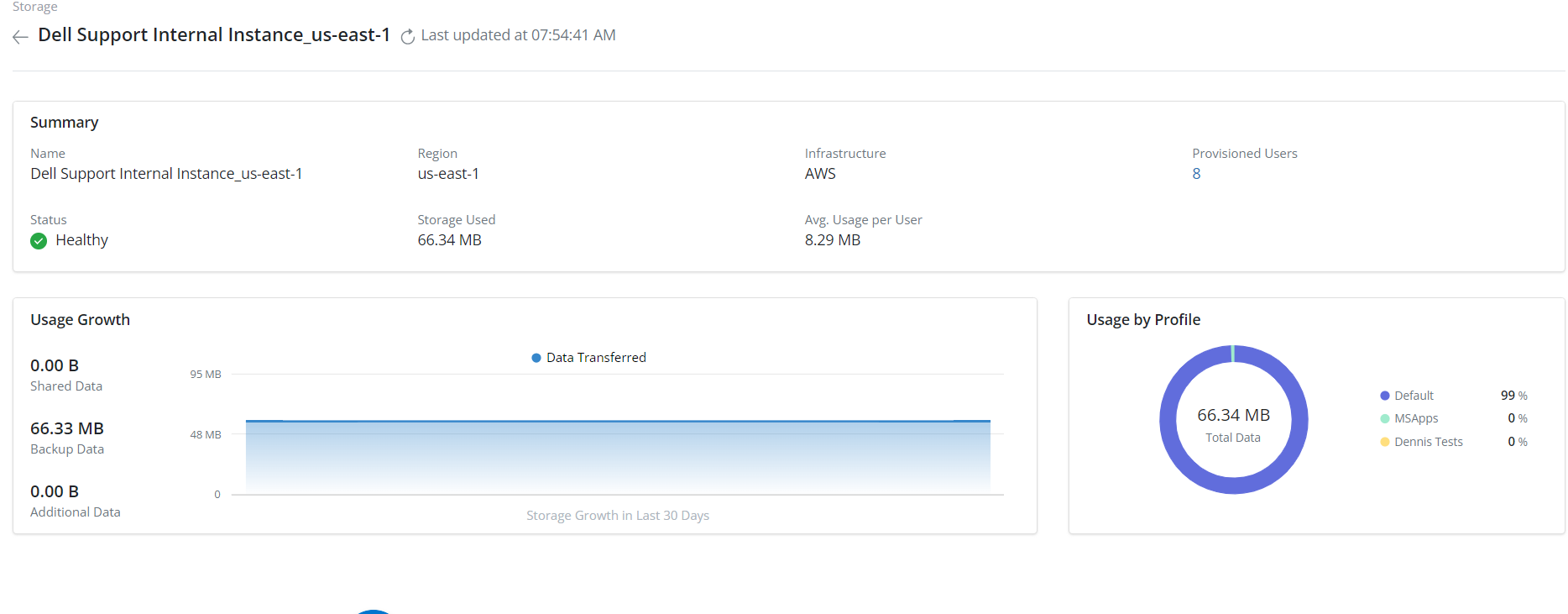
- Vælg den ønskede storage
- Hvis du undersøger en bruger, der overskrider den forventede lagerplads, skal du vælge Storagebrugerklargjort>
Affected Products
PowerProtect Backup ServicesArticle Properties
Article Number: 000224270
Article Type: How To
Last Modified: 24 Apr 2024
Version: 1
Find answers to your questions from other Dell users
Support Services
Check if your device is covered by Support Services.