APEX Backup Service: InSyncエンドポイントのストレージを確認する方法
Summary: InSyncエンドポイントのストレージを確認する方法。
This article applies to
This article does not apply to
This article is not tied to any specific product.
Not all product versions are identified in this article.
Instructions
手順:


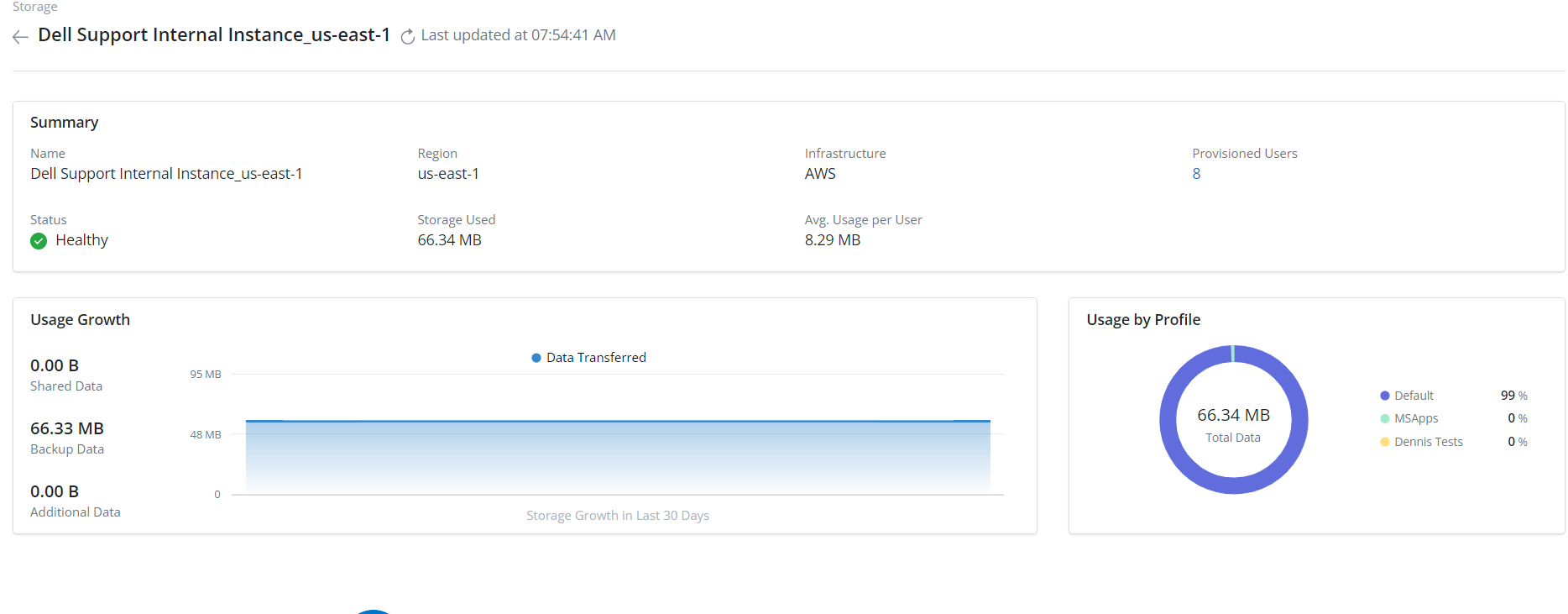
- SettingsStorage>の順にクリックします。
- 必要な ストレージ を選択します
- 予想されるストレージを超えるユーザーを調査する場合は、[Storage>User Provisioned]を選択します
Affected Products
PowerProtect Backup ServicesArticle Properties
Article Number: 000224270
Article Type: How To
Last Modified: 24 Apr 2024
Version: 1
Find answers to your questions from other Dell users
Support Services
Check if your device is covered by Support Services.