Dell NativeEdge:VM 在端點頁面上顯示未知狀態
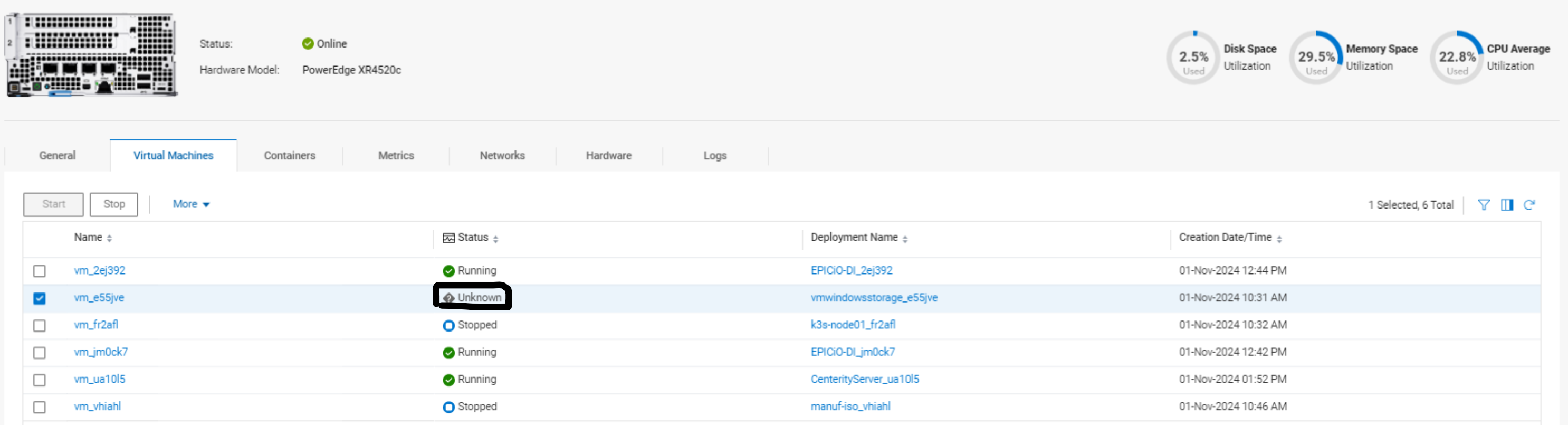
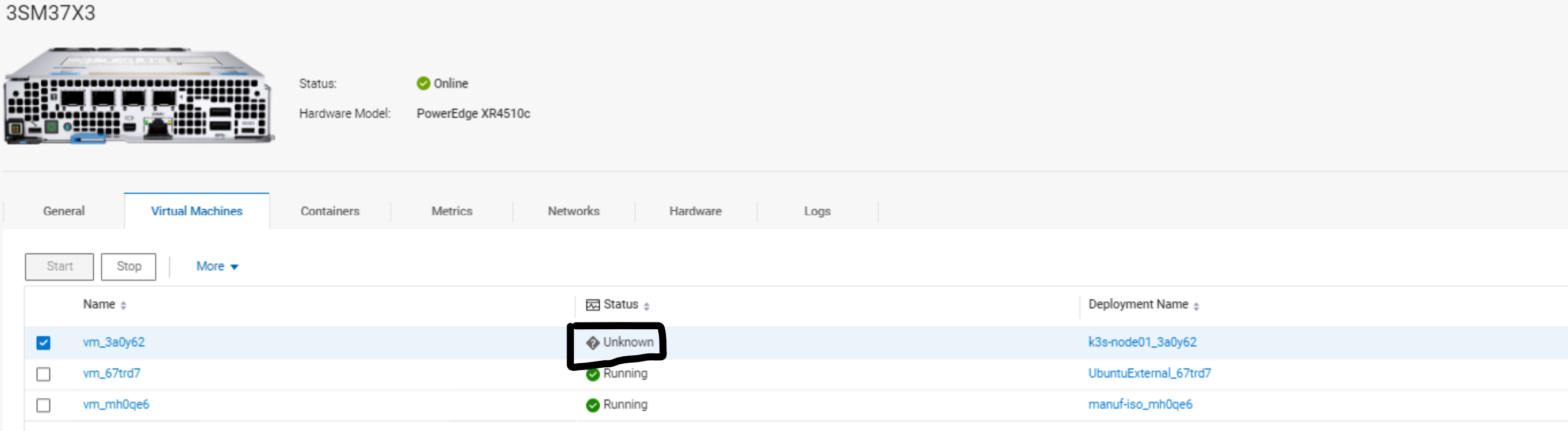
Summary: VM 在端點頁面上顯示未知狀態。
This article applies to
This article does not apply to
This article is not tied to any specific product.
Not all product versions are identified in this article.
Symptoms
在目前 (3.0.0.0) 和先前的 NativeEdge Orchestrator 版本中,您可能會發現部分虛擬機器狀態不明。而那些狀態未知的 VM 將無法運作,且無法篩選。當 VM 從一個主機 (節點、叢集等) 遷移到另一個主機時,通常會發生這種情況。
Cause
當虛擬機器的主機 (節點、叢集等) 未連線至 NativeEdge Orchestrator 時,會顯示「未知」狀態。
Resolution
一旦主機 (節點、叢集等) 重新連線回 NativeEdge Orchestrator 並上線,狀態就會更新。
如果主機 (節點、叢集等) 從未連線回 NativeEdge Orchestrator,請忽略此 VM 及其狀態。
具有未知狀態的虛擬機器將在未來的 NativeEdge 版本中進行篩選。
Affected Products
NativeEdge Solutions, NativeEdgeArticle Properties
Article Number: 000261325
Article Type: Solution
Last Modified: 18 Apr 2025
Version: 2
Find answers to your questions from other Dell users
Support Services
Check if your device is covered by Support Services.