PowerFlex 4.X:加载合规性文件失败,并显示错误:无效的云企业网报头加密条目
Summary: 将 RCM 或 IC 合规性文件上传到 PowerFlex Manager失败,因为该文件已加密。
This article applies to
This article does not apply to
This article is not tied to any specific product.
Not all product versions are identified in this article.
Symptoms
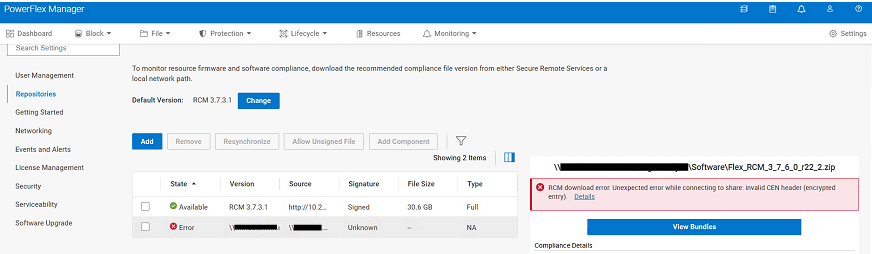
将新的 RCM 或 IC 合规性文件上传到 PowerFlex Manager 时发生意外错误:
RCM download error: Unexpected error while connecting to share: Invalid CEN header (encrypted entry)
Cause
RCM 或 IC 合规性文件已加密。必须解压一次文件才能删除密码。在升级过程中,其中包含的.zip文件将从 CIFS 或 NFS 共享上传到 PowerFlex Manager。
Resolution
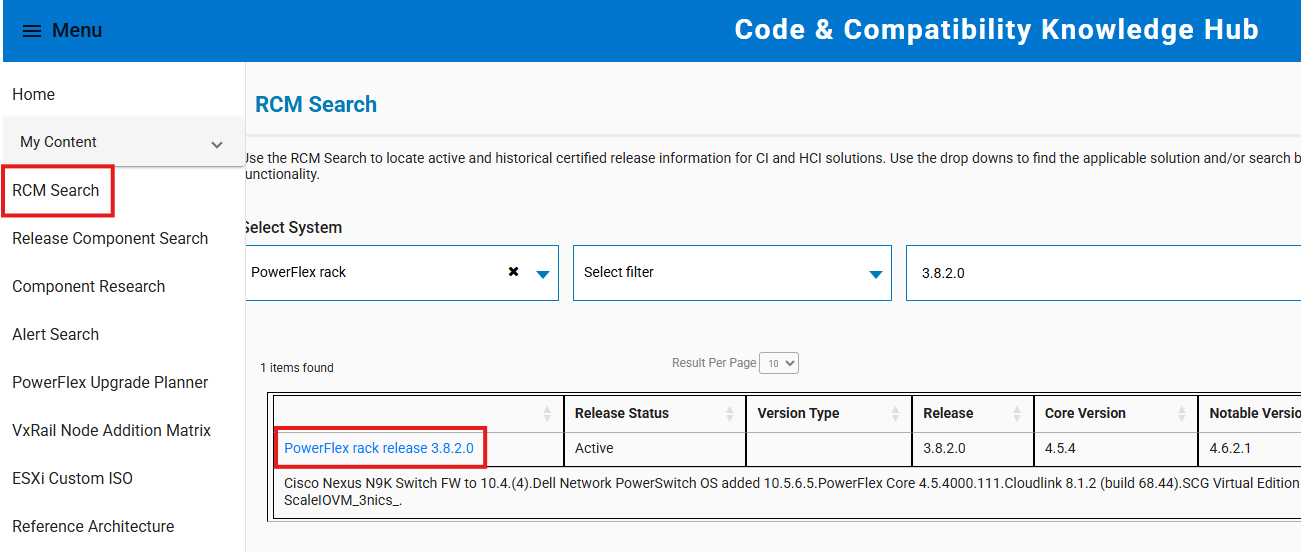
- 转到 https://cicodeportal.dell.com/
- 搜索您尝试解密的 PowerFlex 机架或设备版本,并在该版本列出后单击该版本。
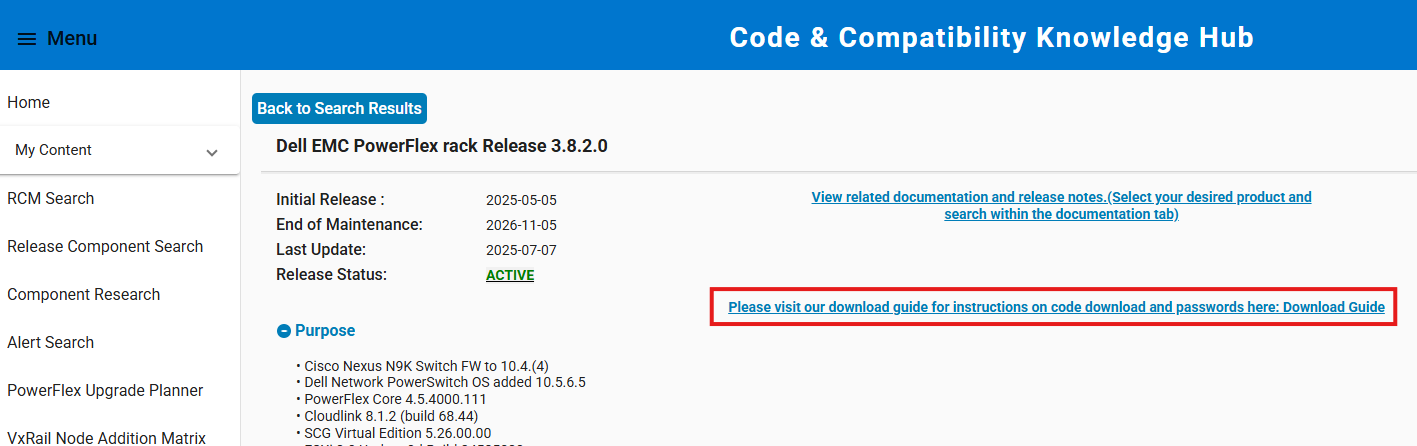
- 单击链接以查看下载指南,其中显示了解压 RCM 或 IC 合规性文件所需的密码。
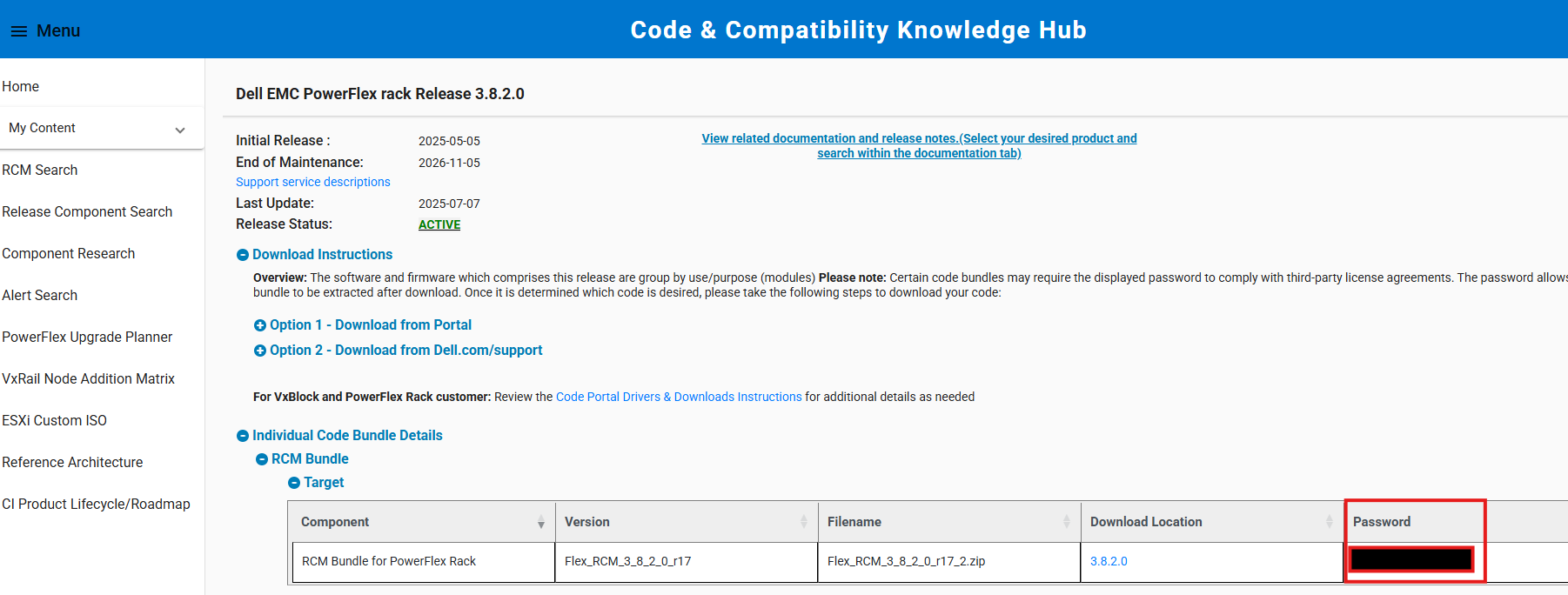
- 使用提供的密码提取合规性文件。在升级过程中,将提取的合规性文件(内部 ZIP 文件)从 CIFS/NFS 共享上传到 PowerFlex Manager。
提醒:如果在 Windows 系统上解压文件,请使用集成的 ZIP 解压工具。第三方实用程序(如 7-Zip)有时不接受提供的密码。
Affected Products
PowerFlex appliance Intelligent Catalog Software, PowerFlex rack RCM SoftwareProducts
PowerFlex rack, ScaleIO, PowerFlex SoftwareArticle Properties
Article Number: 000378620
Article Type: Solution
Last Modified: 14 Nov 2025
Version: 2
Find answers to your questions from other Dell users
Support Services
Check if your device is covered by Support Services.