VxRail: How to Provision the Primary Storage of a Dynamic Node Cluster
Summary: This article provides the guide on how to mount and provision the primary storage of Dynamic Node Cluster and enable runtime operations.
This article applies to
This article does not apply to
This article is not tied to any specific product.
Not all product versions are identified in this article.
Instructions
After deploying the cluster, it is necessary to follow the below steps to provision the primary storage and enable Day2 functionalities.
- Set up the vSAN network on the client cluster to access the remote datastore using vSphere UI.
VxRail Restrictions:
- The Port Group for vSAN traffic must have two uplinks.
- The VMK for vSAN traffic must be a dedicated one.
- In case the VDS for vSAN HCI mesh is user provided, the VDS supports only two or four uplinks
- Enable HCI mesh function and mount remote datastore for Dynamic Node Cluster, refer to: Sharing Remote Datastores with HCI Mesh
- Call the VxRail API to provision the primary storage and enable VxRail Day2 operations:

-
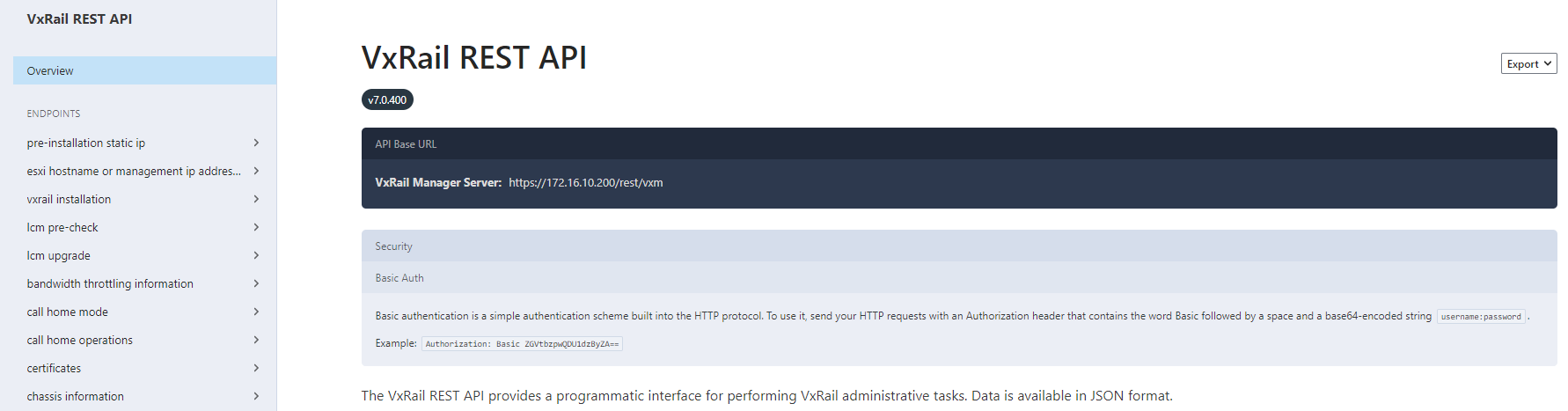
- Access VxRail onboard API documentation by entering the following address in a web browser
https://<VxRail_Manager_IP_or_FQDN>/rest/vxm/api-doc.html
In our example, the VxRail Manager IP is
172.16.10.200 so the URL becomes: https://172.16.10.200/rest/vxm/api-doc.html
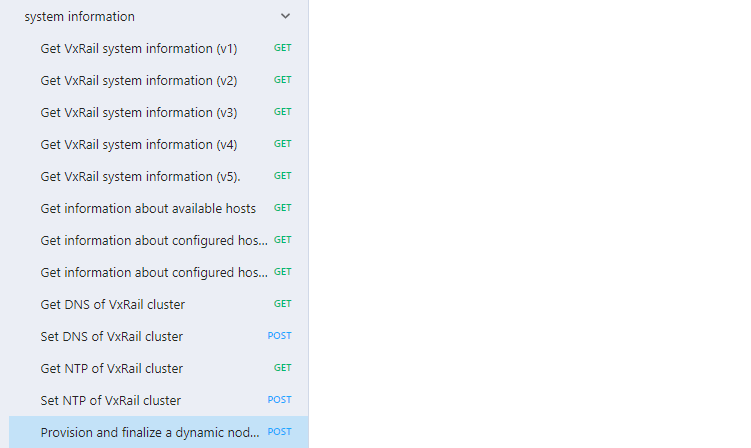
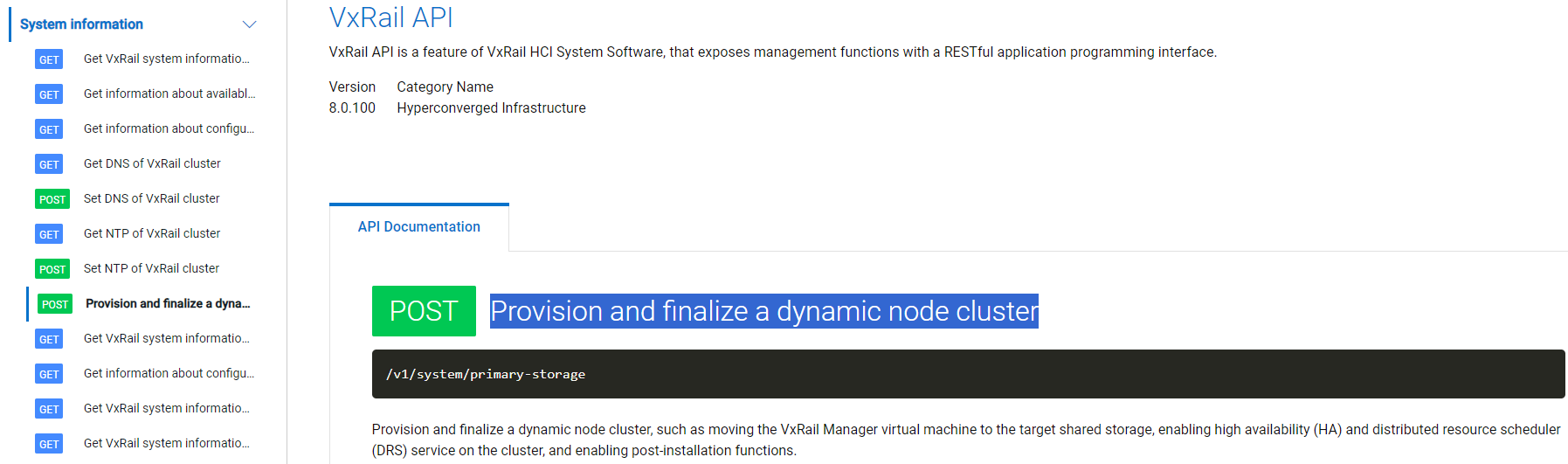
- Go from the left side menu to System information → Provision and finalize a dynamic node cluster
- From the right panel, enter necessary information for the API call. Complete the "
Auth" section with vCenter administrator username and password.
Complete the "
Body" section with:
primary_storage_type: "VSAN_HCI_MESH" for a vSAN HCI mesh cluster, or "EXTERNAL" for other storage typeprimary_storage_name: Name of primary storage mounted to the cluster.storage_policy_profile_name: The storage policy that is applied to VxRail Manager. This filed is optional, if not provided, by default it is "vSAN Default Storage Policy"
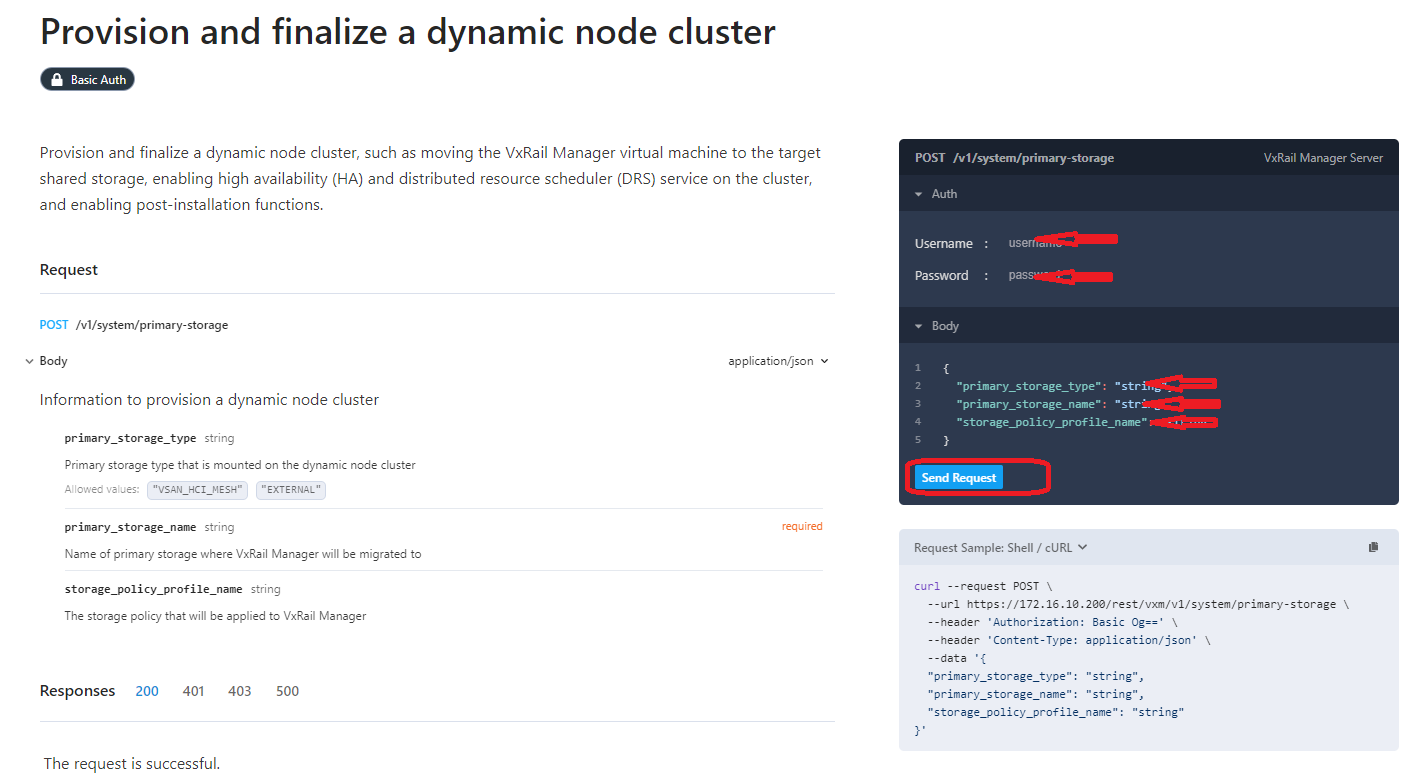
- Click Send Request, check the API response, ensure that it is returned with 200 OK.
Alternatively, you can also run below command from VxRail manager SSH session with root account to call the API.
curl -k -u "<vc_user_name>:<vc_password>" --request POST 'https://127.0.0.1/rest/vxm/v1/system/primary-storage' --header 'Content-Type:application/json' --data-raw '{"primary_storage_type": "<storage_type>","primary_storage_name": "<storage_name>","storage_policy_profile_name": "<storage_policy_name>"}'Additional Information
Dell Developer Documentation
Full developer documentation for the VxRail REST API and other Dell products is found on https://developer.dell.com/apis, filter by Hyperconverged Infrastructure to find the VxRail specific API.
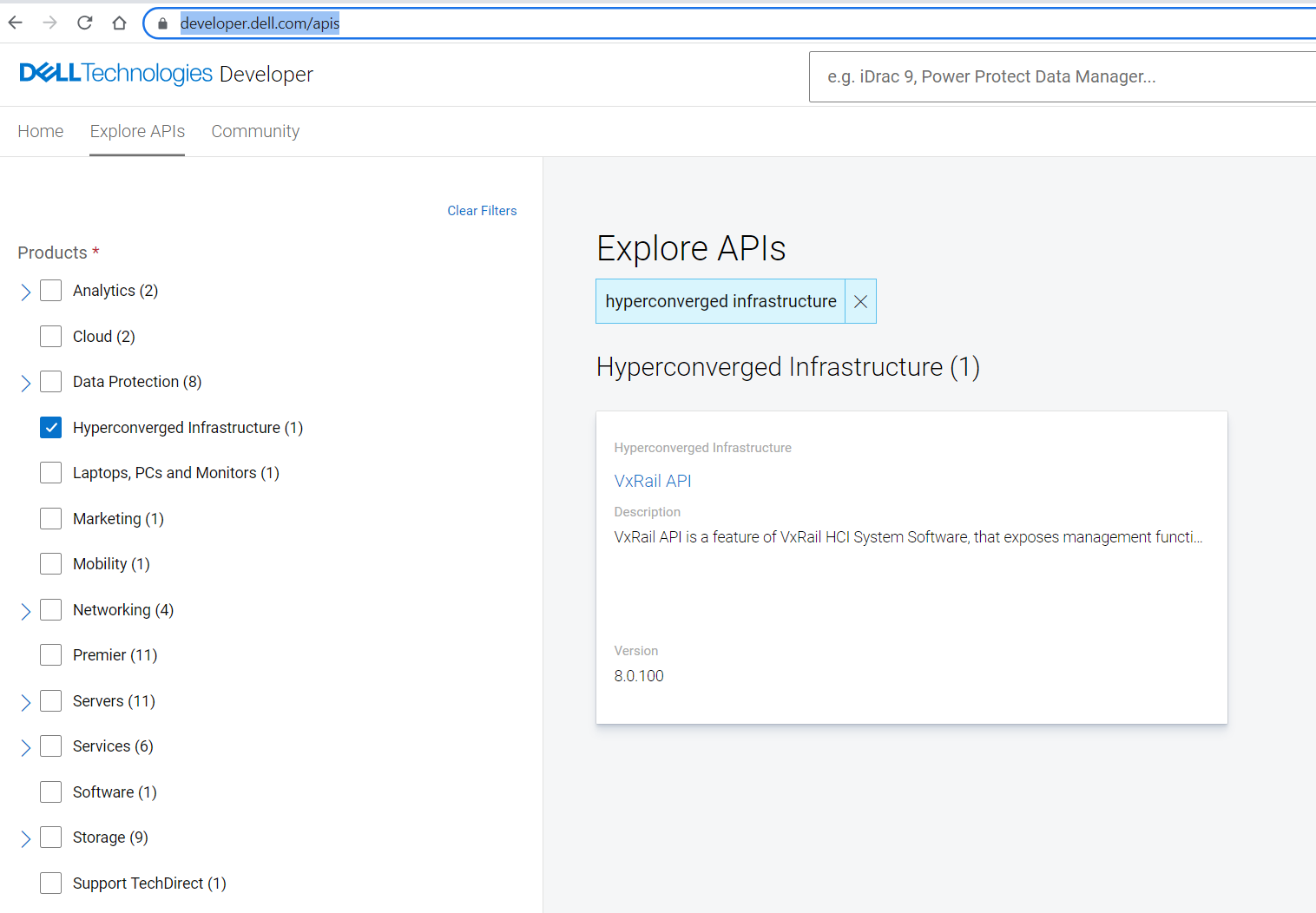
Specific documentation for Provision and finalize a dynamic node cluster is found under System Information - Provision and finalize a dynamic node cluster:
Affected Products
VxRail, VxRail Appliance Series, VxRail SoftwareArticle Properties
Article Number: 000185917
Article Type: How To
Last Modified: 06 Mar 2026
Version: 8
Find answers to your questions from other Dell users
Support Services
Check if your device is covered by Support Services.