How to Uninstall Dell Data Protection Protected Workspace
Riepilogo: The Dell Data Protection | Protected Workspace program provides users the ability to use Office applications and web browsers in a protected environment. Specific scenarios requiring the removal of the software may be accomplished by performing the following steps. ...
Questo articolo si applica a
Questo articolo non si applica a
Questo articolo non è legato a un prodotto specifico.
Non tutte le versioni del prodotto sono identificate in questo articolo.
Istruzioni
Affected Products:
- Dell Data Protection | Protected Workspace
The Dell Data Protection | Protected Workspace program provides customers the ability to use Office applications and web browsers in a protected environment. This article provides a walkthrough for removal of the Protected Workspace Application.
Specific scenarios requiring the removal of the software may be accomplished by performing the following steps.
Note: As of January 2018, Dell Data Protection | Protected Workspace has reached End of Life and this article is not updated by Dell any longer. For more information, reference Product Life Cycle (End of Support and End of Life) Policy for Dell Data Security.
Dell Data Protection | Protected Workspace Removal Steps:
- Open the Start Menu, browse to the option for Control Panel, then Programs, and then to Programs and Features.
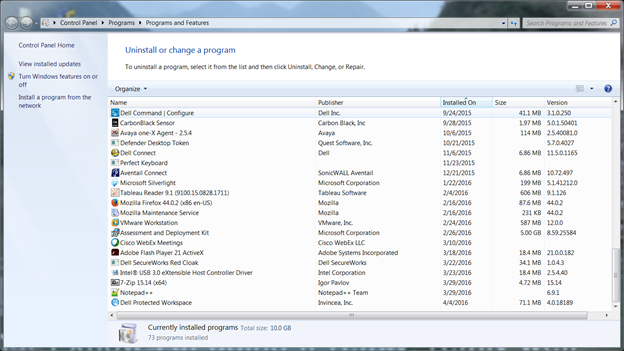
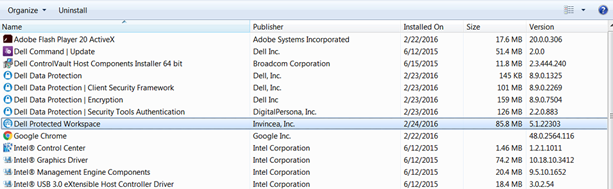
- Locate the Protected Workspace application in the list of programs.
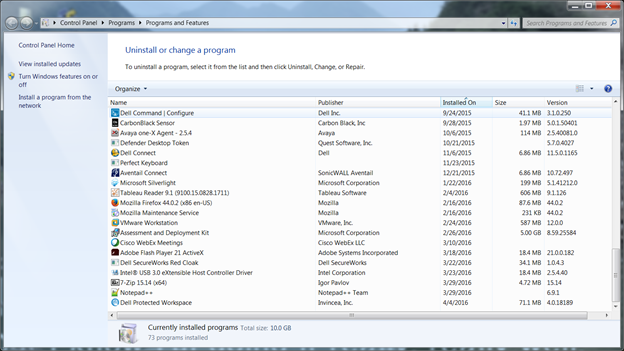
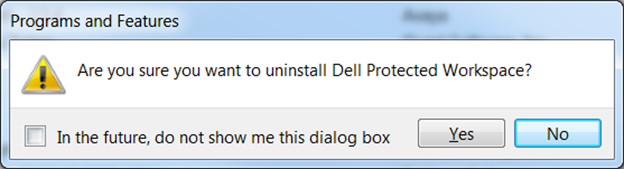
- Right-click the application and select the option to Uninstall. This prompts for an additional window that asks to confirm the change. Select Yes.
- A new window prompts asking if permission is granted to allow the program to update the computer. Select Yes.
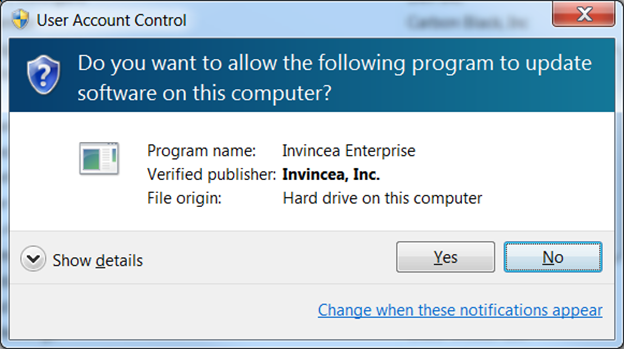
- After Yes is selected, a dialog box will display the program is being removed from the computer.
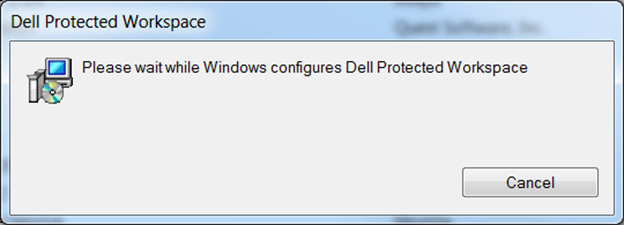
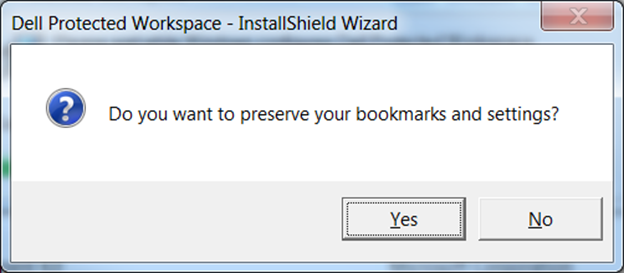
- During the removal process, an option is given to preserve user data. This includes bookmarks and settings that were established while using the software. After the selection is made, it finishes the uninstallation process.
- The computer must be rebooted after removal. Once the computer is back online, check to ensure that the software is no longer showing in the list of Programs and Features.
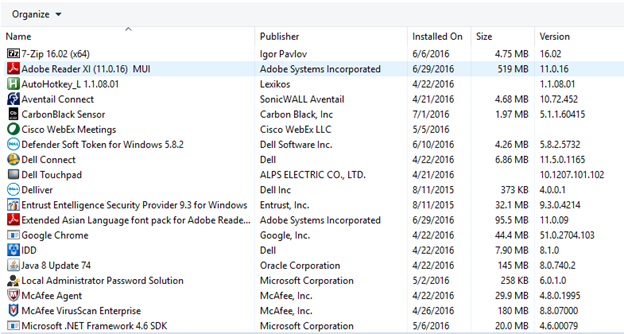
- Removal is now complete.
Prodotti interessati
Dell Protected WorkspaceProprietà dell'articolo
Numero articolo: 000126651
Tipo di articolo: How To
Ultima modifica: 19 apr 2026
Versione: 12
Trova risposta alle tue domande dagli altri utenti Dell
Support Services
Verifica che il dispositivo sia coperto dai Servizi di supporto.