Keyboard Illumination Setting in BIOS Does Not Sync with Ubuntu Operating System Settings
概要: This article provides information about keyboard backlight or illumination setting in BIOS not syncing with settings in Ubuntu operating system.
この記事は次に適用されます:
この記事は次には適用されません:
この記事は、特定の製品に関連付けられていません。
すべての製品パージョンがこの記事に記載されているわけではありません。
現象
Dell computers running on Ubuntu operating system may find that the keyboard backlight or illumination settings in the BIOS does not sync with the settings in Ubuntu.

Figure 1: Screenshot of the keyboard illumination set to Bright in the BIOS.
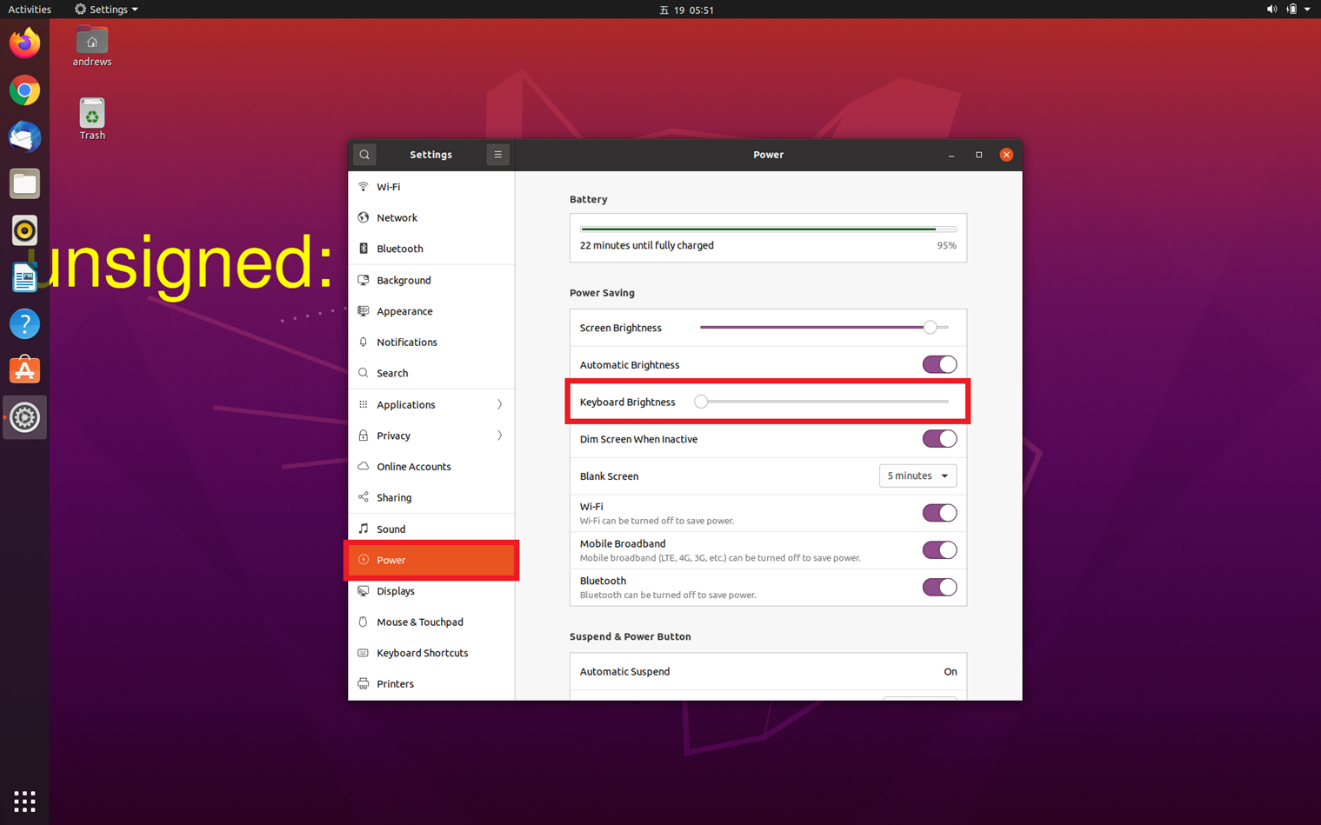
Figure 2: Screenshot of the keyboard illumination setting in Ubuntu.
原因
Ubuntu will not sync with the keyboard illumination setting that is in the BIOS. The operating system keeps the state which the user has set in the Ubuntu.
解決方法
This is expected behavior in Ubuntu. The keyboard backlight or illumination settings must be set in Ubuntu. The user preferences for the keyboard backlight or illumination settings is preserved in the operating system. This does not sync with the keyboard illumination setting in the BIOS.
文書のプロパティ
文書番号: 000187280
文書の種類: Solution
最終更新: 28 11月 2024
バージョン: 3
質問に対する他のDellユーザーからの回答を見つける
サポート サービス
お使いのデバイスがサポート サービスの対象かどうかを確認してください。