Types of Damages Not Covered by Dell Basic Support
概要: This document provides examples of types of damage that are not covered by Dell’s Basic Support Plans, which include the Dell Limited Hardware Warranty (United States and Canada) and/or applicable Dell basic support terms. ...
この記事は次に適用されます:
この記事は次には適用されません:
この記事は、特定の製品に関連付けられていません。
すべての製品パージョンがこの記事に記載されているわけではありません。
手順
Overview of Non-Covered Damage: Damages resulting from accident, abuse, and misuse are not covered by the Dell Limited Hardware Warranty or by the base support terms that include the Dell Limited Hardware Warranty.
To obtain assistance with repairs that are not covered by your support entitlements, see How to Arrange an Out of Warranty Repair on Your Dell Computer.
Dell offers enhanced support plans, at additional cost, that cover some categories of damage. To explore Dell support options, visit www.Dell.Support.com.
Examples of Non-Covered Damage: The images below provide common examples of damage to your Dell computer that are not covered under Dell’s Basic Support Plans.
Note: This list is provided for reference purposes only and is not meant to represent all examples of non-supported damage.
Table of Contents:
- Liquid Crystal Display (LCD)
- Laptop Integrated Camera
- Laptop Keyboard
- Laptop Cover/Bezel
- AC Adapter
- Motherboard
- CPU
- Storage/Memory
Liquid Crystal Display (LCD)

Cracked Glass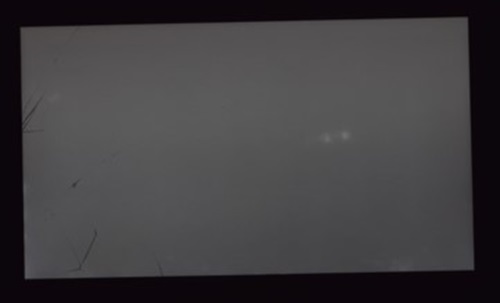
Cracked Glass
Internal Cracked Glass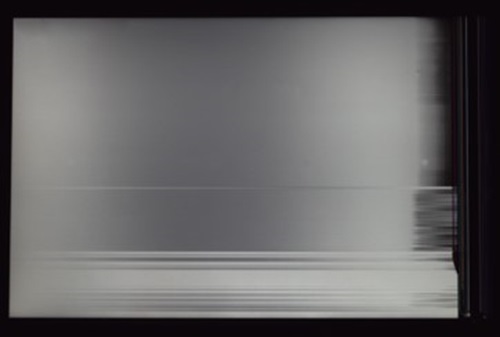
Internal Cracked Glass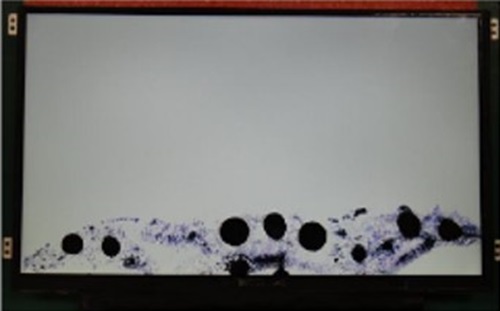
Black Spots (Broken Substrate)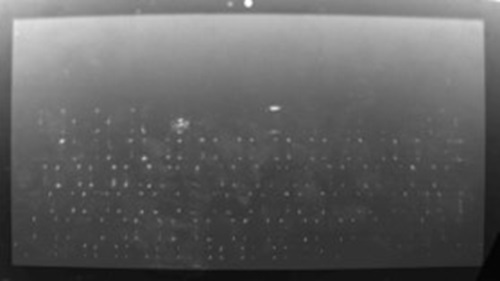
LCD Surface Abrasion (From External Pressure)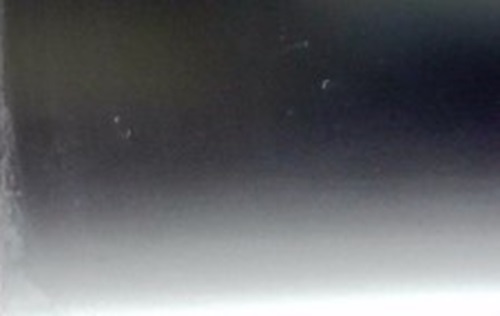
LCD Surface Abrasion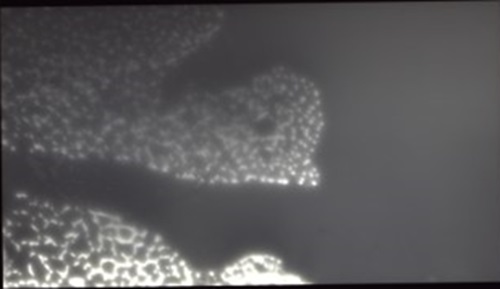
Liquid Spillage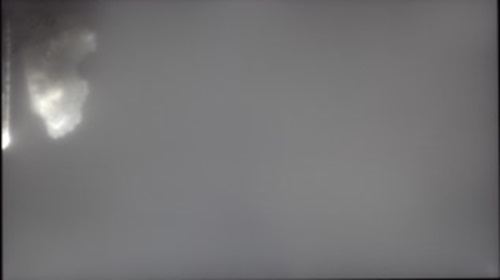
Liquid Spillage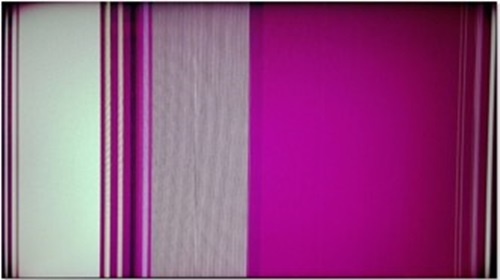
Vertical Lines From LCD Damage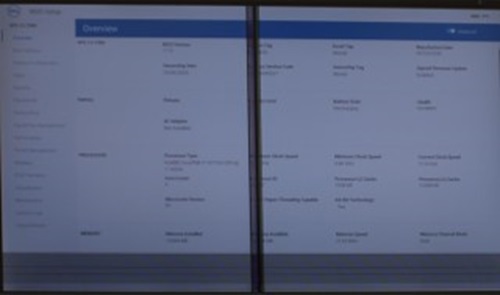
Vertical Lines From LCD Damage
Laptop Integrated Camera
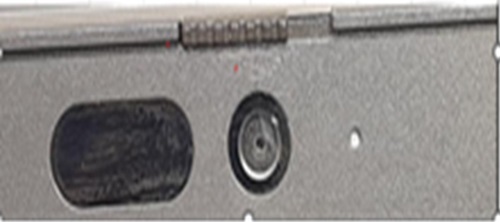
Broken Camera
Laptop Keyboard

Keyboard Key Detached or Missing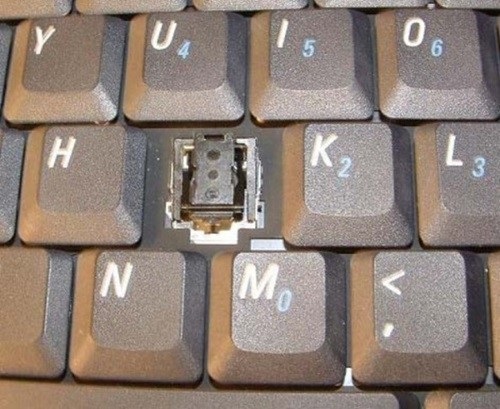
Keyboard Key Detached or Missing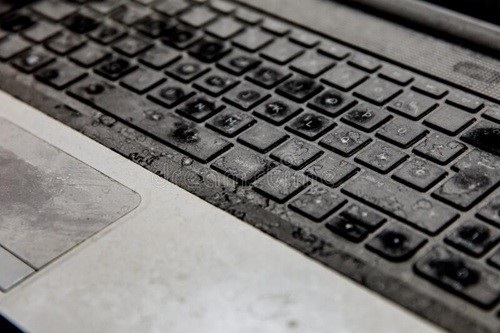
Keyboard Liquid Spill
Laptop Cover/Bezel
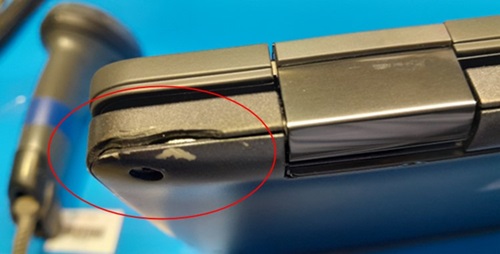
Broken Plastic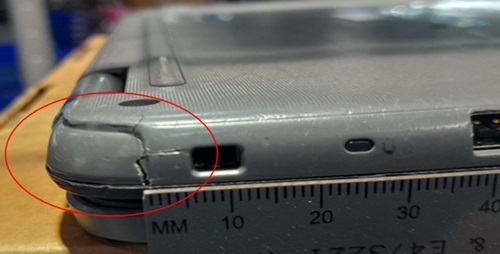
Corner Cover Damage
Cover Corner Damage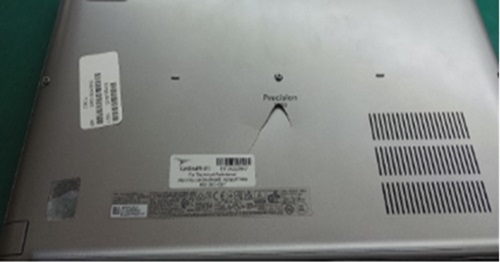
Dent Back Cover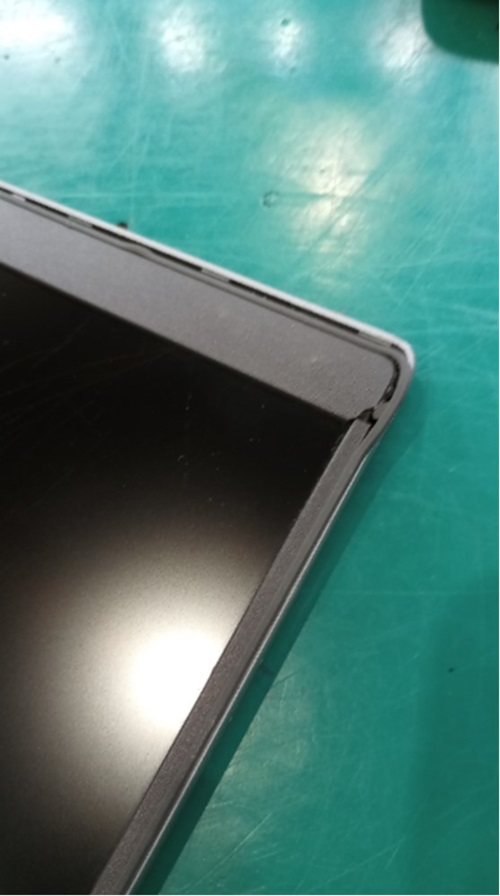
LCD Bezel Damage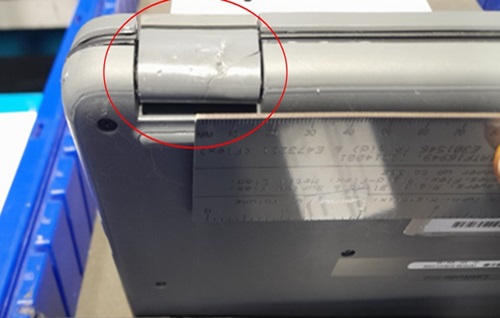
Hinge Cover Damage
AC Adapter
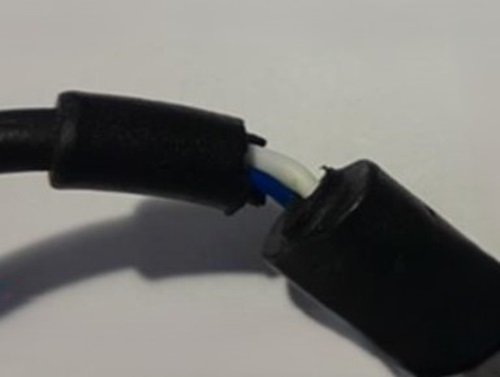
AC Adapter Cord Damage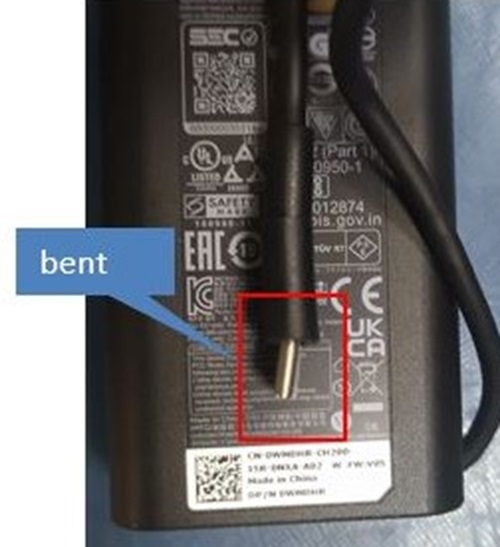
Bent USB Type-C Connector (Side View)
Motherboard
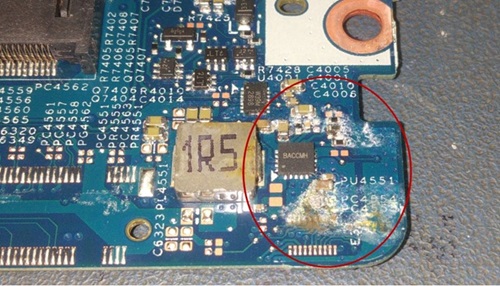
Motherboard Corrosion from Liquid Spill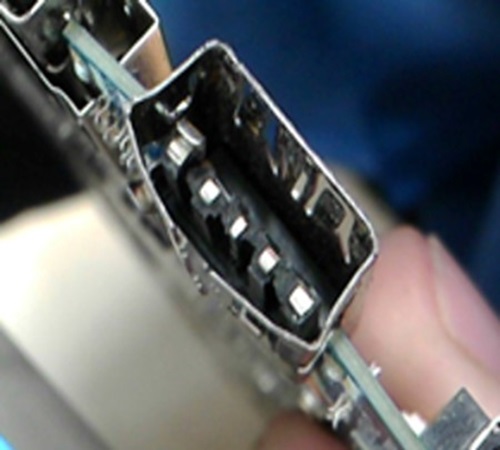
Motherboard Port Connector Damage
CPU
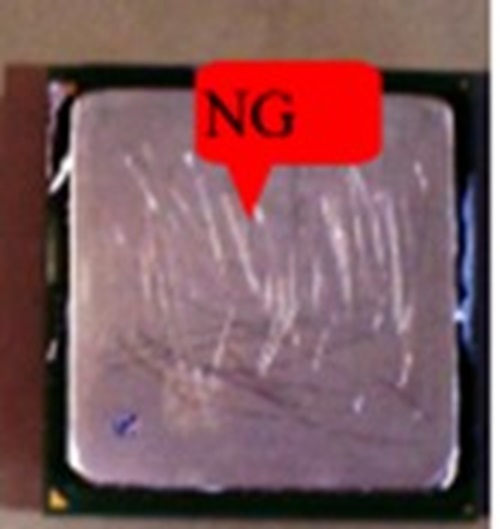
CPU Scratch Damage
Storage/Memory
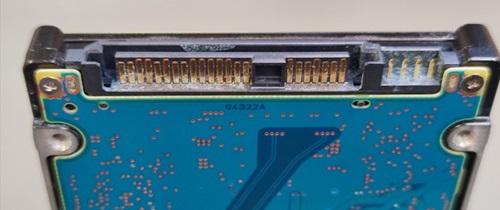
Hard Drive Corrosion and Damaged Pins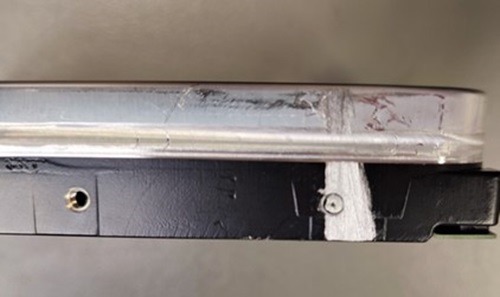
Hard Drive Assembly/Disassembly Damage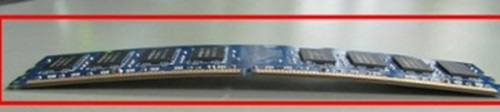
Memory Warped or Bent
対象製品
Alienware, Dell All-in-One, Dell Pro All-in-One, Dell Pro Max Micro, Dell Pro Max Slim, Dell Pro Max Tower, Dell Pro Micro, Dell Pro Slim, Dell Pro Tower, Dell Slim, Dell Tower, Inspiron, Legacy Desktop Models, OptiPlex, Vostro, XPS, G Series
, G Series, Alienware, Dell Laptops, Dell Plus, Dell Pro, Dell Pro Max, Dell Pro Plus, Dell Pro Premium, Inspiron, Latitude, Dell Pro Rugged, Vostro, XPS, Legacy Laptop Models, Fixed Workstations, Mobile Workstations, Dell Pro Max Micro XE FCM2250, Dell Pro Max Slim XE FCS1250, Dell Pro Max Tower T2 XE FCT2250, Dell Pro Max 16 XE MC16250, Dell Pro Micro Plus XE QBM1250, Dell Pro Slim Plus XE5 QBS1250, Dell Pro Tower Plus XE5 QBT1250
...
文書のプロパティ
文書番号: 000332239
文書の種類: How To
最終更新: 13 6月 2025
バージョン: 1
質問に対する他のDellユーザーからの回答を見つける
サポート サービス
お使いのデバイスがサポート サービスの対象かどうかを確認してください。