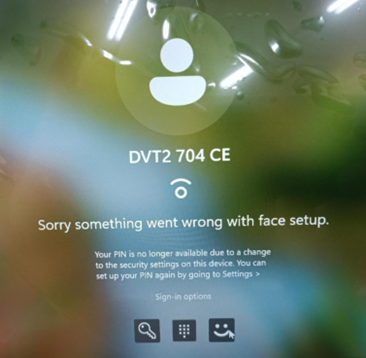
"Sorry something went wrong with face setup" Error in Windows 11
Summary: A "Sorry something went wrong with face setup" error occurs when using facial recognition to sign in. The computer password must be used to sign in.
Acest articol se aplică pentru
Acest articol nu se aplică pentru
Acest articol nu este legat de un produs specific.
Acest articol nu acoperă toate versiunile de produs existente.
Symptoms
The "Sorry something went wrong with face setup" error occurs when using facial recognition to sign in to Windows 11 version 24H2.
Affected Platforms:
- Dell Pro Rugged 13 RA13250
- Dell Pro Rugged 14 RB14250
- Latitude 5450
- Latitude 5550
- Latitude 7450
- Latitude 7650
- Precision 3490
- Precision 3590
Affected Operating Systems:
- Windows 11 version 24H2
Cause
The Intel graphics and neural processing unit (NPU) driver and Dell Trusted Device (DTD) experience a compatibility issue with Windows 11 24H2 on a computer with an Intel 14th generation processor. The PIN code is not available due to a change to the security setting on the device.
Resolution
- Use the computer password to log in to the computer.
- Use Windows to search for
settingsand then open the Settings page. - Select Accounts and then go to Sign-in options.
- Click Remove to remove the facial recognition and PIN enrollments.
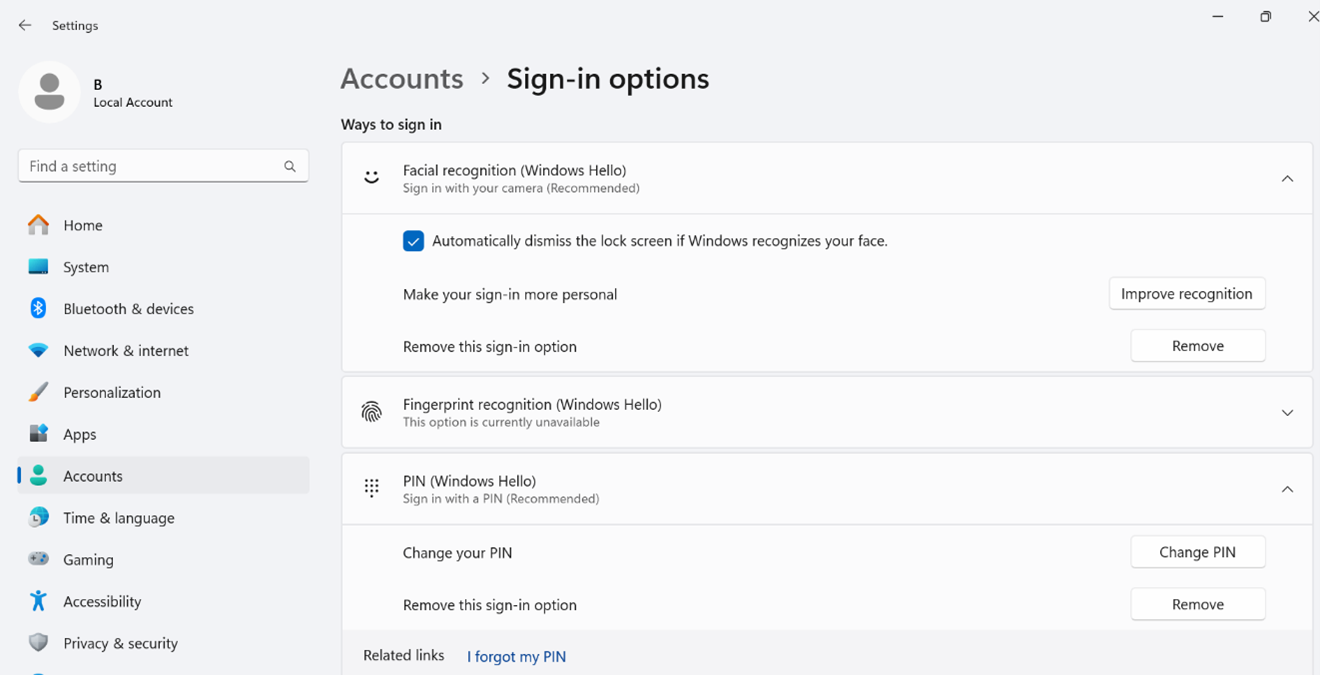
- Set up facial recognition sign in.
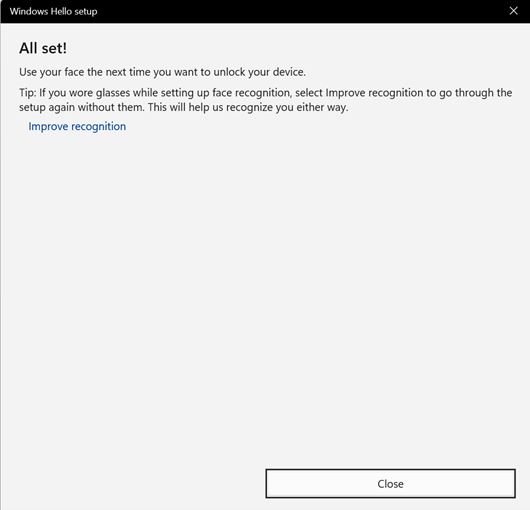
Note: Dell Technologies recommends improving recognition with different face angles after doing the first facial recognition enrollment.
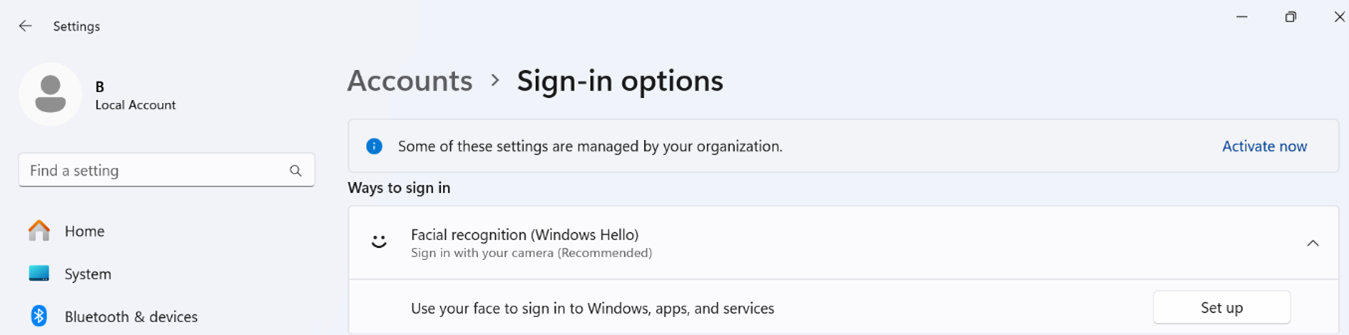
- Click Improve recognition and then turn your face slightly to the left.
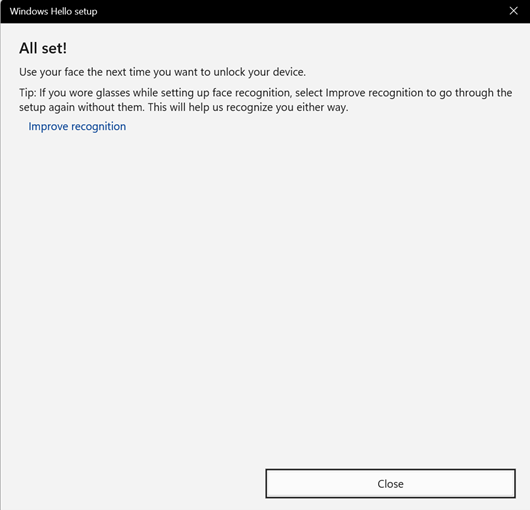
- Click Improve recognition and then turn your face slightly to the right.
Produse afectate
Dell Pro Rugged 13 RA13250, Dell Pro Rugged 14 RB14250, Latitude 5450, Latitude 7450, Latitude 5550, Latitude 7650, Precision 3490, Precision 3590Proprietăți articol
Article Number: 000233984
Article Type: Solution
Ultima modificare: 21 mai 2026
Version: 5
Găsiți răspunsuri la întrebările dvs. de la alți utilizatori Dell
Servicii de asistență
Verificați dacă dispozitivul dvs. este acoperit de serviciile de asistență.