Intel® Core™ Ultra Processors
Learn More about Intel

SupportAssist for Home PCs

Access the full set of SupportAssist features with Dell Care Premium

Access the full set of SupportAssist features with Dell Care Premium

Every Dell PC comes with a base warranty. For the ultimate support, upgrade to Dell Care Premium, which includes SupportAssist technology and provides:

  • additional protection from viruses and malware
  • a single spot to monitor your PC’s health, performance and security
  •  AI technology that predicts issues, informs you and starts the resolution process
  • a smoother, more reliable and faster PC experience

and more!

Keep your PC running like new

Automated updates and optimizations

SupportAssist keeps your PC running smoothly by removing unwanted files, tuning network settings, boosting performance and protecting against viruses and malware*. Plus, it automatically finds and installs updates, so your PC is always running at its best.


*virus and malware removal not available in China

Proactive and predictive resolution

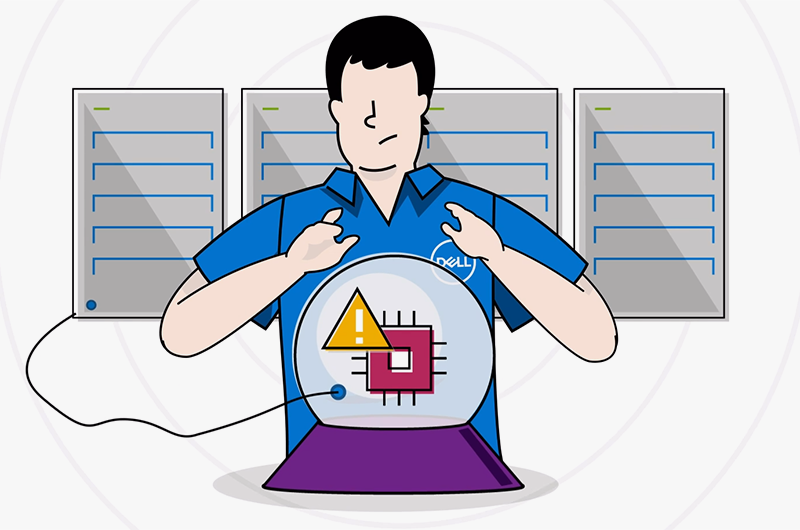
SupportAssist proactively monitors your PC using AI to uncover issues, inform you and start the resolution process. It also uses AI to predict battery and storage drive failures, and based on your service plan, will send you replacement parts as needed.


Your single stop for support

With SupportAssist, you can contact Dell technical support agents through phone, chat or your favorite messaging platform.

Resources

GET STARTED SupportAssist Infographic

Discover the benefits of SupportAssist and learn to get started.

VIDEO Welcome to SupportAssist

Watch our overview video and learn how SupportAssist keeps your Dell PC running smoothly.

VIDEO SupportAssist: How To Playlist

Watch our how to videos to learn how SupportAssist can transform your PC experience.

SUPPORT Explore SupportAssist

Access our support page to learn more about SupportAssist.

Frequently Asked Questions

SupportAssist for Home PCs is Dell software that helps monitor, maintain, and troubleshoot an individual Dell PC from one place. It is designed to identify updates, optimize performance, improve network reliability, detect hardware and software issues, and help connect the user with Dell support when needed. Dell describes it as proactive and predictive technology, which means it can look for issues before they become more disruptive, with some automated capabilities depending on the attached service plan. For people managing their own PC, it serves as a centralized support and maintenance experience.

SupportAssist for Home PCs is designed for people using and managing their own Dell PC rather than a centrally managed fleet. Dell’s materials position it for individual users, home users, and environments without an IT administrator, including small settings where the user is effectively supporting the device themselves. That distinction matters because the home version is built around local, single-PC management inside the device experience. If an organization needs centralized fleet management, Dell directs those users toward SupportAssist for Business PCs instead.

SupportAssist for Home PCs can scan for updates, check hardware, boost performance, optimize network settings, and, on eligible plans, help remove viruses and malware. It also monitors for hardware and software issues and can help initiate the support process when a problem is detected. Some higher-touch capabilities, including predictive issue detection, automated support workflows, and certain remediation features, depend on the PC’s active service plan. The most useful way to describe it is as a mix of maintenance, diagnostics, and guided support in one application.

In practice, proactive support means SupportAssist detects an issue on the PC and helps start the resolution process without waiting for the user to diagnose everything alone. Predictive support means the software can identify signs that supported components such as batteries or storage drives may fail before the failure happens, giving the user time to act. For a home user, that can mean earlier warnings, fewer surprises, and faster escalation when a real hardware issue is developing. The exact automation level depends on the service plan and Dell’s support rules.

SupportAssist for Home PCs is preinstalled on most Dell Windows PCs, so getting started usually means opening the app from the Start menu and completing sign-in and profile setup. If it is not already installed, Dell also makes it available for download. A user does not typically purchase SupportAssist itself as a separate standalone product just to access the basic application experience, but broader automated and predictive features are tied to eligible support plans such as Dell Care Premium or similar coverage. In other words, the app experience is broadly available, while some advanced capabilities depend on service entitlement.
Intel® Core™ Ultra Processors
Learn More about Intel