
Intel® Core™ Processors
Learn More about Intel

Help Me Choose: Windows Autopilot
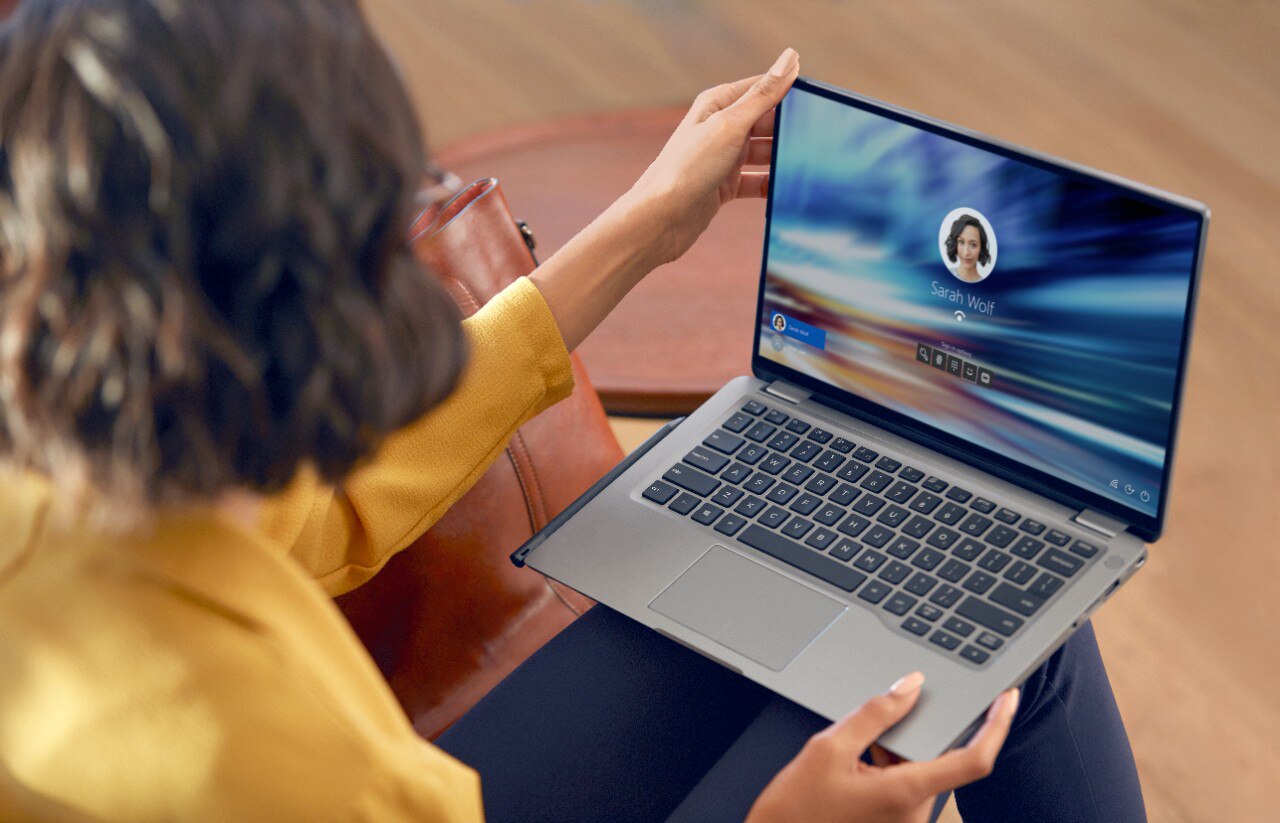
Help Me Choose: Windows Autopilot
Windows Autopilot is a collection of technologies created by Microsoft and used to set up and pre-configure new Windows 11 devices, getting them ready for productive use. This solution enables an IT department to achieve the above with little to no infrastructure to manage, with a process that's easy and simple. Customers can leverage Autopilot to upload device information directly into a Modern Device Management environment like VMware Workspace ONE and Azure Active Directory.

Windows Autopilot is designed to simplify the lifecycle of Windows devices for initial deployment through the eventual end of life. With Windows Autopilot, you can implement modern management which reduces the overall costs associated with PC lifecycle management, reduces the amount of IT time spent on PC lifecycle processes, and reduces the amount of infrastructure needed to maintain, while ensuring ease of use for end users.

Click here for Windows Autopilot information*

*This link will take you to Windows Autopilot information on a Microsoft website.

Autopilot Requirements

  • Consent accepted by the customer to authorize Dell as an OEM PC Partner within the customer’s environment.
    • Link is available on the platform configuration order page and on this page in the Order Setup and Process Steps. This link authorizes Dell to upload device information to Microsoft’s servers and ultimately the customer environment.
    • Required once prior to ordering, and when completed Dell will show up as the OEM PC Partner on the Partners tab within Office 365.
  • Windows 11Pro, Pro Education, Pro for Workstations, Enterprise, or Education.
  • Windows 11 Pro, Pro for Workstations, Enterprise, or Education.
    • Windows 11 version 1703 or later is required.
    • Dell only factory ships the most recent version of Windows 11.
    • For custom imaging services, please connect with a Dell Services representative.
  • Azure Active Directory P1 or P2 plan.
    • Tenant ID and Domain info will need to be provided at time of order.
  • Microsoft Admin Center Global Admin rights.
  • Modern Device Management environment that has enabled Windows Autopilot registration.

FAQ

Dell supports this capability when ordered through your Dell representative, not directly via Dell.com. Please contact your Dell representative for more information.

Due to specific requirements the Dell order number is uploaded to Microsoft for this value.

  • Microsoft requires customer consent before allowing Dell to register devices for Autopilot. If you have not provided consent, please click here to complete this step.
  • To confirm consent has been completed, Dell will be listed as an OEM PC Partner within the customer's Microsoft Admin Center.

  • OEM PC Partner Link not clicked and accepted by a Global Administrator.
    • Microsoft requires customer consent before allowing Dell to register devices for Autopilot. If you have not provided consent, please click here to complete this step.
  • Incorrect Tenant ID or Domain Information for Azure Active Directory submitted at time of order.
  • Not meeting Autopilot requirements of Azure Active Directory Premium, Modern Device Management, or other Microsoft requirements.

No, You can you use VMware Workspace ONE or any Modern Device Management will work that has enabled Windows Autopilot registration.

Yes, Autopilot integrates with our PC lifecycle solutions within Dell Technologies Unified Workspace enabling simplified deployment, security, management and support. To learn more about Dell Technologies Unified Workspace click here or contact your sales representative.

Additional Microsoft FAQs can be located at this external site here.
Intel® Core™ Processors
Learn More about Intel