How to collect the system logs via iDRAC7
Published MAY 05, 2025
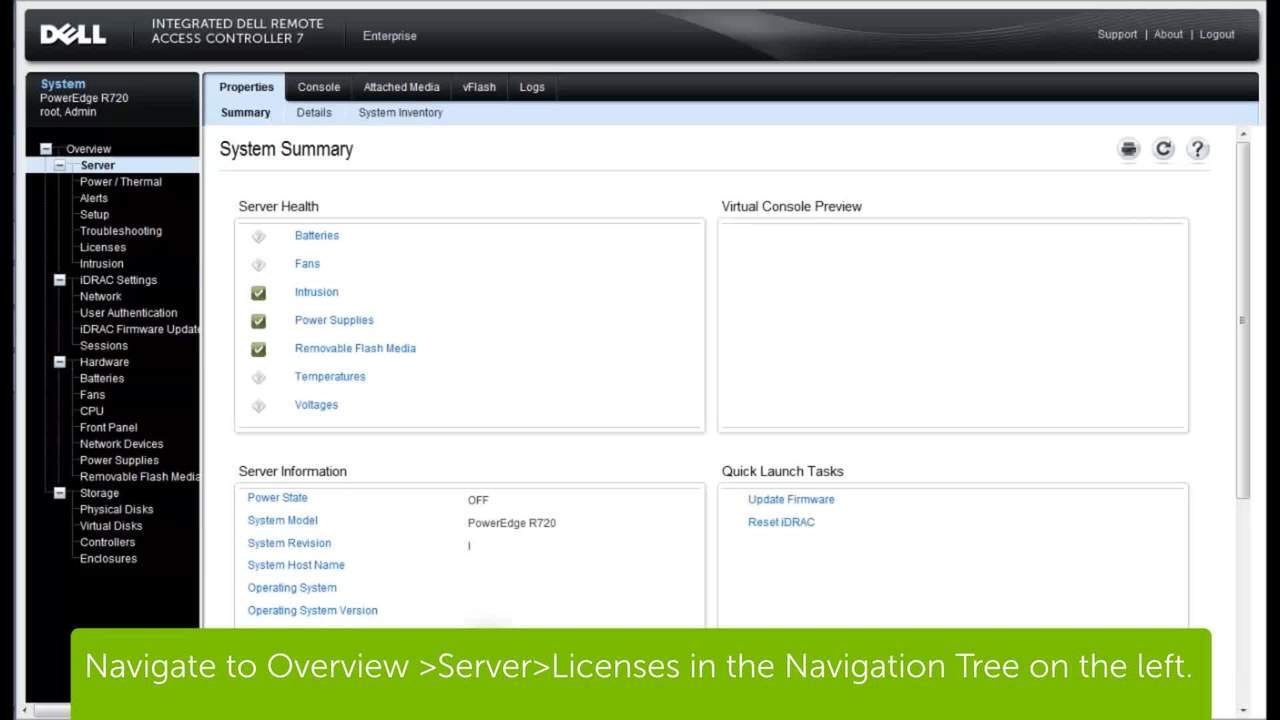
Learn how to collect System Logs to track and monitor the performance of your Dell Hardware with the iDRAC 7.




Related Articles
- PowerEdge: LIC008 - The license binding ID does not match the device unique identifier
- PowerEdge: Methods and Steps to Update Firmware and Drivers
- PowerEdge: Trial Licenses for iDRAC, OpenManage Enterprise, OpenManage Integration, DPAT
- Support for Dell iDRAC Service Module
- PowerEdge: Export a SupportAssist Collection Using iDRAC7 and iDRAC8