iDRAC9 Template Deployment Fails or Import Server Config Profiles Complete with Errors
Summary: Existing Server Configuration Profiles (SCP) or Deployment Templates that include iDRAC User SNMPv3 Attributes may stop working after iDRAC9 is updated to 7.20.30.00 or higher.
This article applies to
This article does not apply to
This article is not tied to any specific product.
Not all product versions are identified in this article.
Symptoms
Importing the Server Configuration profile from iDRAC9 the job completes with errors.

$ racadm lclog viewconfigresult -j JID_485333318994
Operation Name  = CHANGE
DisplayValue    = ""
Name            = Users.16#SHA1v3Key
OldValue        = ******
NewValue        = ******
MessageID       = SYS171
Status          = Failure
ErrCode         = 10320
Operation Name  = CHANGE
DisplayValue    = ""
Name            = Users.16#MD5v3Key
OldValue        = ******
NewValue        = ******
MessageID       = SYS171
Status          = Failure
ErrCode         = 10320
OpenManage Enterprise or OpenManage Enterprise Modular to Deploy a Template shows the Deployment job as failed.
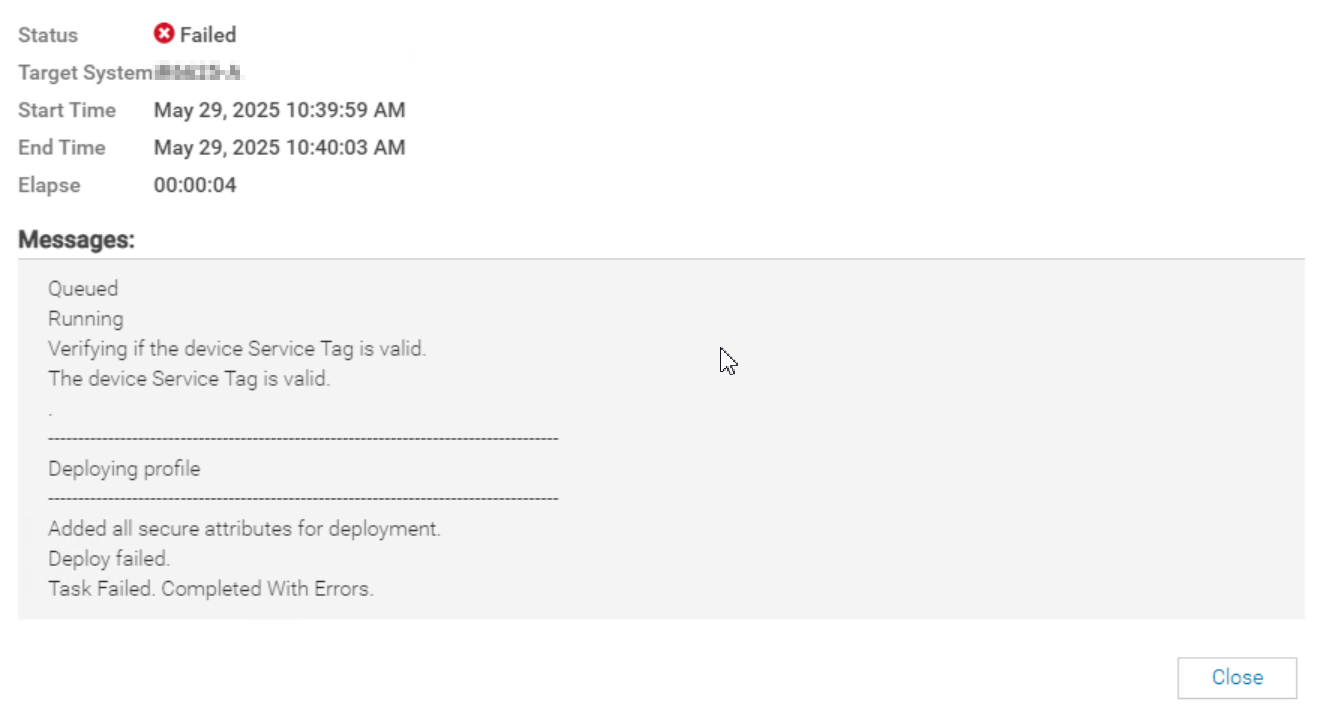
SYS055 error with failed attributes:

1) Users.2#SHA1v3Key - null | iDRAC.Embedded.1 | ****** --> ******|SYS171|Not all hash password values have been supplied.|10320
2) Users.2#MD5v3Key - null | iDRAC.Embedded.1 | ****** --> ******|SYS171|Not all hash password values have been supplied.|10320
Cause
iDRAC firmware version 7.20.30.00 introduced new (SHA384v3Key/SHA512v3Key) attributes for local iDRAC user accounts. For existing iDRAC user accounts these new attributes value is null. The iDRAC configuration profile import containing SNMPv3 Enabled users require that all SNMPv3 Key attributes have values supplied.
Resolution
To remediate this issue, update or reenter the iDRAC local user accounts password in order to generate the new SNMPv3 (SHA384v3Key/SHA512v3Key) values. Then re-create the reference Template or Server Config Profile.
Workaround:
Remove or comment the user's SNMPv3 key attributes from the Template or SCP.

Affected Products
Dell EMC OpenManage Enterprise, iDRAC9 - 7.xx Series, Dell OpenManage Enterprise-ModularArticle Properties
Article Number: 000326070
Article Type: Solution
Last Modified: 04 June 2025
Version: 1
Find answers to your questions from other Dell users
Support Services
Check if your device is covered by Support Services.