Host Does Not Appear in Dell Device Management Console After Installing Dell Device Management Agent
Summary: This article provides information about the host computer not appearing in the Dell Device Management Console (DDMC) after installing the Dell Device Management Agent (DDMA).
This article applies to
This article does not apply to
This article is not tied to any specific product.
Not all product versions are identified in this article.
Symptoms
Affected Products:
- Dell Device Management Console
The host computer does not appear in the DDMC after installing the DDMA.
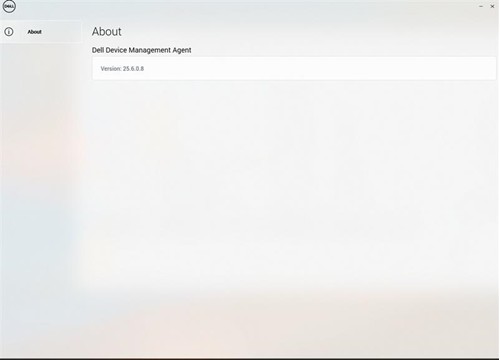
Note: The DDMA agent icon in the system tray is blank.
Cause
- TPM is not enable in the BIOS
- Command syntax to install the DDMA is incorrect
Resolution
- Enable the TPM in the BIOS, reference How to Enable TPM 2.0 on Dell Computers for Windows Security
- Verify that DDMA is installed correctly, reference How to Install the Dell Device Management Agent on a Host Computer
Affected Products
Dell Device Management ConsoleArticle Properties
Article Number: 000348677
Article Type: Solution
Last Modified: 24 Jul 2025
Version: 2
Find answers to your questions from other Dell users
Support Services
Check if your device is covered by Support Services.