Avamar: Administrator User Interface: (MCS UI) - Where are the Avamar entries for each server stored between login sessions?
Summary: This article shows where Avamar login screen entries are stored.
This article applies to
This article does not apply to
This article is not tied to any specific product.
Not all product versions are identified in this article.
Instructions
When logging in to an Avamar server using the Avamar Administrator client, the Avamar server details, login domain, and username are retained for later use.
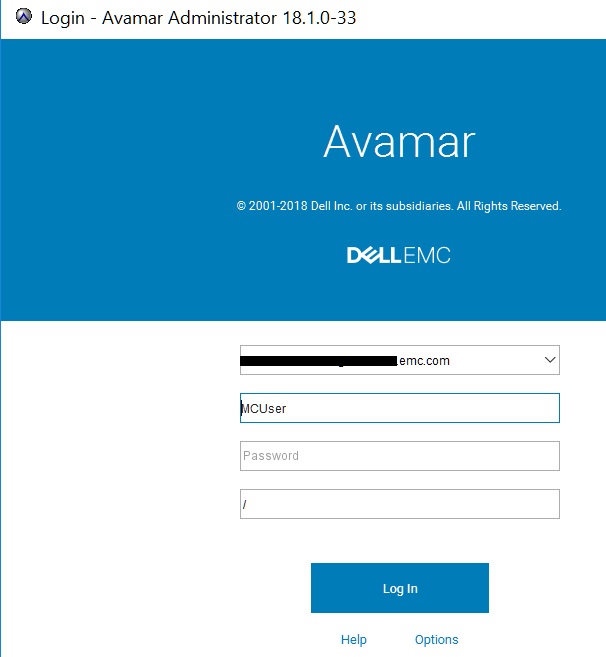
These details are saved in the Windows registry.
Where an Avamar Administrator personal computer has multiple versions of the UI installed, a folder for each version is saved in the Windows registry under the following key:
Computer\HKEY_CURRENT_USER\Software\JavaSoft\Prefs\/E/M/C
Below is a registry screenshot showing the registry on an Avamar Administrator personal computer which has three versions of the software installed.

Underneath each server version, there is a "/Login/Factory.xml" folder with the keys containing the saved server name, the login domain, and the username.
Example below:

Affected Products
AvamarProducts
AvamarArticle Properties
Article Number: 000009377
Article Type: How To
Last Modified: 17 Oct 2024
Version: 8
Find answers to your questions from other Dell users
Support Services
Check if your device is covered by Support Services.