Dell Unity: The storage pool contains storage resources and/or NAS servers and cannot be deleted. (0x6700134)
Summary: This article assists with resolving the following error on Dell Unity arrays when trying to delete a storage pool.
This article applies to
This article does not apply to
This article is not tied to any specific product.
Not all product versions are identified in this article.
Symptoms
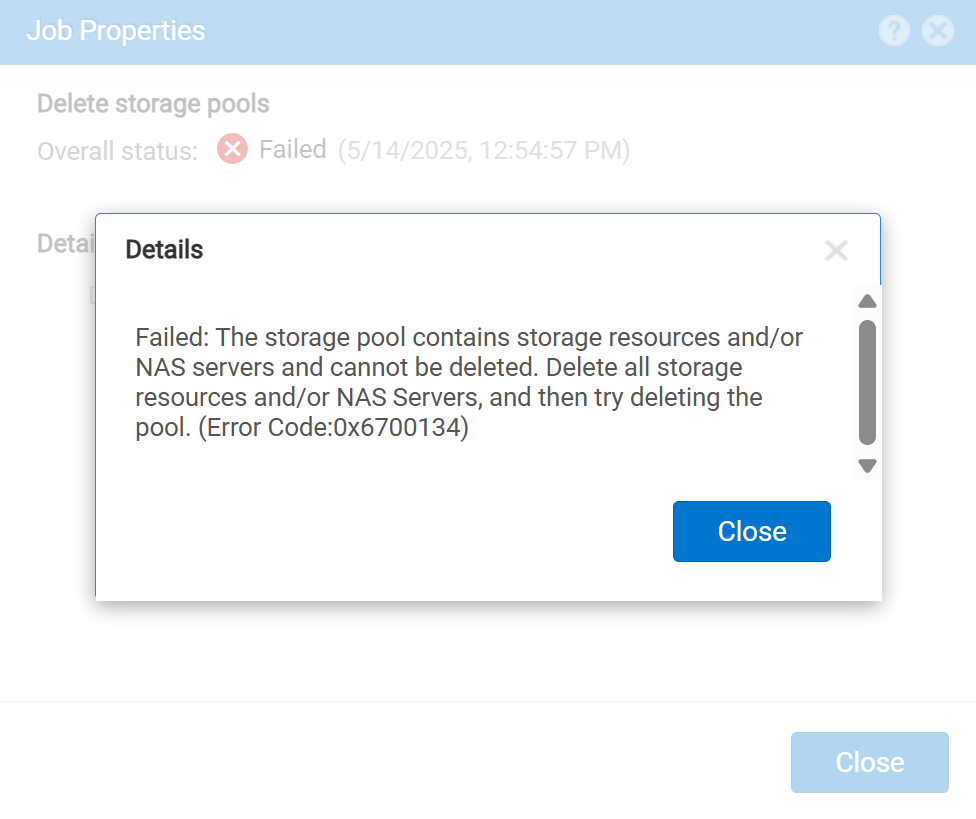
Failed: The storage pool contains storage resources and/or NAS servers and cannot be deleted. Delete all storage resources and/or NAS Servers, and then try deleting the pool. (Error Code:0x6700134)
Cause
As the error indicates, there are storage resources associated with and residing on the storage pool. These storage resources could be a Logical Unit Number (LUN), a Network Attached Storage (NAS) Servers, a File System, or a Datastore.
Resolution
Remove associated storage resources.
- From the Unity UI, select the pool.
- From the properties page of the pool, review the storage resources configured on the pool.
- Delete the storage resources associated with this pool.
- The pool can now be deleted without any errors associated with having storage resources on the pool.
Affected Products
UnityVSAProducts
UnityVSAArticle Properties
Article Number: 000052084
Article Type: Solution
Last Modified: 15 May 2025
Version: 3
Find answers to your questions from other Dell users
Support Services
Check if your device is covered by Support Services.