XPS 15 7590 & Precision 5540: The OLED display does not turn off in the BIOS setup menu when the lid is closed
Summary: Information about a limitation of the OLED screens on XPS 7590 or Precision 5540 mobile workstation, where the screen does not turn off in the BIOS when the lid is closed.
This article applies to
This article does not apply to
This article is not tied to any specific product.
Not all product versions are identified in this article.
Symptoms
Symptom
You may find that if your 15 7590 or Precision 5540 system shipped with an OLED (Organic Light Emitting Diode) screen, the display will not turn off in the BIOS environment when the system lid is closed.
Affected systems
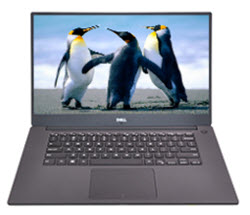
(Figure.1 XPS 7590 & Precision 5540 Mobile Notebook)
Cause
None
Resolution
Solution
This is a limitation of the OLED panel. The Graphics chipset driver does not support the OLED panel being off outside of the Operating System environment as the system starts up.
The system is working as designed.
Affected Products
Precision 5540, XPS 15 7590Article Properties
Article Number: 000128980
Article Type: Solution
Last Modified: 22 Apr 2025
Version: 6
Find answers to your questions from other Dell users
Support Services
Check if your device is covered by Support Services.