VNX: Navisphere CLI는 어디에서 다운로드할 수 있습니까? (사용자 수정 가능)
Summary: 이 문서에서는 dell.com/support 에서 Navisphere CLI 소프트웨어를 찾을 수 있는 위치에 대해 설명합니다.
This article applies to
This article does not apply to
This article is not tied to any specific product.
Not all product versions are identified in this article.
Instructions
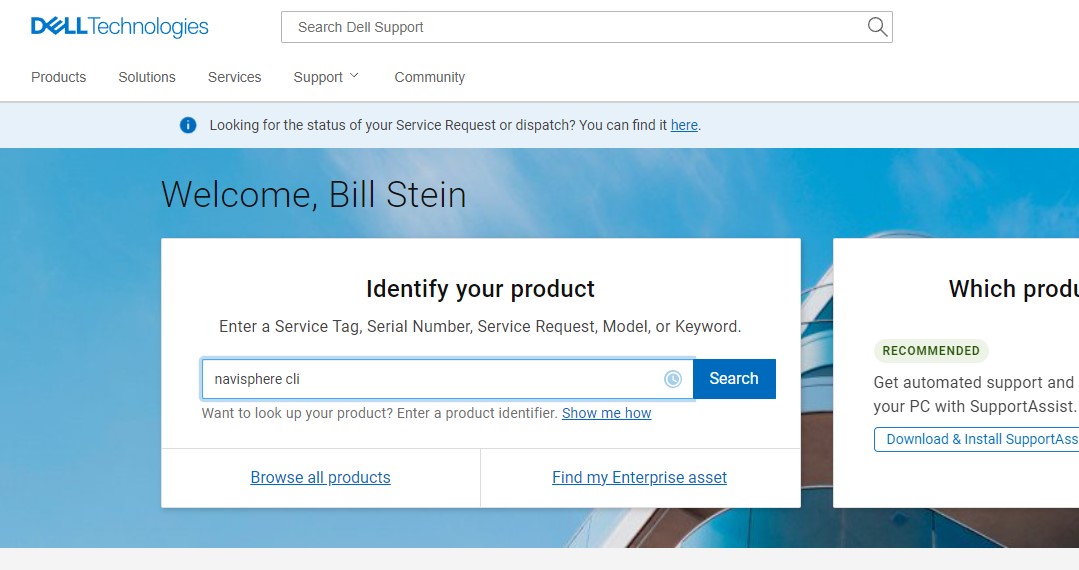
- dell.com/support 로 이동하여 자격 증명으로 로그인합니다.
- 검색 상자에 "Navisphere CLI"를 입력합니다.
- 검색 결과 창에서 왼쪽의 "다운로드 및 드라이버"를 클릭합니다.
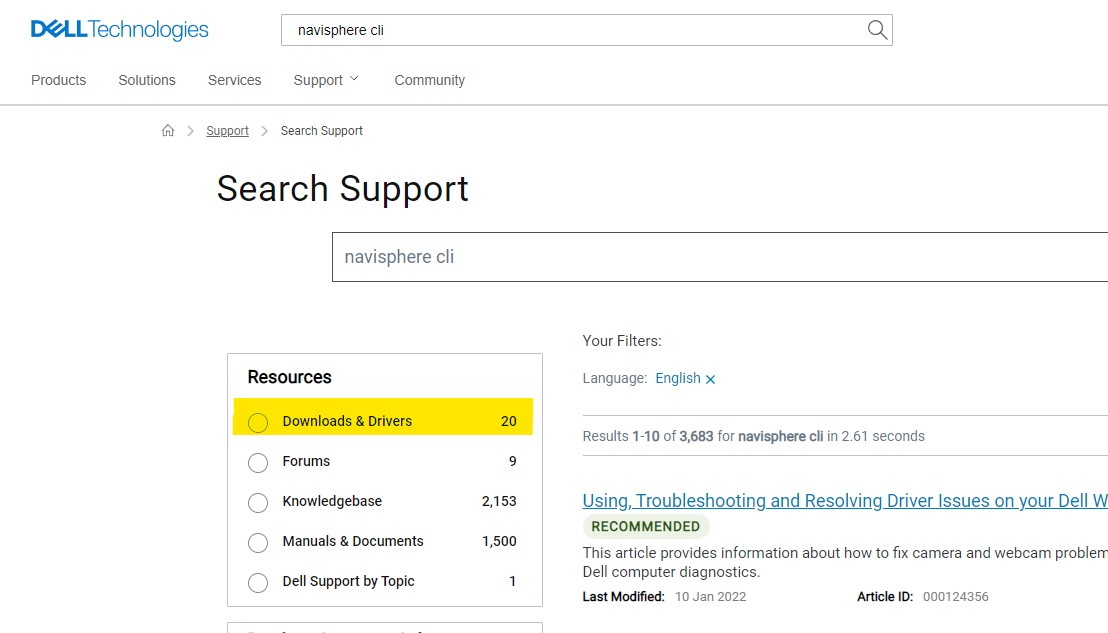
- Windows용 Navisphere CLI가 첫 번째 선택입니다.

Article Properties
Article Number: 000158301
Article Type: How To
Last Modified: 22 Mar 2022
Version: 4
Find answers to your questions from other Dell users
Support Services
Check if your device is covered by Support Services.