NetWorker: NDMP Restore performed through NMC reports Connection timed out when browsing
Summary: NDMP Restore Connection timed out when browsing for recovery from NMC.
This article applies to
This article does not apply to
This article is not tied to any specific product.
Not all product versions are identified in this article.
Symptoms
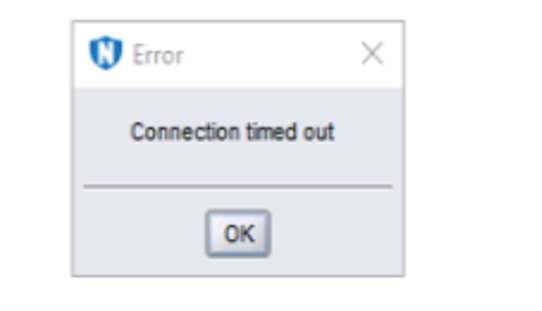
When browsing an NDMP saveset for recovery in NetWorker Management Console (NMC), the connection times out. The following error is presented: Connection timed out
Cause
There is a limitation of 200,000 files for browsing data.
Dense file systems such as NAS systems that are backed up through NDMP may encounter this error when browsed using the NetWorker Management Console.
Dense file systems such as NAS systems that are backed up through NDMP may encounter this error when browsed using the NetWorker Management Console.
Resolution
recover -iN -s networkerserver -c sourceclient -R destinationclient
The above command produces an interactive shell. You can type help while inside the prompt and it tells you how to use it.
You can cd into the path that you want and the files you want to recover, change the target path as required.
Another work around is to use the NetWorker User interface which will eventually display the contents of the saveset for recovery.
Affected Products
NetWorkerProducts
NetWorker Family, Backup and Recovery Manager NetWorker, NetWorker Series, NetWorker Management ConsoleArticle Properties
Article Number: 000203589
Article Type: Solution
Last Modified: 27 Jul 2023
Version: 2
Find answers to your questions from other Dell users
Support Services
Check if your device is covered by Support Services.