A Warning Message is Displayed When Installing the Youku Application on Alienware Laptops
Summary: This article provides information about Alienware laptops displaying a warning message while installing the Youku application.
This article applies to
This article does not apply to
This article is not tied to any specific product.
Not all product versions are identified in this article.
Symptoms
Affected Platforms:
- Alienware x14 R2
- Alienware x16 R1
- Alienware x16 R2
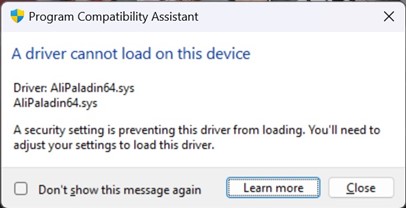
A warning message is displayed about a driver incompatibility with AliPaladin64.sys, while installing Youku on Alienware laptops.
Cause
Memory integrity blocked AliPaladin64.sys which is part of the Youku installation.
Resolution
Workaround:
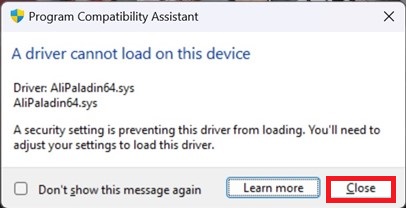
- Press close, and the installation continues.
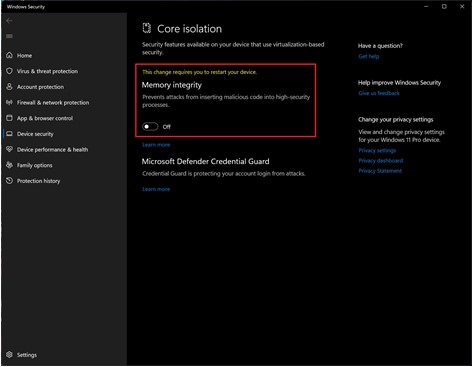
- Click the windows start button, in the search box type Core isolation and turn off Memory integrity before installing Youku (a restart is required).
Affected Products
Alienware x14 R2, Alienware x16 R1, Alienware x16 R2Article Properties
Article Number: 000223190
Article Type: Solution
Last Modified: 02 Jul 2025
Version: 6
Find answers to your questions from other Dell users
Support Services
Check if your device is covered by Support Services.