PowerProtect: DM5500 Appliance Certificate generation failed due to time difference between PPOE and PPDM because of NTP issue
Summary: Certificate generation failed due to time difference between PPOE and PPDM because of NTP issue.
This article applies to
This article does not apply to
This article is not tied to any specific product.
Not all product versions are identified in this article.
Symptoms
Appliance UI fails to load and an error similar to the follow can be seen: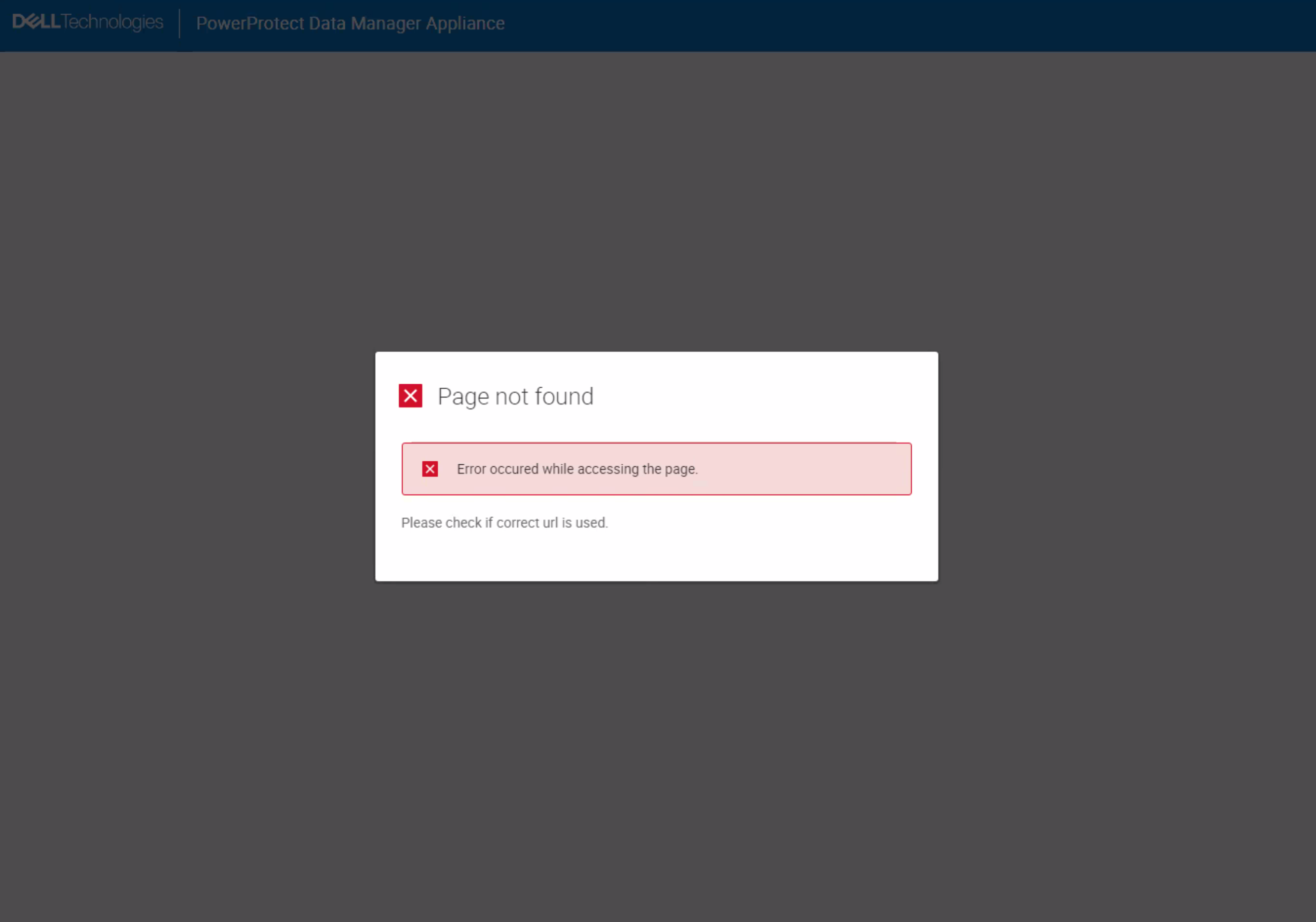
Logs like below could be found in PPOE logs -
21 Jun 2023 17:08:35 UTC ERROR [Thread-21] util.TrustUtils - installNginxCerts--> Failed to sign CSR for nginx restserver
Logs like below could be found in PPDM logs -
2023-06-21T17:06:38.355Z INFO [] [https-jsse-nio-9092-exec-5] [][][][TRACE_ID:92dacfc61c04fbc8][] [c.e.b.c.r.RestCommunicator.lambda$ensureResponse$5(236)] - HTTP: 401: Unauthorized: "{\n \"reason\" : \"Token validation failed: BadJWTException: JWT issue time ahead of current time:
Cause
The appliance had a time difference between PPOE and PPDM due to an NTP issue. Due to this, nginx certificate generation process failed on the PPDM side.
The certificate generation process can fail for any service due to this issue.
The certificate generation process can fail for any service due to this issue.
Resolution
Support must be engaged to run through the below steps.
- SSH to the appliance and gain bash access.
- If SSH access is locked due to multiple failed login attempts, either wait 15 minutes for access to unlock or restart the appliance.
- See the documented certificate regeneration procedure (linked under Internal Notes below).
Affected Products
Integrated Data Protection Appliance FamilyArticle Properties
Article Number: 000215744
Article Type: Solution
Last Modified: 17 Oct 2024
Version: 1
Find answers to your questions from other Dell users
Support Services
Check if your device is covered by Support Services.