PowerEdge: T360, R360 POST stops responding at the loading BIOS drivers page if the LC language is set to non-English
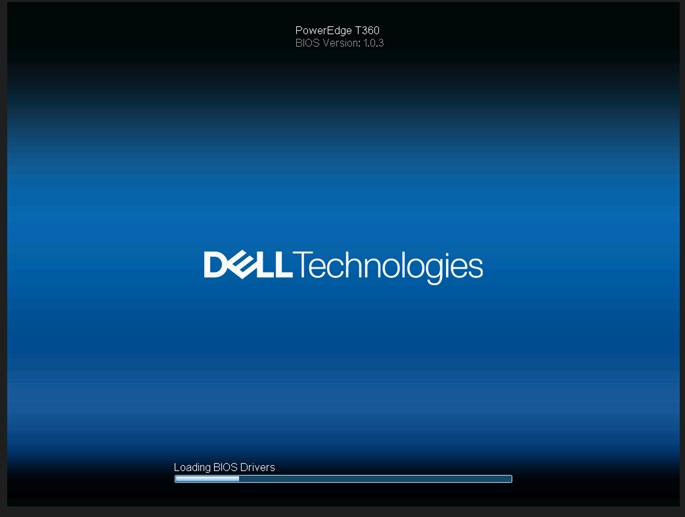
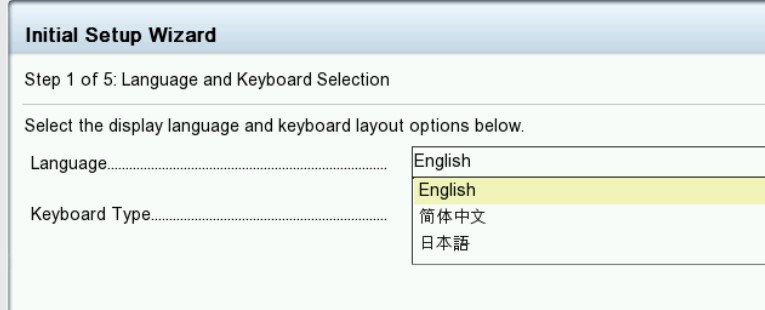
Summary: If the Life Cycle (LC) language is set to a non-English language, the system stops responding on the 'Loading BIOS Drivers' screen.
This article applies to
This article does not apply to
This article is not tied to any specific product.
Not all product versions are identified in this article.
Symptoms
The system stops at the "loading BIOS Drivers" screen. The life-cycle log shows a PST0210 event when the life-cycle language is set to non-English for T360 and R360.

Cause
BIOS gets the string with the current language. The string of the current language does not define to get ME type "string" due to life cycle set to non-English.
Resolution
Fixed in BIOS Version 1.1.2 or newer
Workaround: Clear the NVRAM.
To restore functionality, change the life-cycle language back to default English. See the Dell PowerEdge R360 (T360) Installation and Service Manual, Chapter 9: Jumpers and Connectors: NVRAM_CLR
https://www.dell.com/support/home/en-us/product-support/product/poweredge-r360/docs
Affected Products
PowerEdge R360, PowerEdge T360Products
OEMR R360, OEMR T360Article Properties
Article Number: 000221245
Article Type: Solution
Last Modified: 19 May 2026
Version: 5
Find answers to your questions from other Dell users
Support Services
Check if your device is covered by Support Services.