NetWorker: NMC unable to browse save sets for last two weeks
Summary: NMC save set browse does not show the last two weeks when using NMC to browse.
This article applies to
This article does not apply to
This article is not tied to any specific product.
Not all product versions are identified in this article.
Symptoms
NMC save set browse does not show the last two weeks.
When doing the following: NMC --> MEDIA --> SAVE SETS
If the date range is two weeks or less, the error "No save sets were found that matched the specified query" is shown: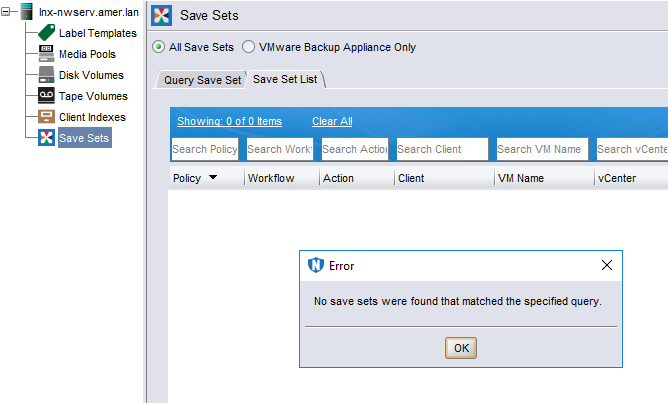
If the date range is over two weeks, it shows only the save sets two weeks or older.
Using mminfo can browse save sets without any problem.
Cause
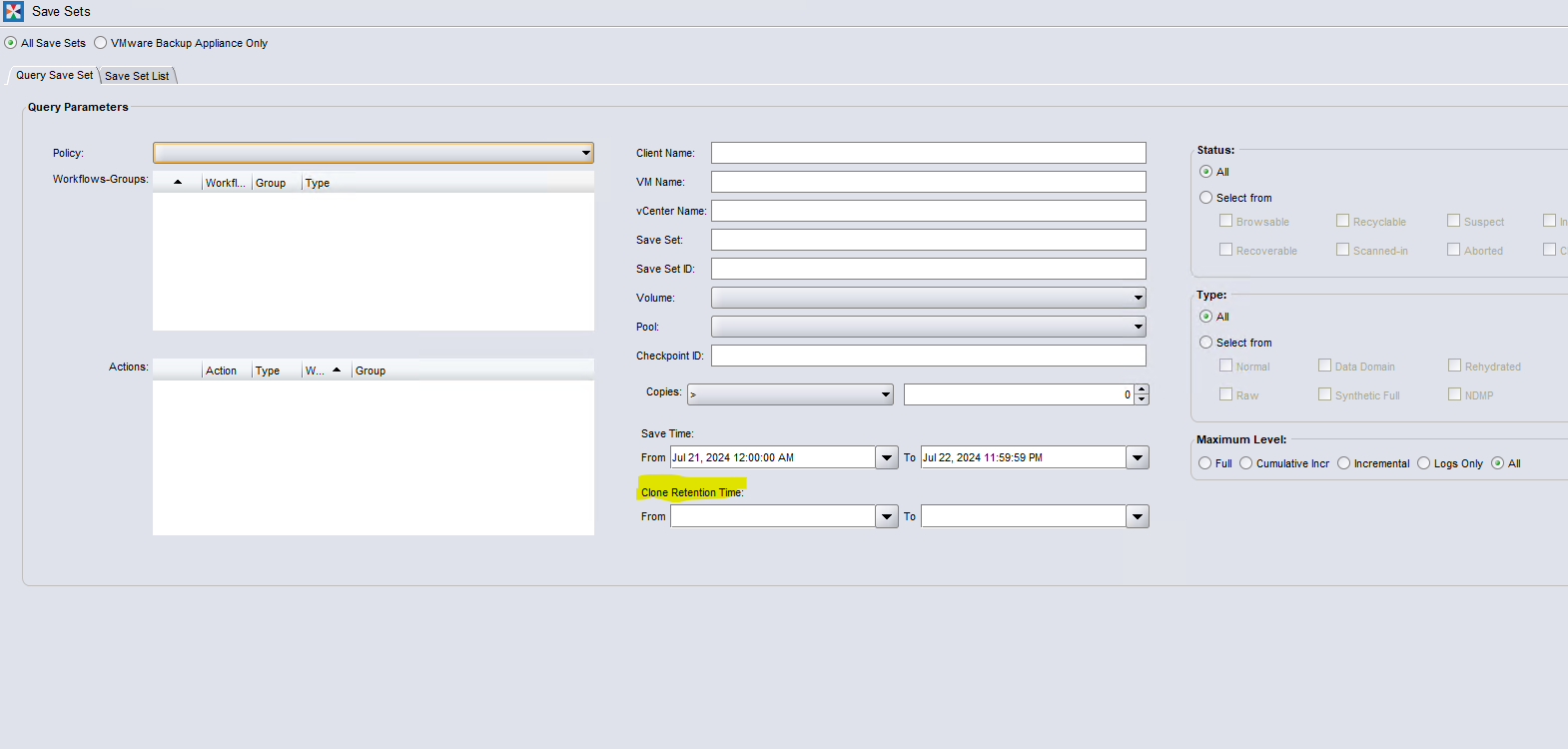
This issue happens when the "clone retention time" field is set. The query might not find the savesets with clone retention time set in between the times provided.
That is OK as per the logic, but creates an issue when querying for the saveset.
Resolution
Fix:
Fix for this problem is found in NetWorker 19.9.0.7 and 19.11 (or later).
The fix for the 19.10 branch is expected to be in NetWorker 19.10.0.5.
Fix for this problem is found in NetWorker 19.9.0.7 and 19.11 (or later).
The fix for the 19.10 branch is expected to be in NetWorker 19.10.0.5.
Workaround:
- Clear both Clone Retention Time fields, or change the values to a range for the save sets being searched.
- Re-run search.
Article Properties
Article Number: 000226390
Article Type: Solution
Last Modified: 20 Aug 2024
Version: 4
Find answers to your questions from other Dell users
Support Services
Check if your device is covered by Support Services.