How to Identify the Software Serial ID for PowerFlex to Open a Service Request
Summary: The "Software Serial ID" or "SWID" (usually starts wit ELMSIO....) is used to open Service Request for PowerFlex, and to start software renewal process. If the Software Serial ID is not available, you can also create cases using the "System Serial number" (usually starts with "ELMVX....) ...
This article applies to
This article does not apply to
This article is not tied to any specific product.
Not all product versions are identified in this article.
Instructions
Where to locate the SWID In PowerFlex version 3.X:
Presentation Server> Settings (gear icon) > License Information > SWID
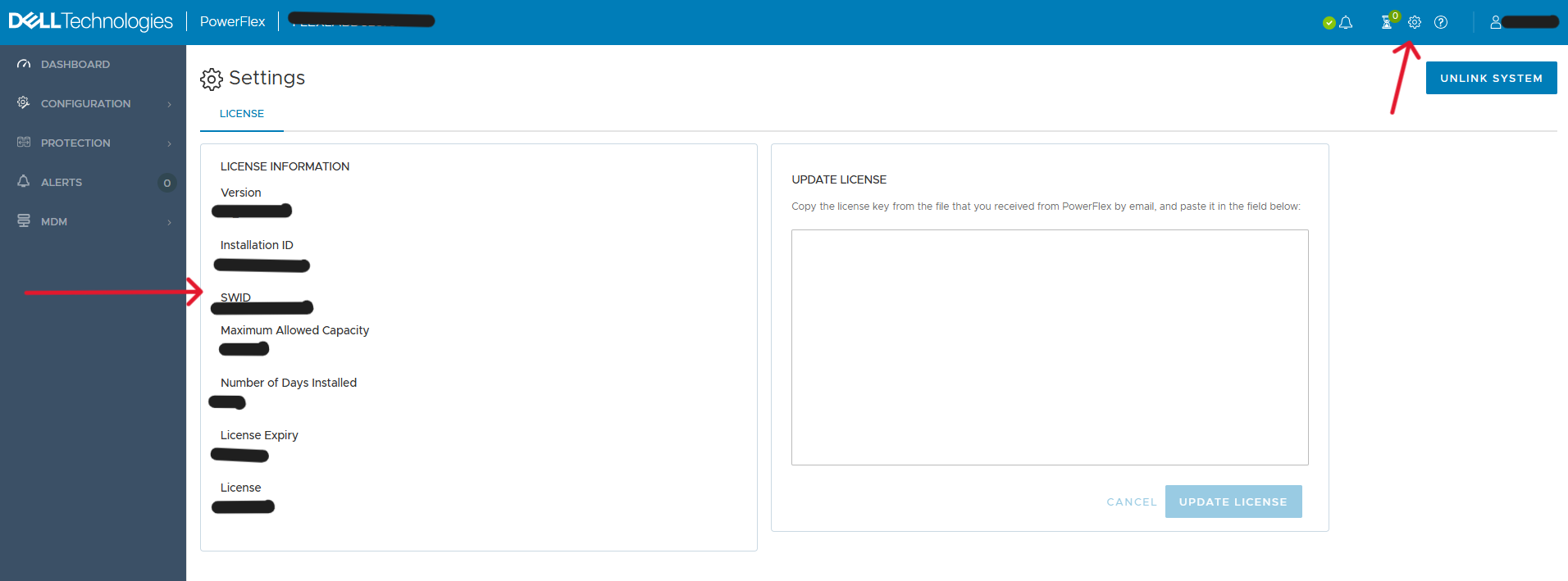
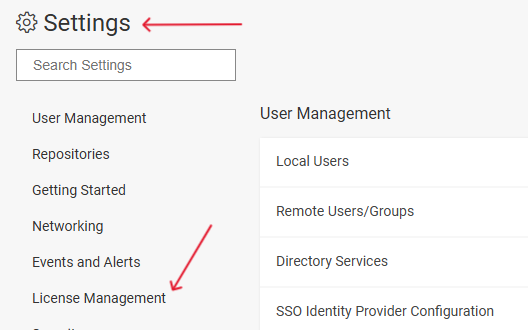
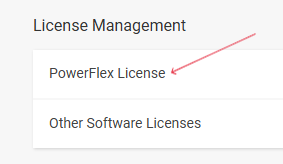
Where to locate the SWID In PowerFlex version 4.X:
PowerFlex Manager> Settings > Licenses Management> PowerFlex License> Production License> PowerFlex SWID


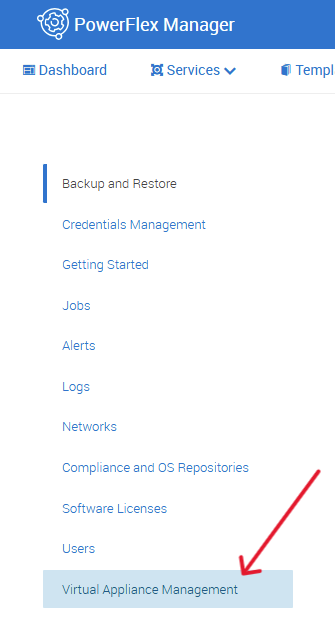
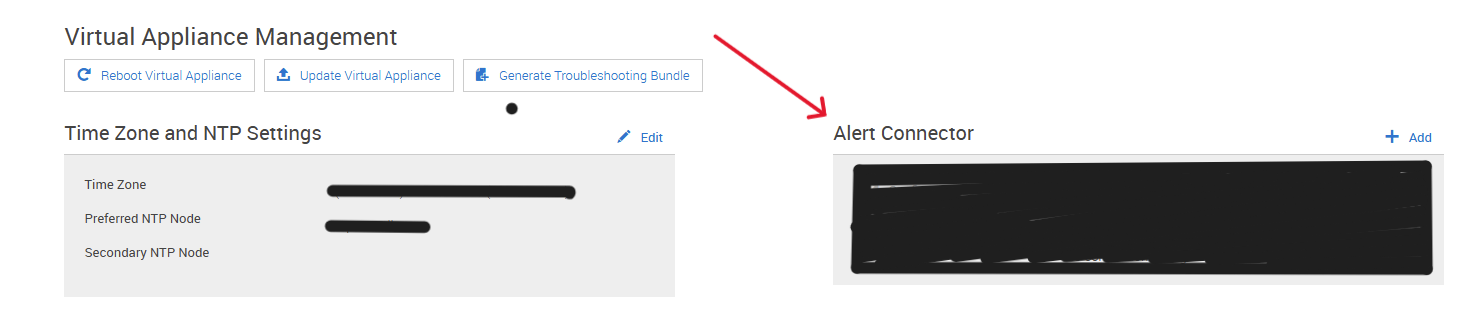
Where to locate the ELMVX In PowerFlex version 3.X:
PowerFlex Manager> Settings > Virtual Appliance > Alert Connector

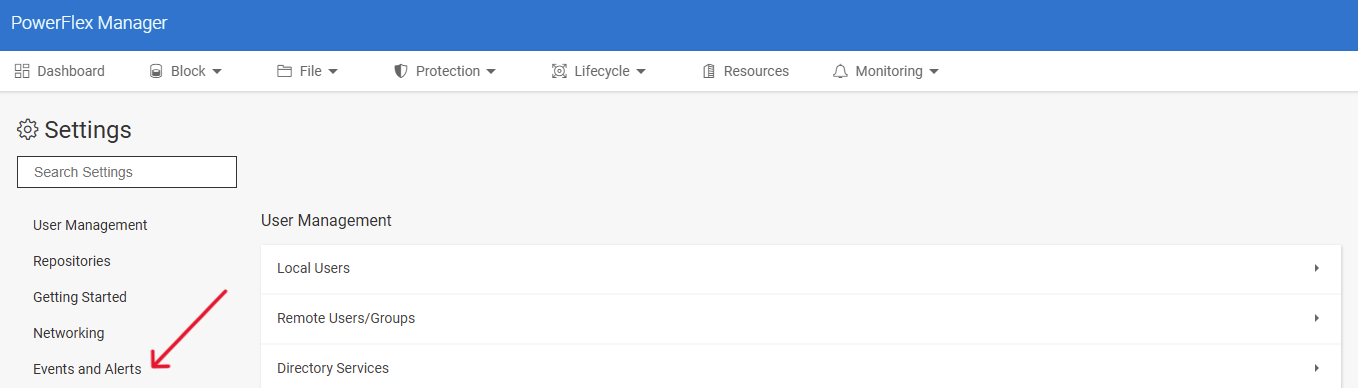
Where to locate the ELMVX In PowerFlex version 4.X:
PowerFlex Manager> Settings > Events and alerts> Notification Policies > SupportAssist


Affected Products
PowerFlex rack, PowerFlex custom node, ScaleIO, PowerFlex SoftwareArticle Properties
Article Number: 000294556
Article Type: How To
Last Modified: 31 Mar 2025
Version: 1
Find answers to your questions from other Dell users
Support Services
Check if your device is covered by Support Services.