PowerStore: CloudIQ status in UI dashboard shows connection pending
Summary: PowerStore: CloudIQ status in the UI dashboard shows connection pending.
This article applies to
This article does not apply to
This article is not tied to any specific product.
Not all product versions are identified in this article.
Symptoms
System health shows connection pending as shown below.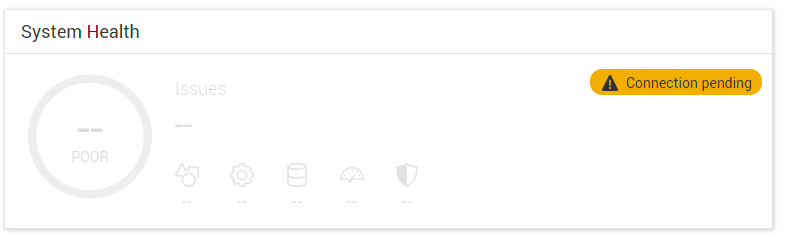
Cause
When a system is first connected to CloudIQ or upgraded to PowerStoreOS version 4.0.x while connected to CloudIQ, it receives a health score.
If support assist is not enabled prior to the upgrade, then the health score will not be displayed in the dashboard.
By design, the system will not send the request to CloudIQ for a health score once support assist is enabled after the upgrade.
If support assist is not enabled prior to the upgrade, then the health score will not be displayed in the dashboard.
By design, the system will not send the request to CloudIQ for a health score once support assist is enabled after the upgrade.
Resolution
An integrated service script is required to connect to CloudIQ and receive the score.
Log in as service using SSH and run
svc_modify_autodownload -hs
This may take up to 10 minutes or more to connect and receive the score.
Once it is run, the job can be monitored under monitor > jobs.
Examples of the job running and completed are shown below. 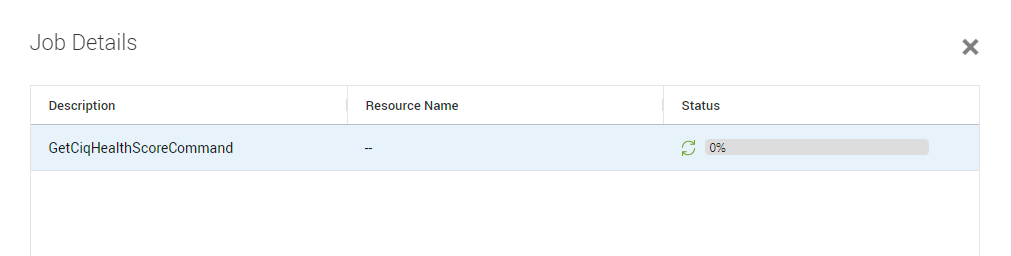
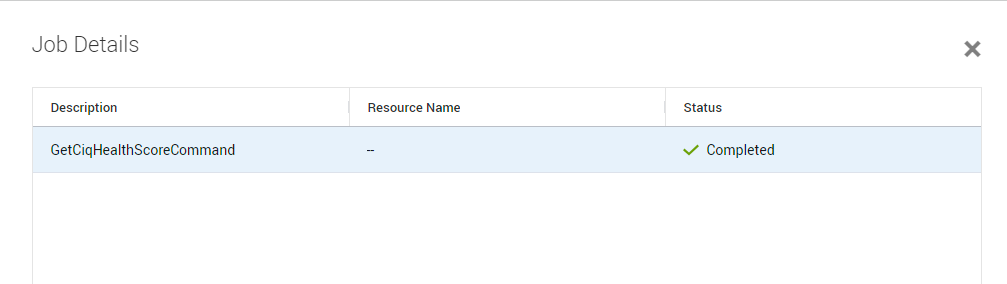
Once complete the score should show under the dashboard as shown below.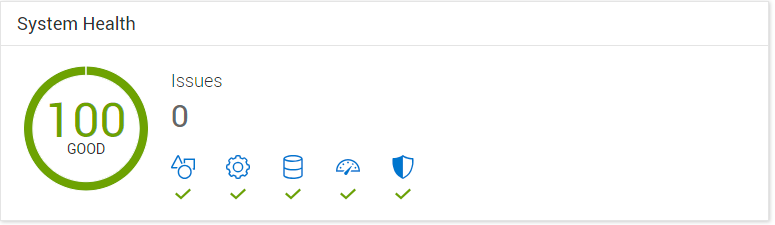
Affected Products
CloudIQ, PowerStore, PowerStoreOSArticle Properties
Article Number: 000227411
Article Type: Solution
Last Modified: 29 Jul 2025
Version: 4
Find answers to your questions from other Dell users
Support Services
Check if your device is covered by Support Services.