Data Domain: DDOS Upgrade Reboot Loop
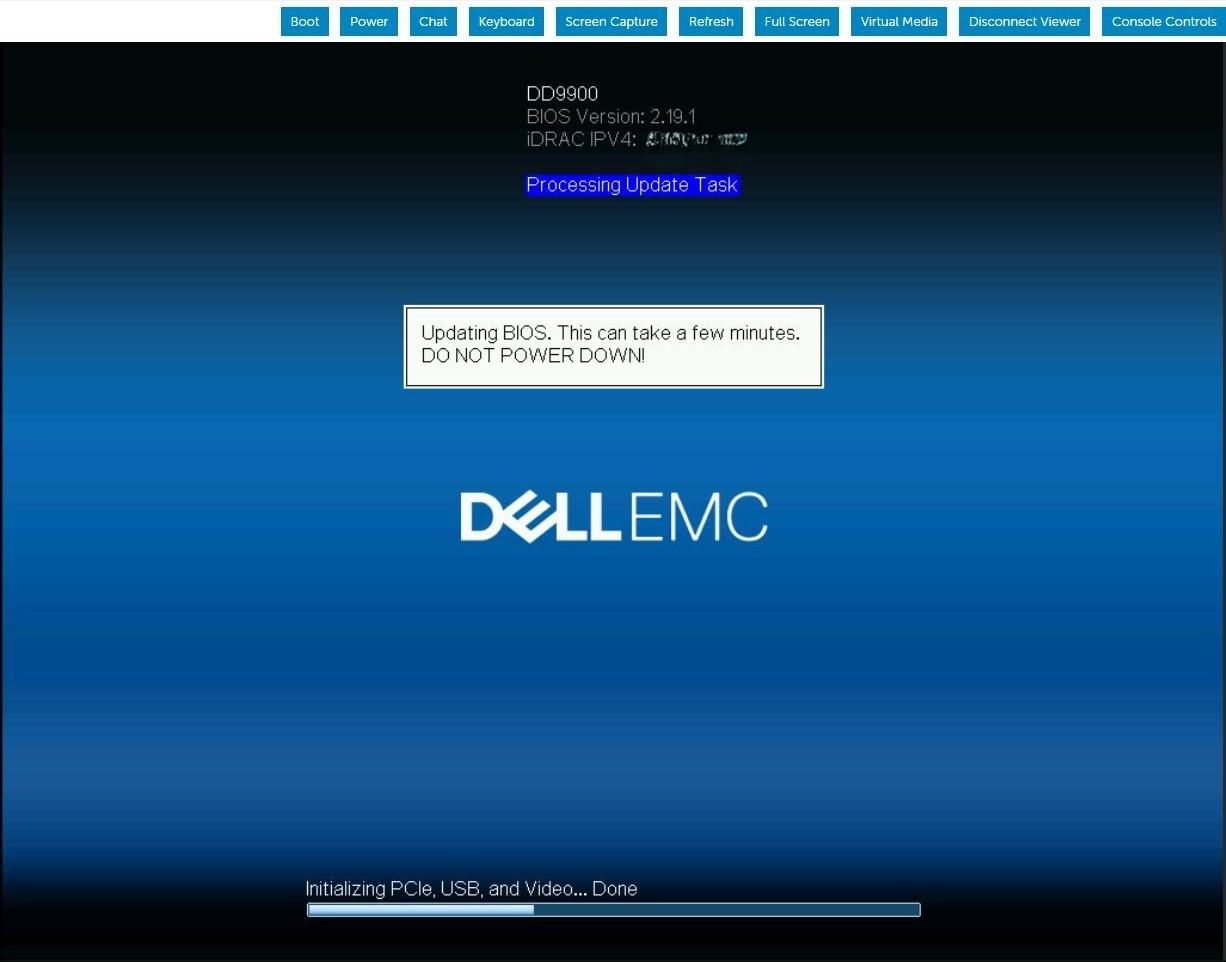
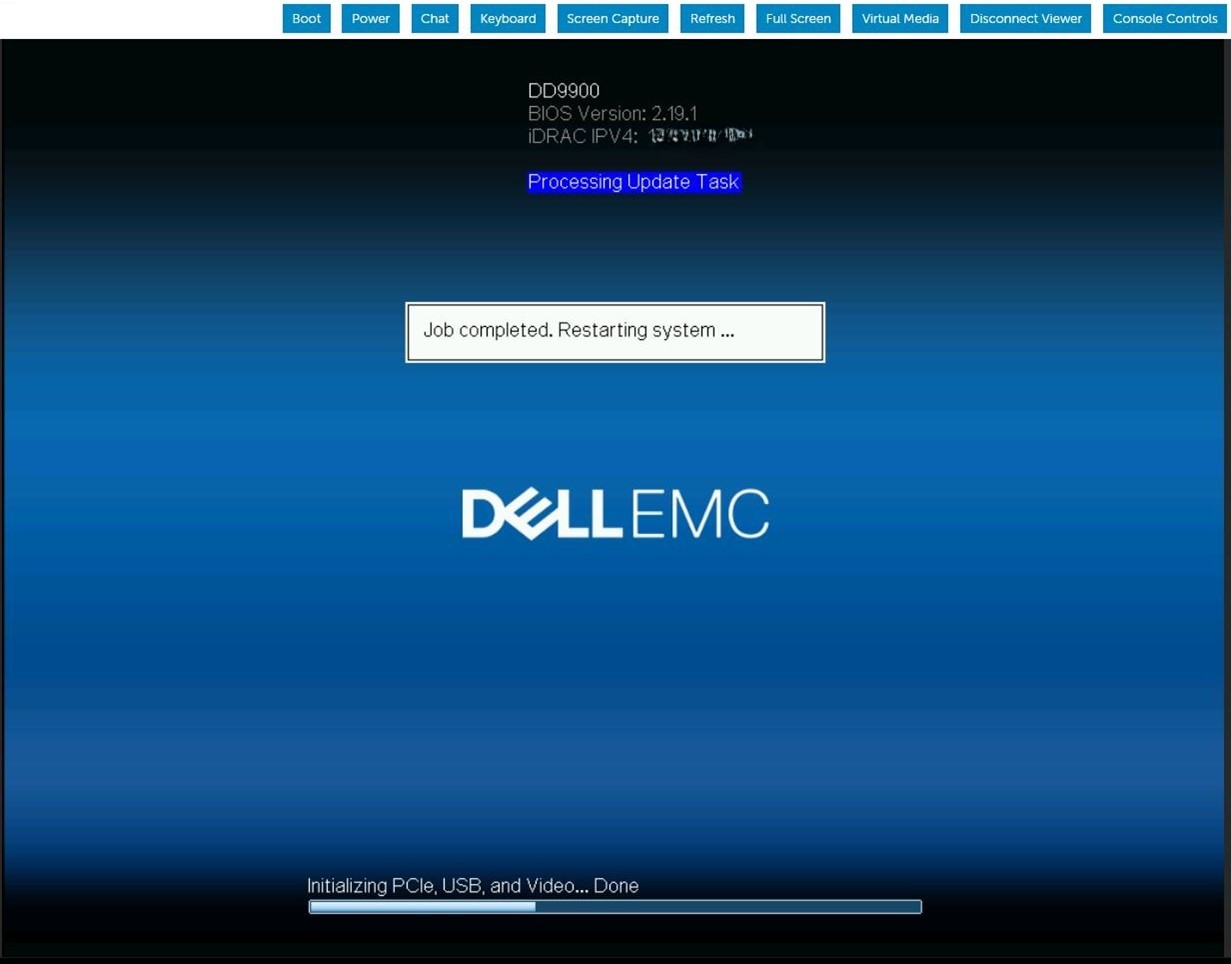
Summary: DDOS upgrade continuously reboots during the BIOS upgrade task. The iDRAC job queue shows the Firmware is updating the BIOS.
Acest articol se aplică pentru
Acest articol nu se aplică pentru
Acest articol nu este legat de un produs specific.
Acest articol nu acoperă toate versiunile de produs existente.
Symptoms
The server reboots and appears to download the BIOS capsule file and run the BIOS update. After the server reboots, the BIOS update sequence will repeat on following POST. This pattern repeats indefinitely until manual intervention.
Cause
When iDRAC9 is running low on memory while updating the staged BIOS job, iDRAC SMA daemon is restarted while trying to process the BIOS file transfer.
Resolution
iDRAC9 firmware version 6.00.30.00 corrects the memory handling to prevent this staged BIOS update failure condition. Workaround:
Clear and delete current iDRAC jobs and reset iDRAC.#racadm jobqueue delete -i JID_CLEARALL_FORCE (this is the only way to delete a job in running state).racadm>>racadm jobqueue delete -i JID_CLEARALL_FORCERAC1032: JID_CLEARALL_FORCE job(s) was cancelled by the user. #racadm racresetracadm>>racadm racresetRAC reset operation initiated successfully. It may take a few minutes for the RAC to come online again.
Produse afectate
DD OS, iDRAC9 - 5.xx SeriesProprietăți articol
Article Number: 000248899
Article Type: Solution
Ultima modificare: 16 iun. 2026
Version: 5
Găsiți răspunsuri la întrebările dvs. de la alți utilizatori Dell
Servicii de asistență
Verificați dacă dispozitivul dvs. este acoperit de serviciile de asistență.