Data Domain: DDOS Upgrade Reboot Loop
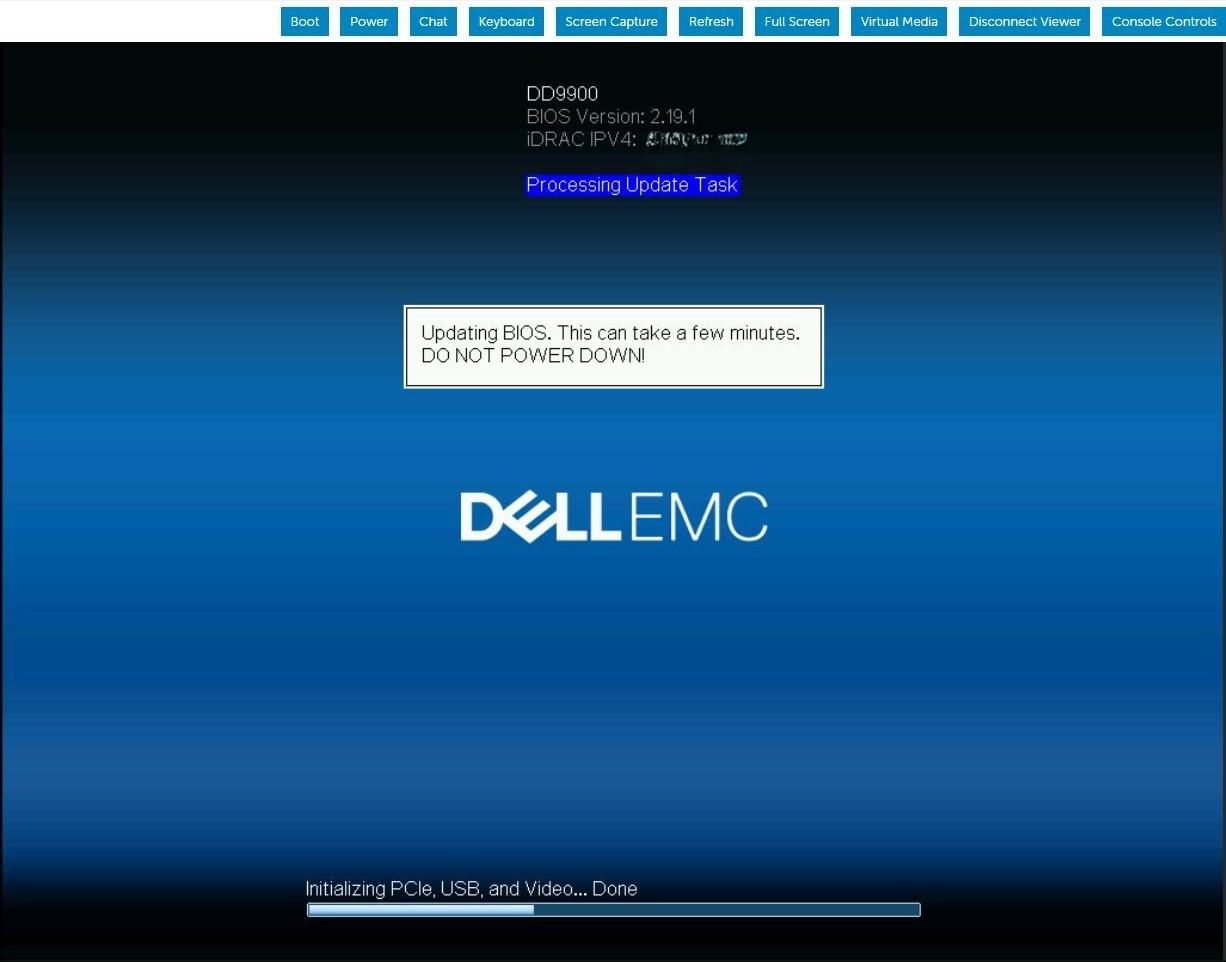
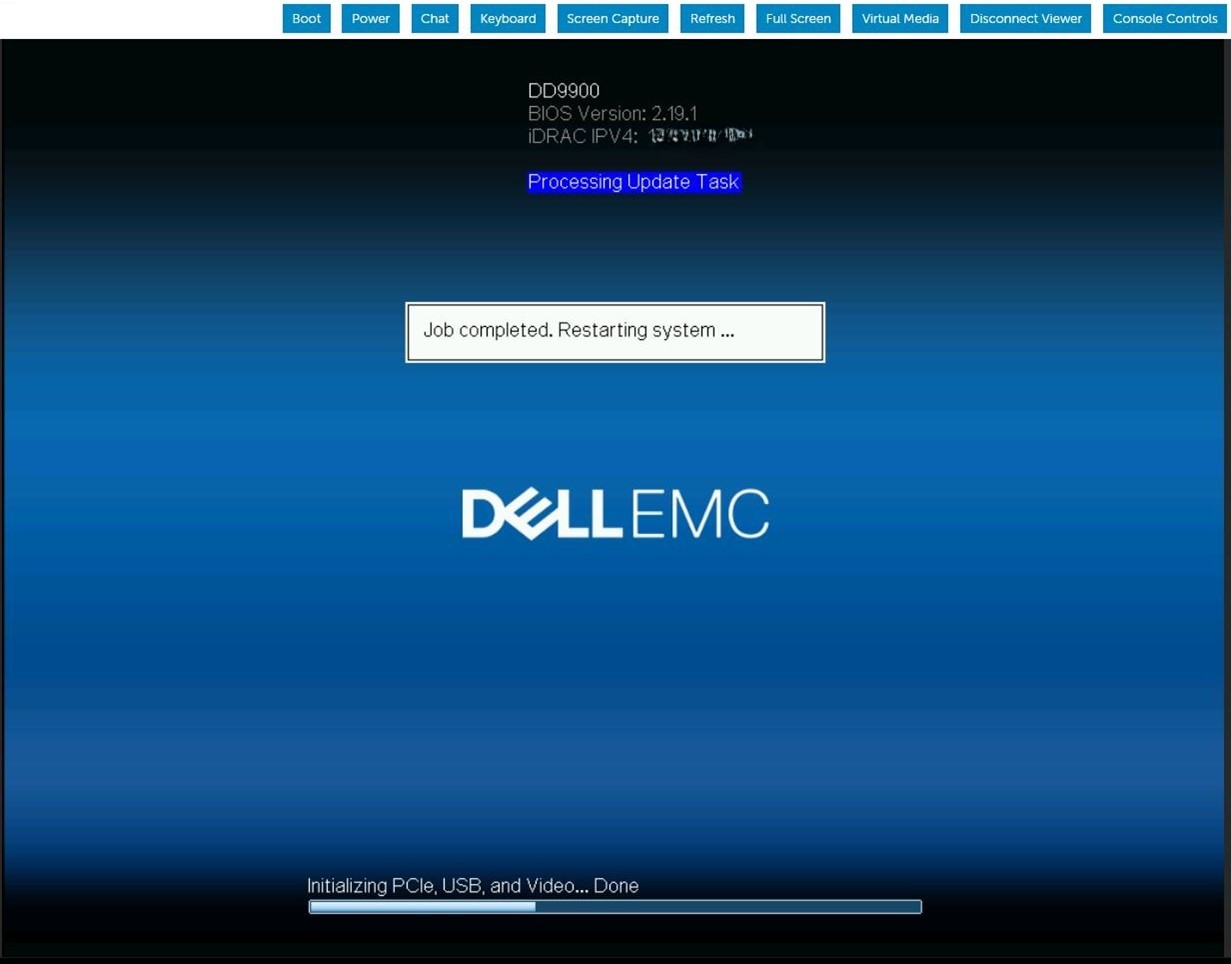
Summary: DDOS upgrade continuously reboots during the BIOS upgrade task. The iDRAC job queue shows the Firmware is updating the BIOS.
Αυτό το άρθρο ισχύει για
Αυτό το άρθρο δεν ισχύει για
Αυτό το άρθρο δεν συνδέεται με κάποιο συγκεκριμένο προϊόν.
Δεν προσδιορίζονται όλες οι εκδόσεις προϊόντων σε αυτό το άρθρο.
Symptoms
The server reboots and appears to download the BIOS capsule file and run the BIOS update. After the server reboots, the BIOS update sequence will repeat on following POST. This pattern repeats indefinitely until manual intervention.
Cause
When iDRAC9 is running low on memory while updating the staged BIOS job, iDRAC SMA daemon is restarted while trying to process the BIOS file transfer.
Resolution
iDRAC9 firmware version 6.00.30.00 corrects the memory handling to prevent this staged BIOS update failure condition. Workaround:
Clear and delete current iDRAC jobs and reset iDRAC.#racadm jobqueue delete -i JID_CLEARALL_FORCE (this is the only way to delete a job in running state).racadm>>racadm jobqueue delete -i JID_CLEARALL_FORCERAC1032: JID_CLEARALL_FORCE job(s) was cancelled by the user. #racadm racresetracadm>>racadm racresetRAC reset operation initiated successfully. It may take a few minutes for the RAC to come online again.
Επηρεαζόμενα προϊόντα
DD OS, iDRAC9 - 5.xx SeriesΙδιότητες άρθρου
Article Number: 000248899
Article Type: Solution
Τελευταία τροποποίηση: 16 Ιουν 2026
Version: 5
Βρείτε απαντήσεις στις ερωτήσεις σας από άλλους χρήστες της Dell
Υπηρεσίες υποστήριξης
Ελέγξτε αν η συσκευή σας καλύπτεται από τις Υπηρεσίες υποστήριξης.